About Birthday Tracker by exsequor
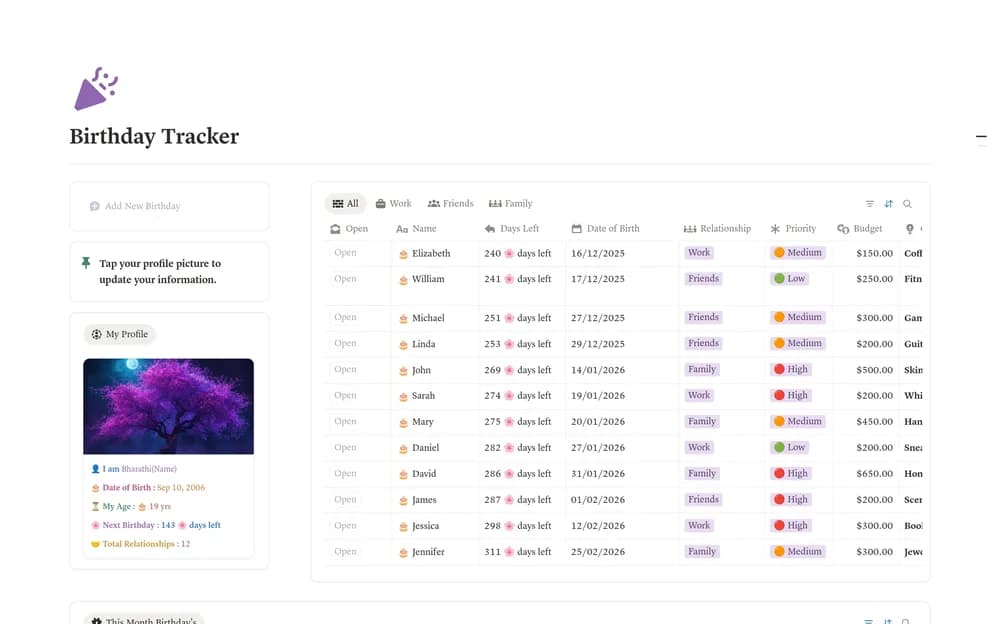
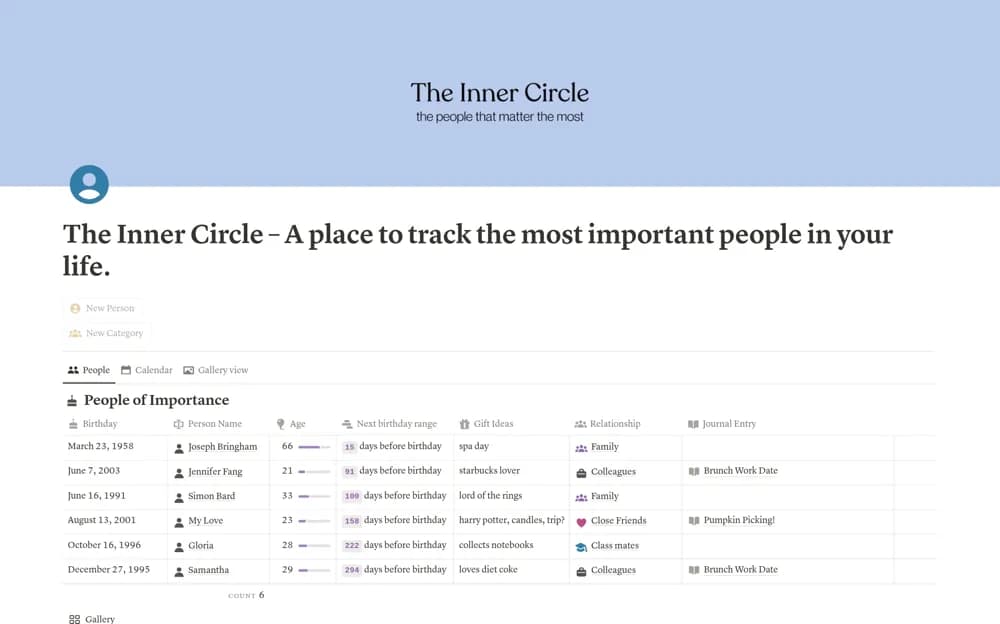
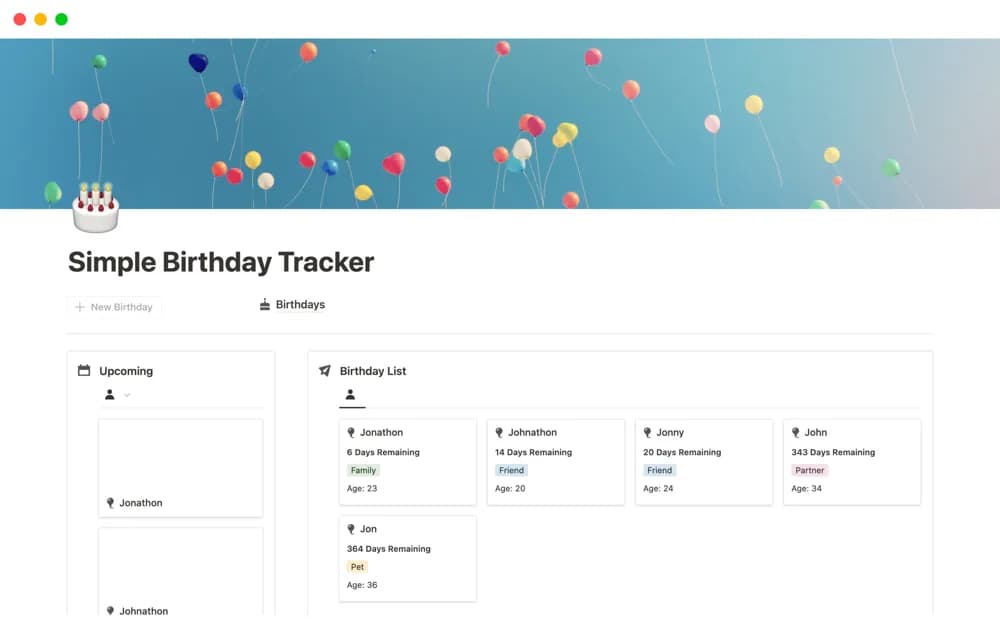
Keep upcoming birthdays, gift ideas, and card or email outlines together in a simple personal Notion birthday tracker.
What’s included
- Upcoming birthday records
- Gift-idea planning
- Birthday card and email outlines
How to use it in practice
Add a few people you regularly celebrate and check their dates. Note one gift idea and draft a short message while you have time. Review the upcoming list at the start of the month, then decide whether you also need a calendar reminder.
Set it up in your workspace
- Open the original Notion Marketplace listing and add the template to your chosen workspace while signed in. Keep its example records until you understand how the pages connect.
- Add a few people you regularly celebrate and check their dates.
- Try one complete example before adding a large backlog. Check that its views and any calculations show what you expect, then replace the sample content with your own.
Who it suits and what to consider
People who want a small reminder list with room to plan a thoughtful birthday message. The listing describes upcoming dates but does not specify an external notification service. Confirm reminder settings in your own copy.