 Free
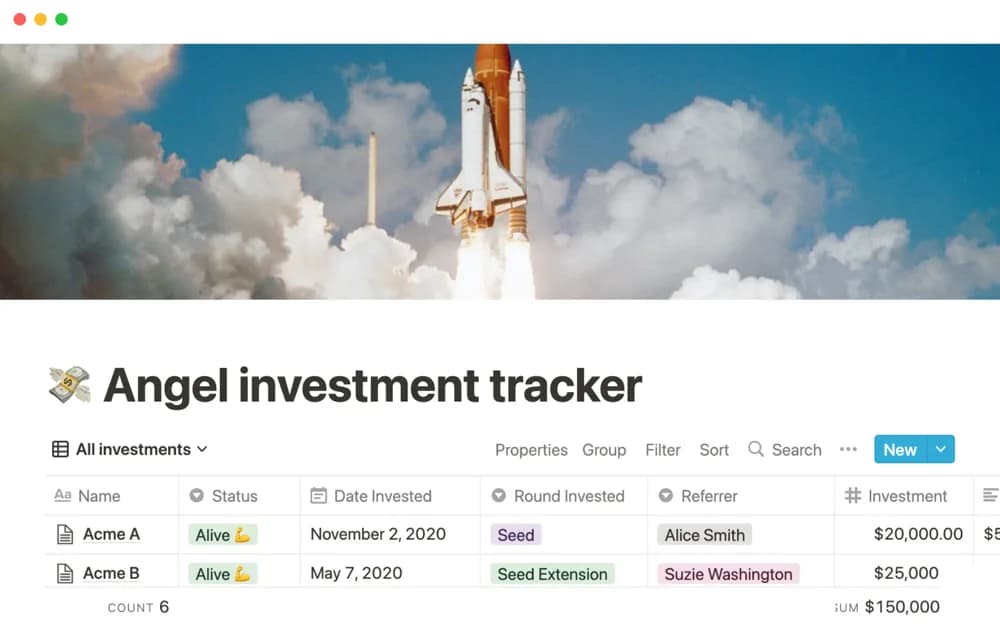
FreeAngel investment tracker
An angel-investment organizer for startup context, portfolio records, and coordination of an investment review process.
Build a clearer picture of everyday spending, savings, and recurring costs. Explore Notion templates for managing your own money records.
Showing 1–18 of 28 templates
A little structure goes a long way.FreeAn angel-investment organizer for startup context, portfolio records, and coordination of an investment review process.
 Free
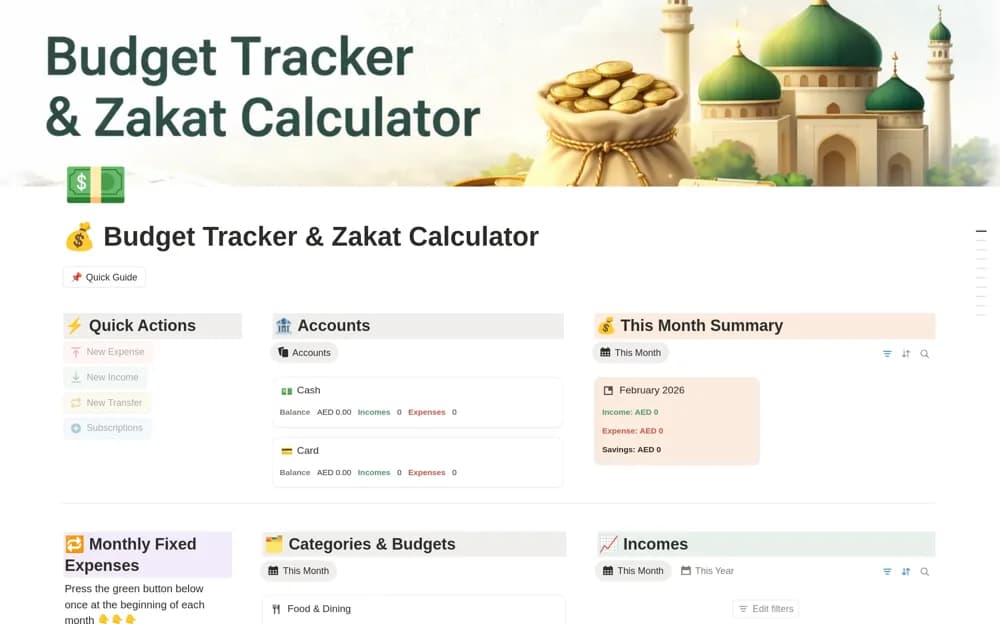
FreeA monthly money organizer for income, expenses, category budgets, savings goals, and visual summaries.
 Free
FreeA budget comparison system with variance records, alerts, charts, and a financial-control overview.
 Free
Free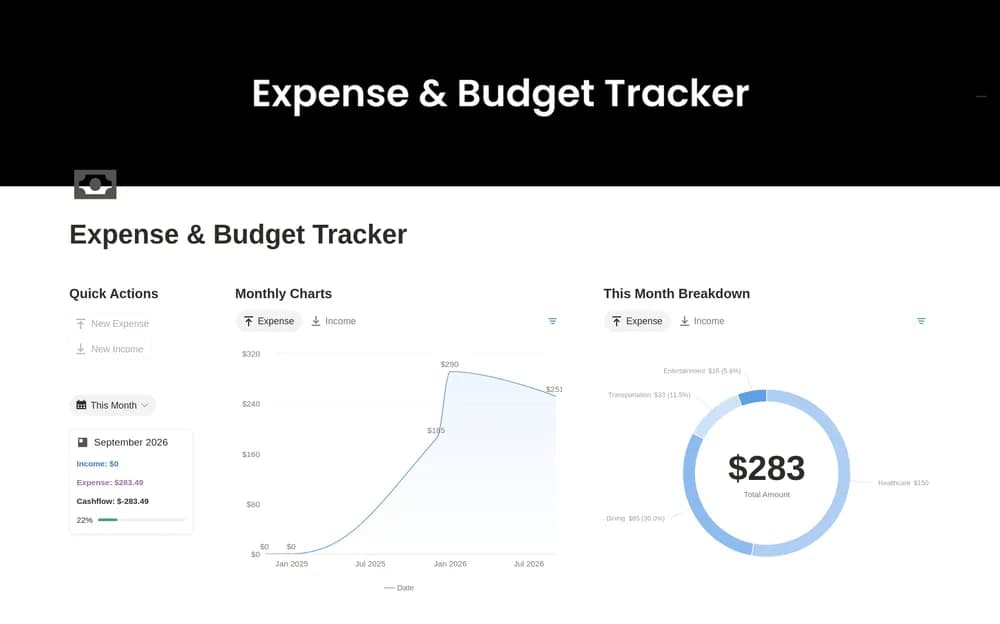 Free
Free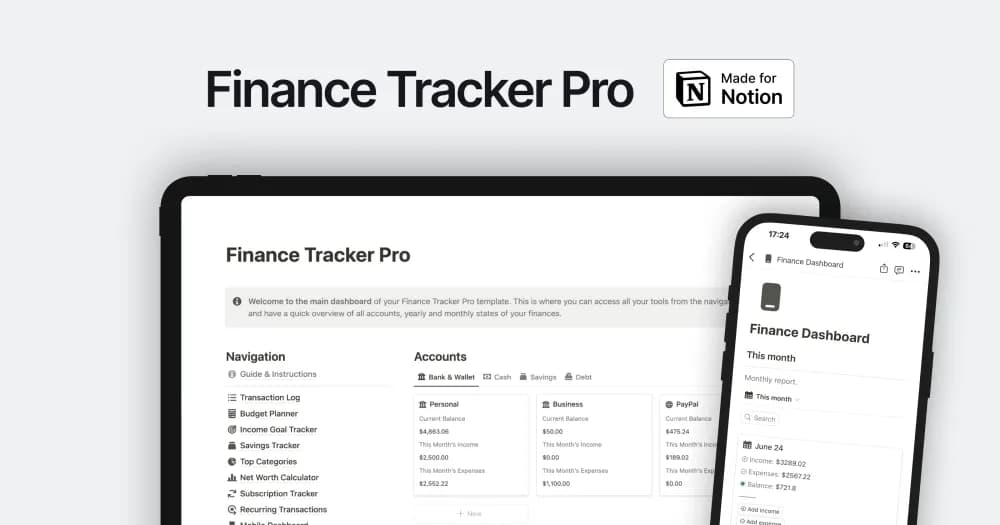 Paid
PaidA finance workspace for bringing personal or business money records into view.
 Free
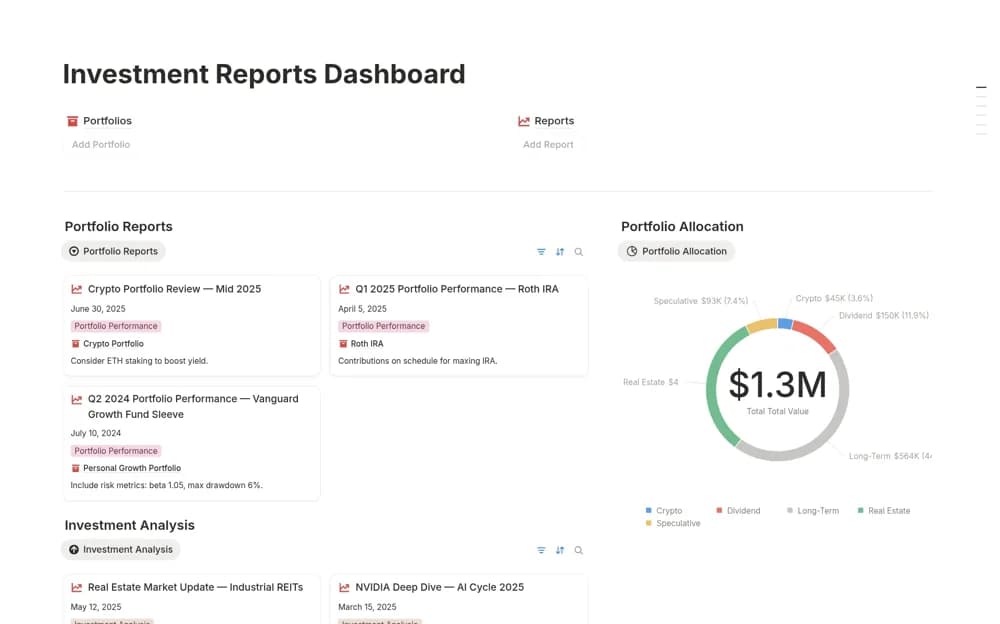
FreeAn investment reporting dashboard connecting portfolio records, periodic analyses, performance views, and ROI charts.
 Free
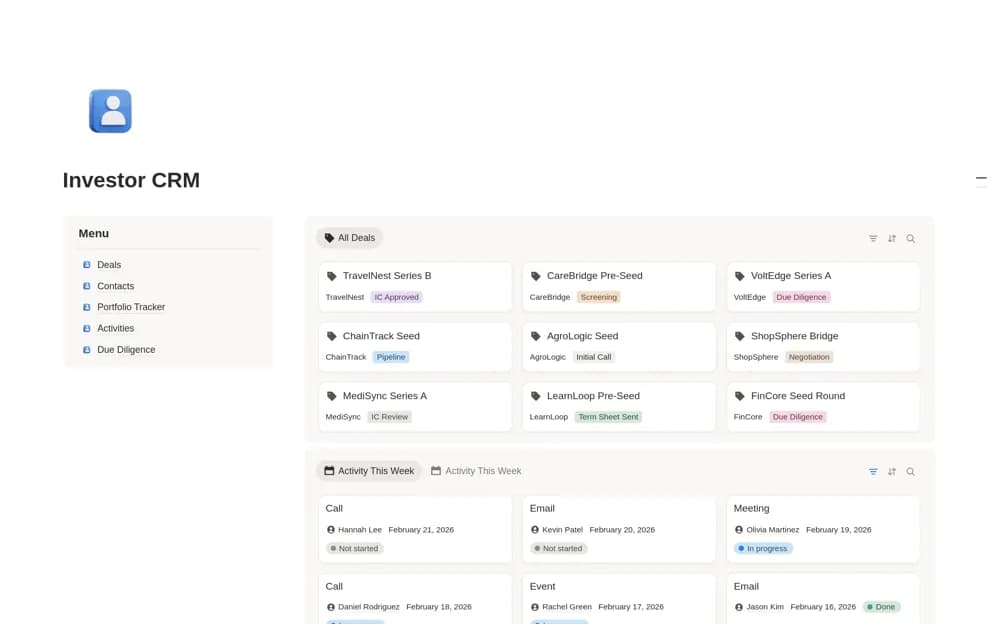
FreeAn investor CRM for startup deal flow, founder contacts, due diligence, investment memos, portfolio records, and follow-ups.
 Free
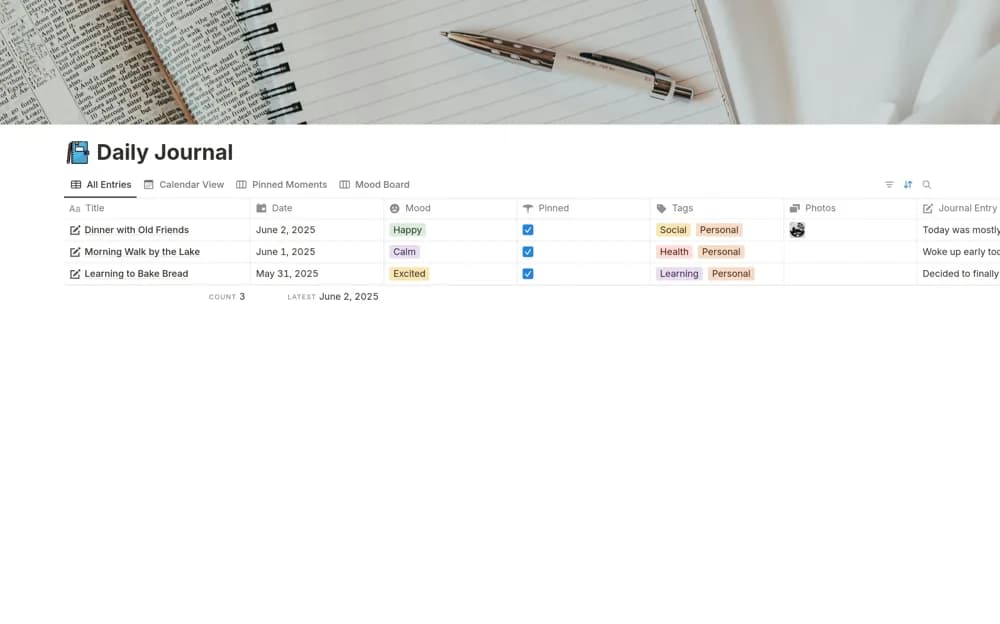
FreeA personal dashboard combining journal entries, remembered moments, an expense tracker, and habit organization.
 Free
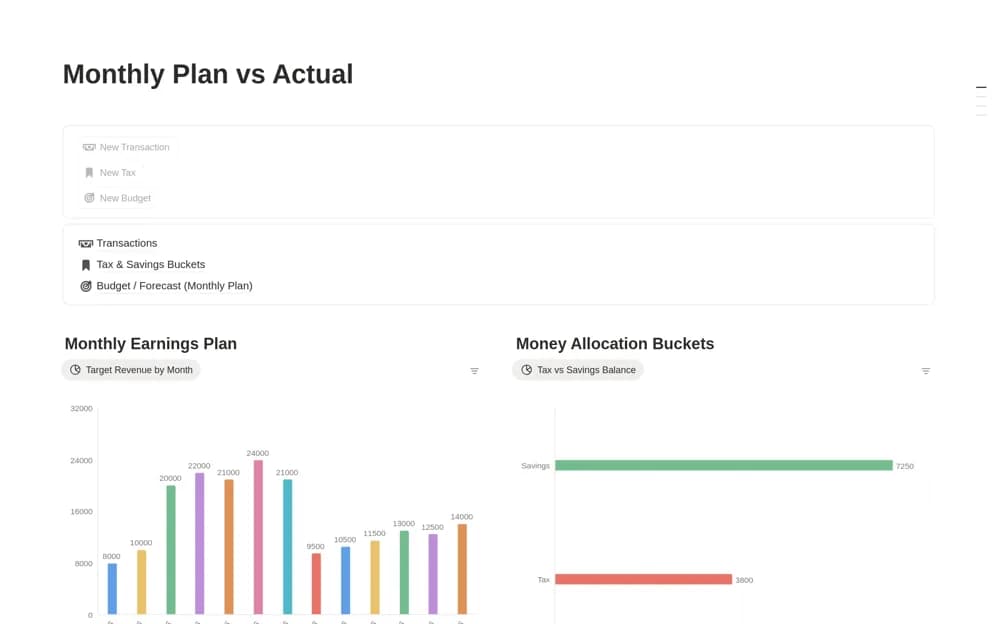
FreeA monthly finance planner separating a budget forecast from recorded transactions, with tax and savings buckets for allocating portions of the money you track.
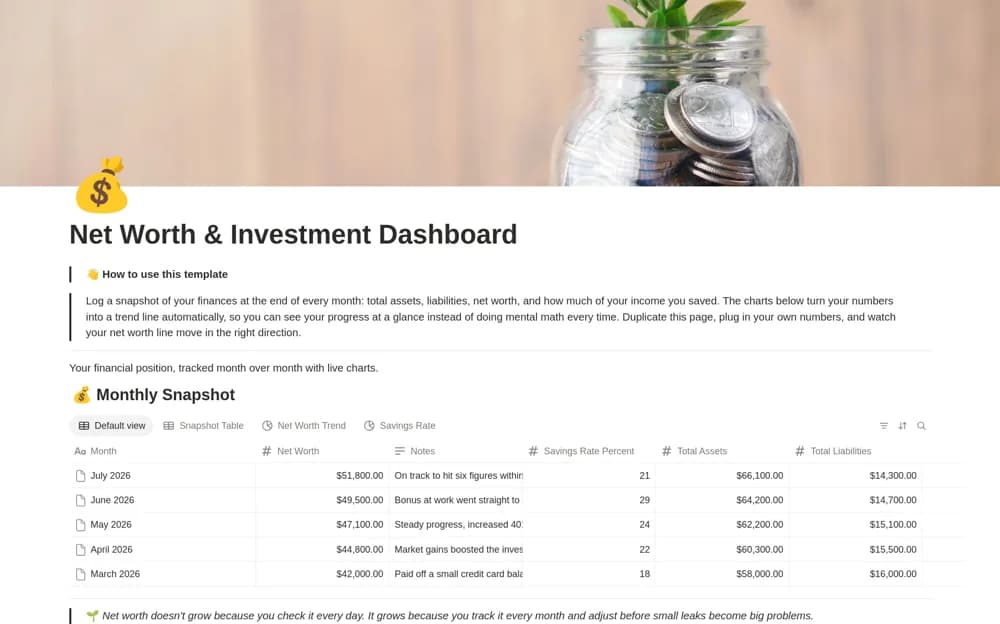 Free
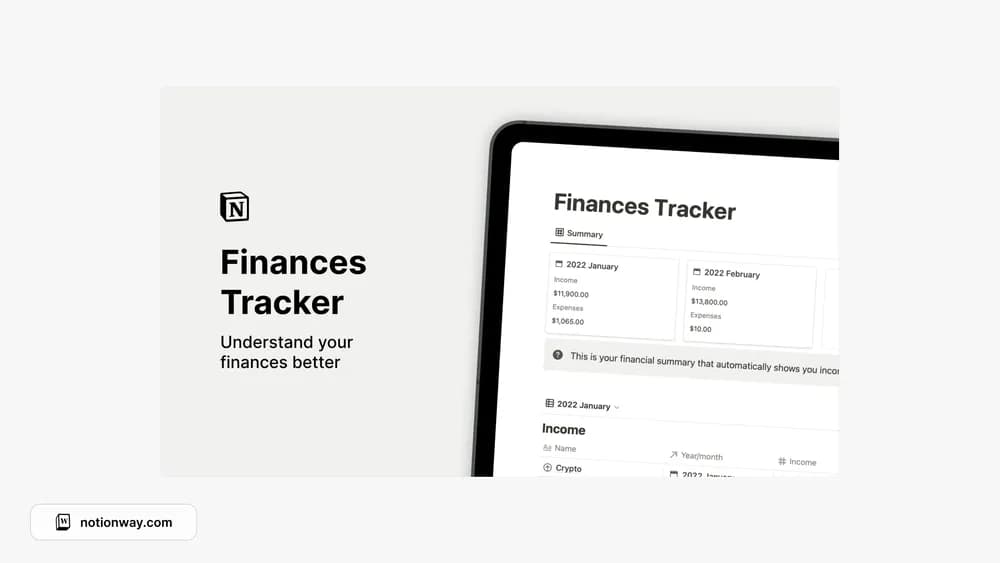
FreeA monthly financial snapshot dashboard charting assets, liabilities, net worth, and savings-rate records.
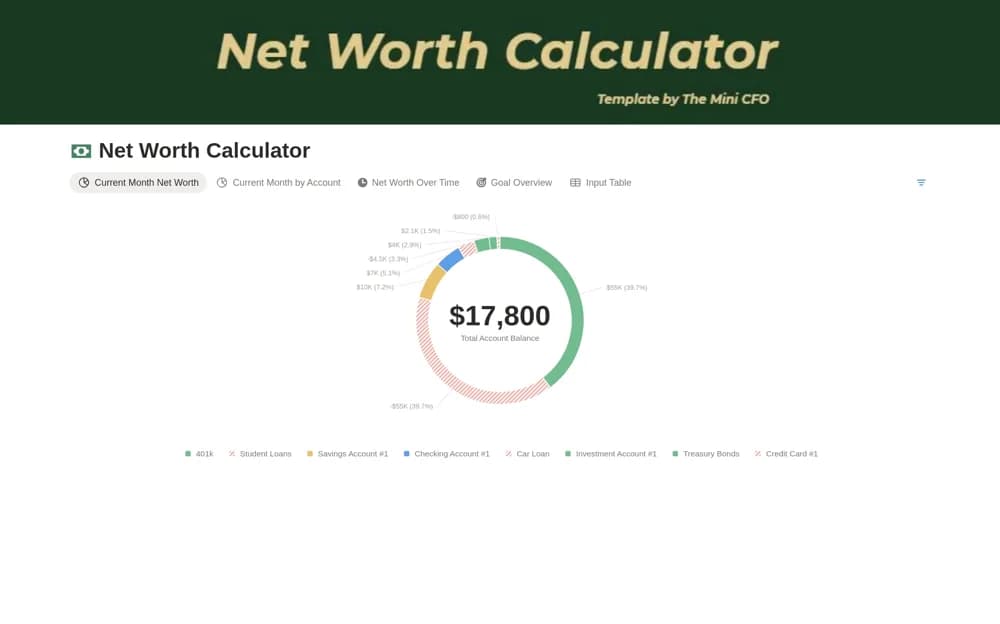 Free
FreeA monthly net-worth calculator recording account balances, assets, liabilities, dates, and financial goals.
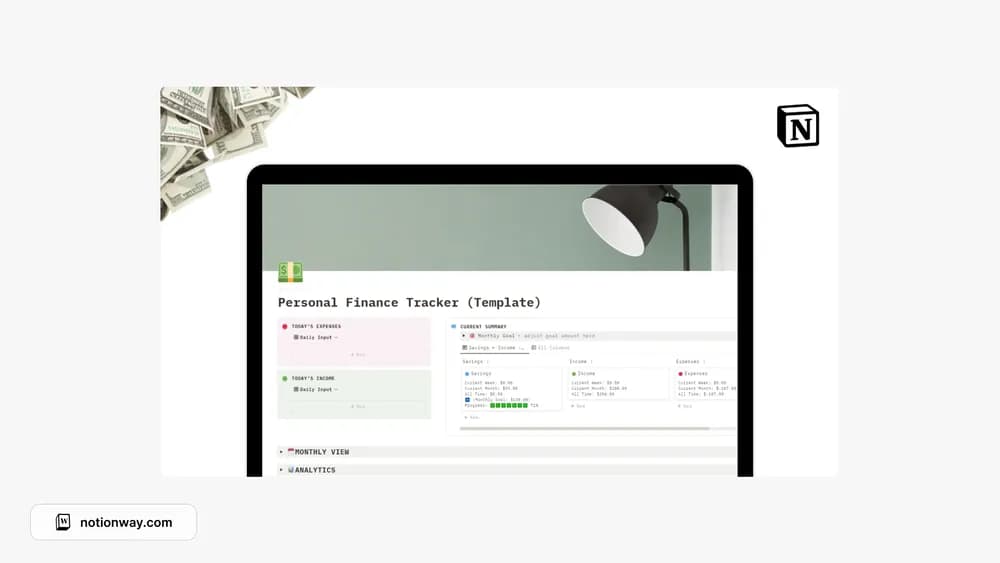 Free
FreeLoegan Raj’s personal-finance tracker for everyday records.
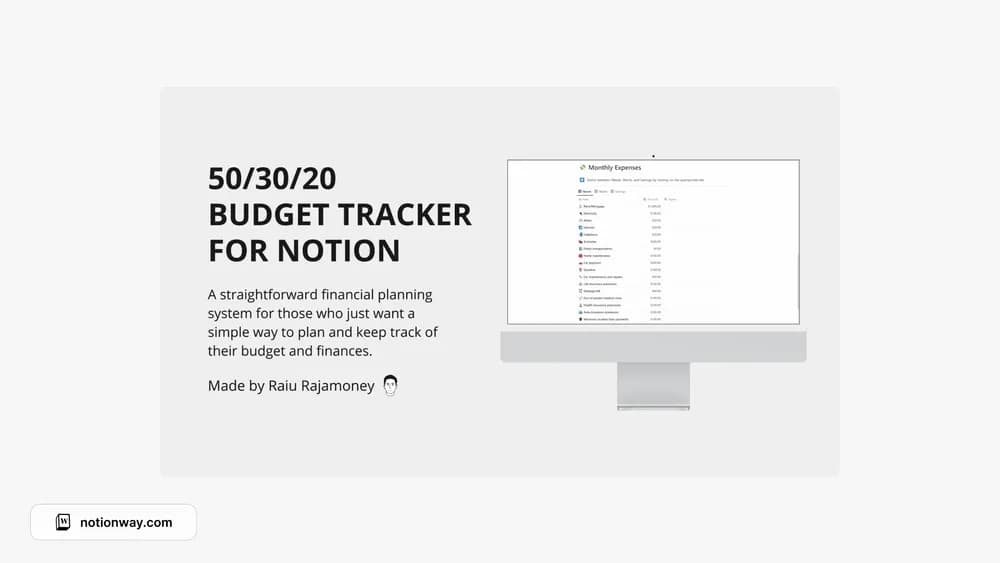 Free
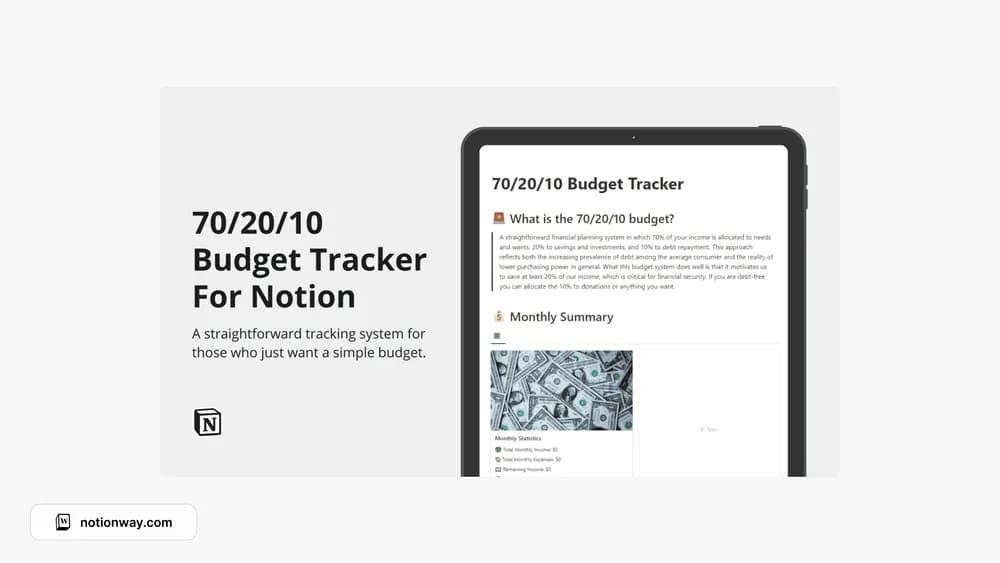
FreeA Notion budget layout built around the 50/30/20 approach.
 Free
Free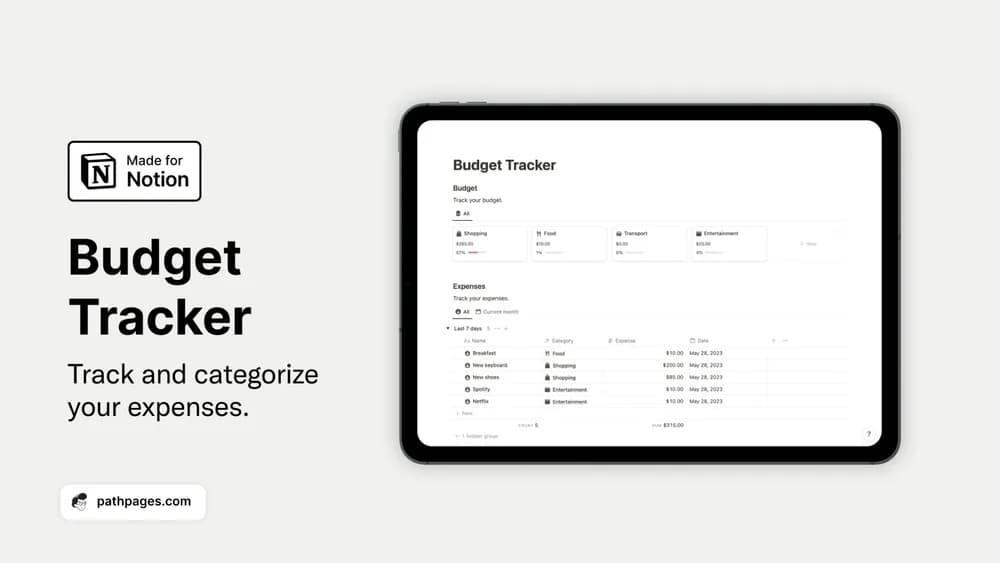 Free
FreeOrganize spending categories and bring a monthly budget into view.
 Free
Free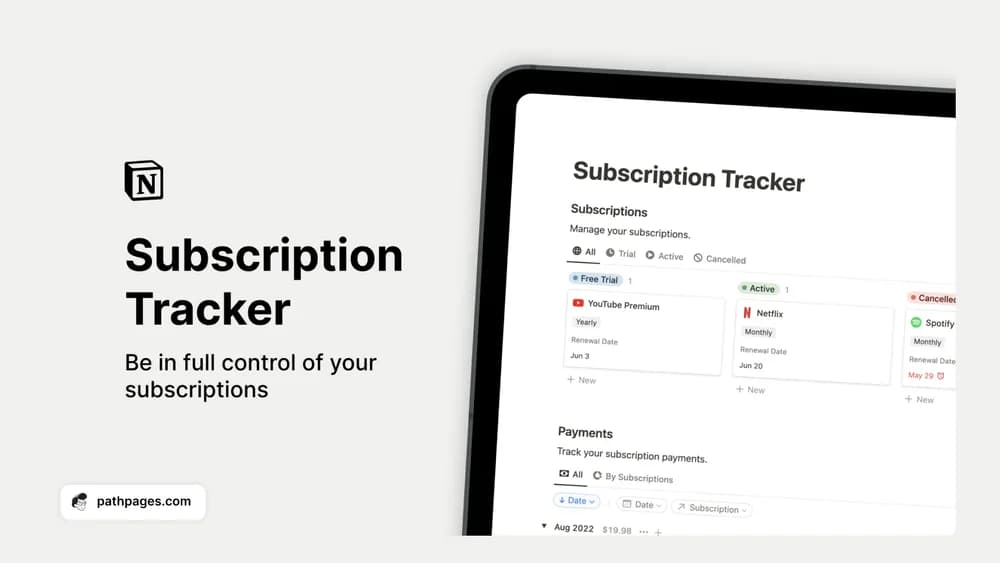 Free
FreeSee recurring subscriptions and payments before another renewal slips past.
Compare the purpose and included features before choosing a workspace.
People organizing financial learning and personal records.
People comparing practical finance-tracking layouts.
People looking for a broader financial-record workspace.
A personal-finance template should make the numbers understandable. Check how it treats transfers and which period its totals cover. If you want to budget with someone else, review the shared workflow too. Start with a single month so you can spot confusing categories before importing older records.
Understandable totals
Recurring cost tracking
Consistent categories
About the directoryRecord income, everyday expenses, recurring costs, and transfers using clear categories. Check totals against source statements before comparing periods. Keep estimates distinguishable from confirmed amounts and choose a regular review day so the workspace helps you notice changes rather than becoming a backlog of unentered transactions.
Choose the level of detail you can maintain and explain. A clear budget or spending log may be more useful than a large dashboard with formulas or categories you do not understand.
Yes. This collection currently includes 26 listings with a confirmed free creator offer, alongside 2 paid or freemium options. Use the Free filter to compare them. A free version can have different features from a creator’s paid upgrade, so check the original listing and current access terms before adding it to your workspace.