 Free
Life & everyday
Second brain Notion templates
Give notes, saved resources, and active projects a connected home. Browse Notion second-brain templates for keeping information useful after you capture it.
Showing 1–10 of 10 templates
Free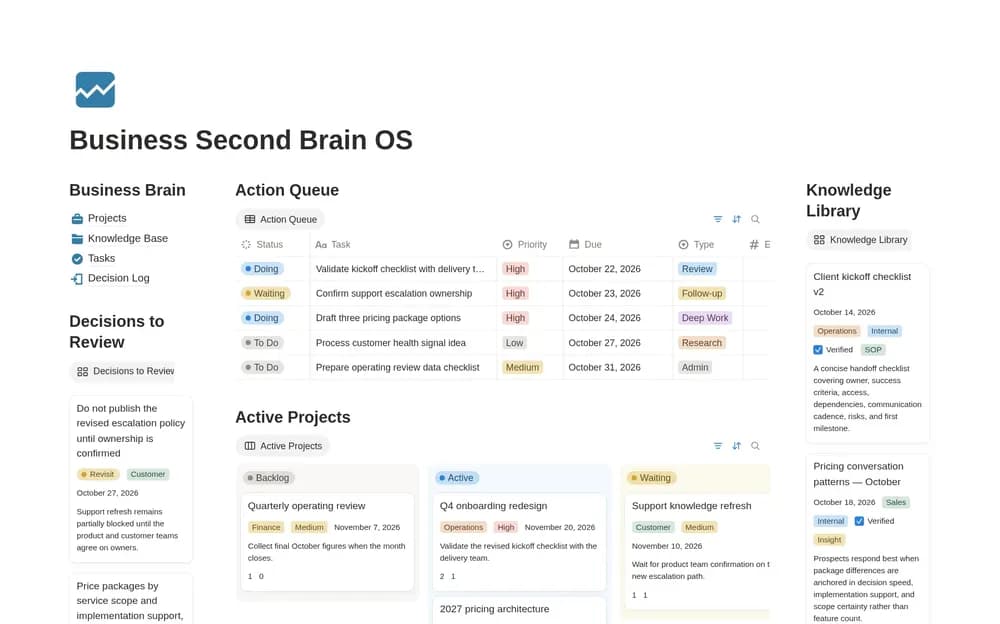 Free
Business Second Brain OS: Knowledge & Work
Gather business projects, tasks, a searchable knowledge base, and a decision log into a Notion second brain for founders and small business owners.
 Free
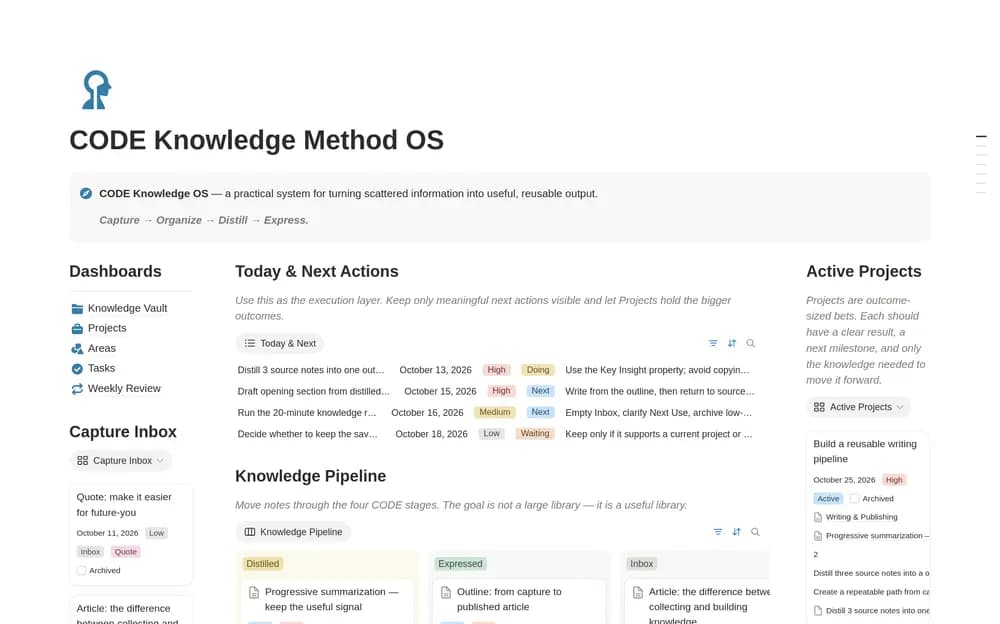
CODE Method: Second Brain & Knowledge OS
Move saved articles, quotes, and research through Capture, Organize, Distill, and Express stages in a Notion knowledge system tied to projects.
 Free
Life OS: All-in-One Productivity System
Connect goals, projects, routines, habits, journaling, travel, reading, and finances in a Notion life operating system built around one dashboard.
 Free
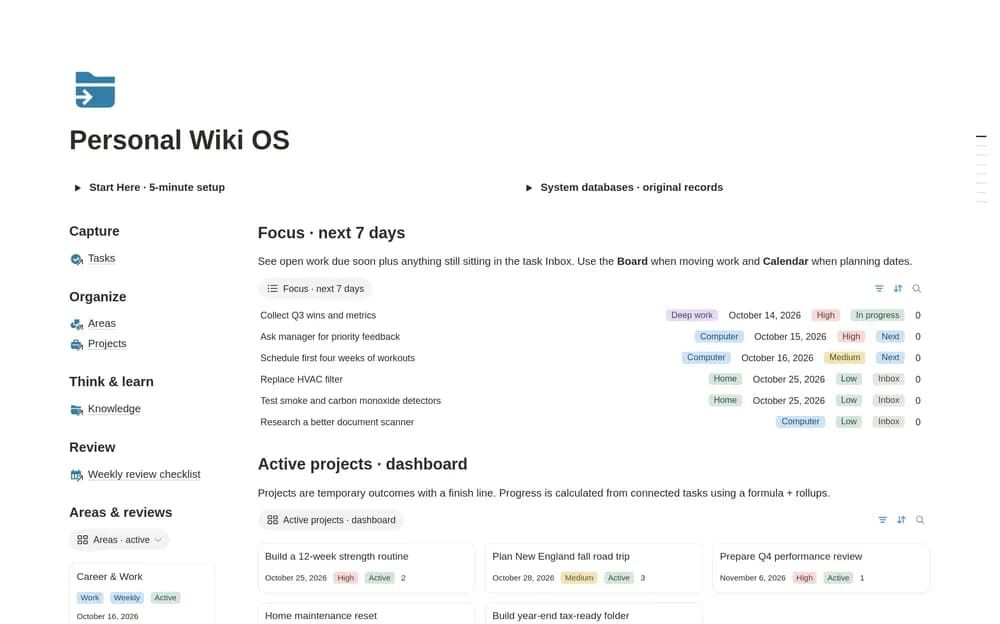
Personal Wiki OS: Second Brain & Productivity
Combine tasks, projects, life areas, and a searchable knowledge library in a Notion personal wiki, with automatic project progress and weekly reviews.
 Paid
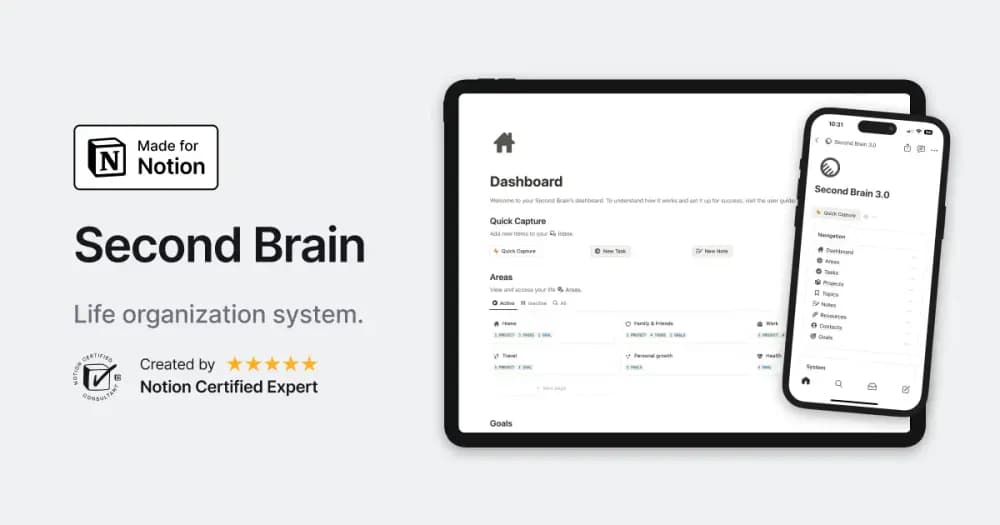
Second Brain 3.5
Notion Everything’s connected system for notes, projects, and everyday life.
SponsoredAdvertise here
Appsupaappsupa.comFind mobile app ideas that already make moneySee what 590K+ App Store and Google Play apps earn, which niches have leaders you can beat, and what people search. $15 a month, cancel anytime.Find an app idea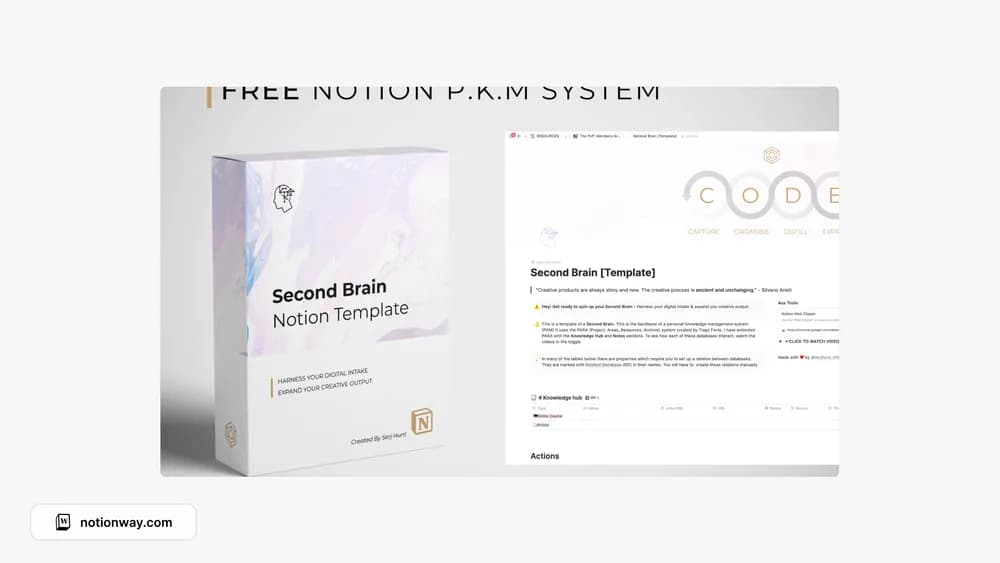 Free
 Free
 Free
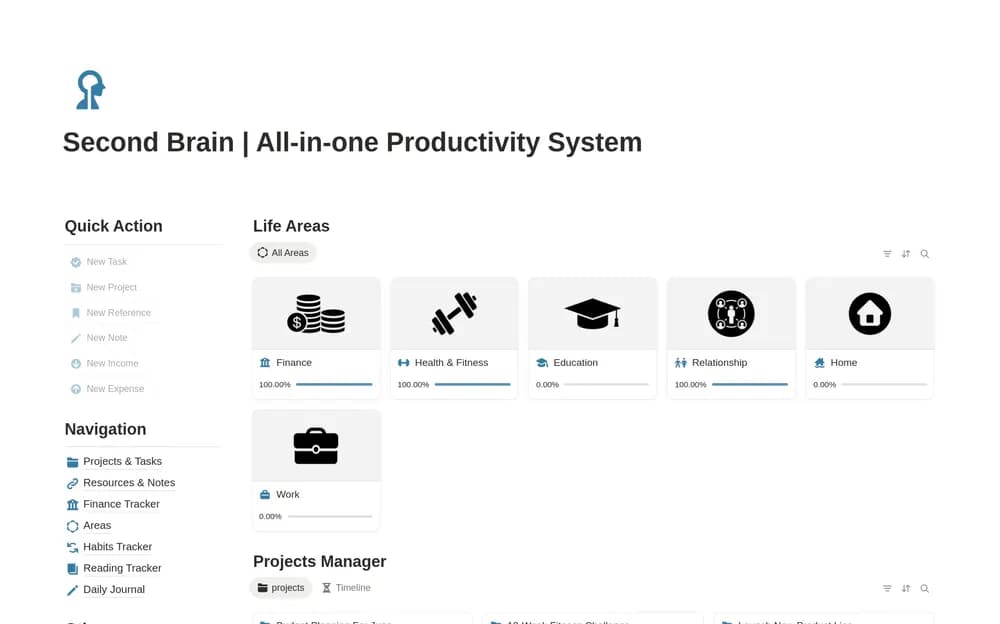
Second Brain OS: All-in-One Productivity System
Run life areas, projects, tasks, notes, habits, reading, and finances from one Notion second brain dashboard with quick-capture buttons.
 Free
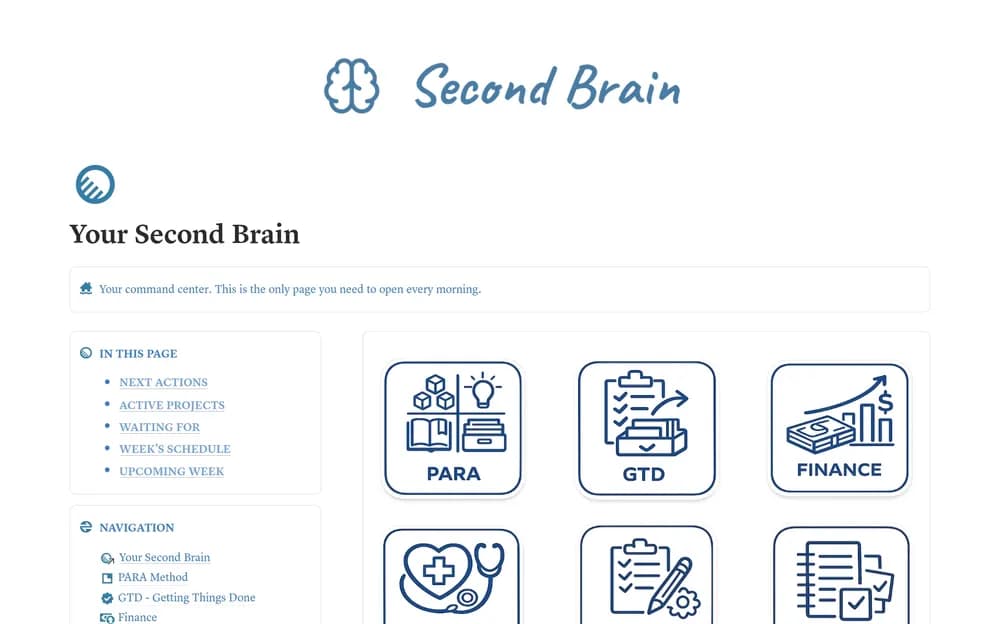
Second Brain: PARA, GTD & Life System
Combine PARA organization with a full GTD workflow in Notion, linking tasks to projects, plus finance, health, habit, time, and note trackers.
A closer look at the collection
Which template fits your work?
Compare the purpose and included features before choosing a workspace.
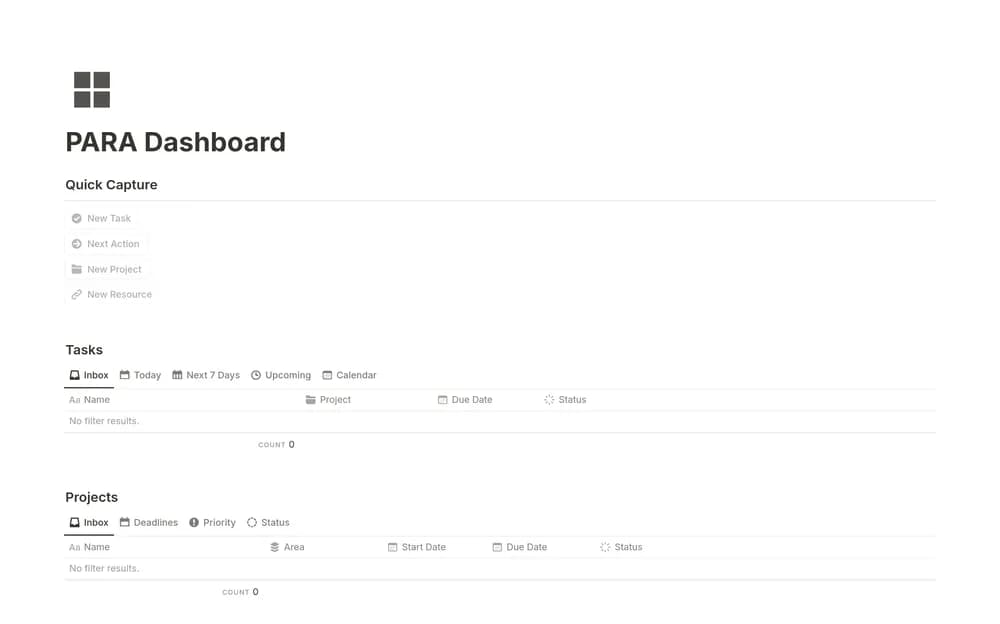
PARA Dashboard
People who want a clear organizing principle for notes and projects.
- Explore PARA organization
- Connect reference material
- Keep active commitments visible
Business Second Brain OS: Knowledge & Work
Entrepreneurs, freelancers, and solopreneurs who want company knowledge and work in one hub.
- Projects database with progress and related tasks
- Knowledge base for notes, processes, and resources
- Tasks linked to projects
- Decision log with the reasoning behind each decision
CODE Method: Second Brain & Knowledge OS
Writers, researchers, creators, and knowledge workers who save more than they use.
- Capture Inbox for articles, quotes, ideas, and references
- Knowledge pipeline across the four CODE stages
- Active Projects and Areas of Responsibility
- Today and Next Actions with a task calendar
At a glance
Second brain Notion templates compared
10 working templates from 6 creators: 9 free and 1 paid. Links last checked November 22, 2026.
| Template | Best for | Price | Creator |
|---|---|---|---|
| PARA Dashboard | People who want a clear organizing principle for notes and projects. | Free | Easlo |
| Business Second Brain OS: Knowledge & Work | Entrepreneurs, freelancers, and solopreneurs who want company knowledge and work in one hub. | Free | heyismail.co |
| CODE Method: Second Brain & Knowledge OS | Writers, researchers, creators, and knowledge workers who save more than they use. | Free | heyismail.co |
| Personal Wiki OS: Second Brain & Productivity | Professionals, students, and creators who want tasks and personal knowledge in one place. | Free | heyismail.co |
| Second Brain 3.5 | People ready to use a broader personal organization system. | Paid | Notion Everything |
| Second Brain Notion Template | People looking for a home for notes and project context. | Free | Serj Solarkpunk | The Augmentor Academy |
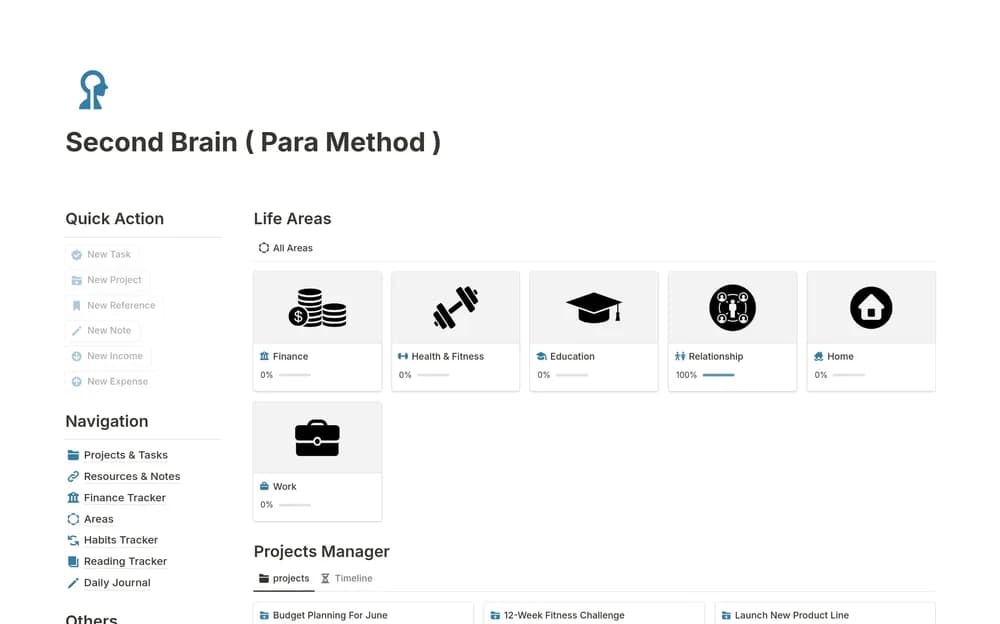
| Second Brain OS | People who keep useful notes but struggle to find them again. | Free | heyismail |
| Second Brain OS: All-in-One Productivity System | Students, professionals, and freelancers consolidating several apps into one Notion workspace. | Free | heyismail.co |
Choose something that fits
How to compare second brain templates
The important question is how you will find a note again. Look for a simple inbox, a small number of organizing principles, and links from reference material to active work. A second brain needs a regular review to stay useful. Test the structure with a handful of real notes before migrating a large archive.
A few things to look for
A quick capture inbox
Useful connections
A manageable review routine
About the directoryPut it into practice
Save information with a reason you can use later
Keep capture quick and add a note explaining why a resource matters. Organize around active work and useful topics rather than an elaborate tagging system created before you have material. Review saved information while writing, planning, or solving a problem so the collection supports work beyond storage.
Every template in this collection
All 10 Second brain Notion templates (A–Z)
Jump straight to any listing in the collection.
- Business Second Brain OS: Knowledge & WorkFree
- CODE Method: Second Brain & Knowledge OSFree
- Life OS: All-in-One Productivity SystemFree
- PARA DashboardFree
- Personal Wiki OS: Second Brain & ProductivityFree
- Second Brain 3.5Paid
- Second Brain Notion TemplateFree
- Second Brain OSFree
- Second Brain OS: All-in-One Productivity SystemFree
- Second Brain: PARA, GTD & Life SystemFree
Before you choose
Common questions
How is a second brain different from a notes folder?+
It connects information to the projects or questions where you expect to use it. The useful distinction is practical retrieval and application, not the size or complexity of the dashboard.
What is the best second brain Notion template?+
It depends on the job you need it to do. Good starting points in this collection include PARA Dashboard (people who want a clear organizing principle for notes and projects), Business Second Brain OS: Knowledge & Work (entrepreneurs, freelancers, and solopreneurs who want company knowledge and work in one hub), CODE Method: Second Brain & Knowledge OS (writers, researchers, creators and and knowledge workers who save more than they use). Compare the included features below, then try your first choice with a week of real information before moving everything across.
Are there free templates in the second brain collection?+
Yes. This collection currently includes 9 listings with a confirmed free creator offer, alongside 1 paid or freemium option. Use the Free filter to compare them. A free version can have different features from a creator’s paid upgrade, so check the original listing and current access terms before adding it to your workspace.