 Free
Habit trackersFeatured
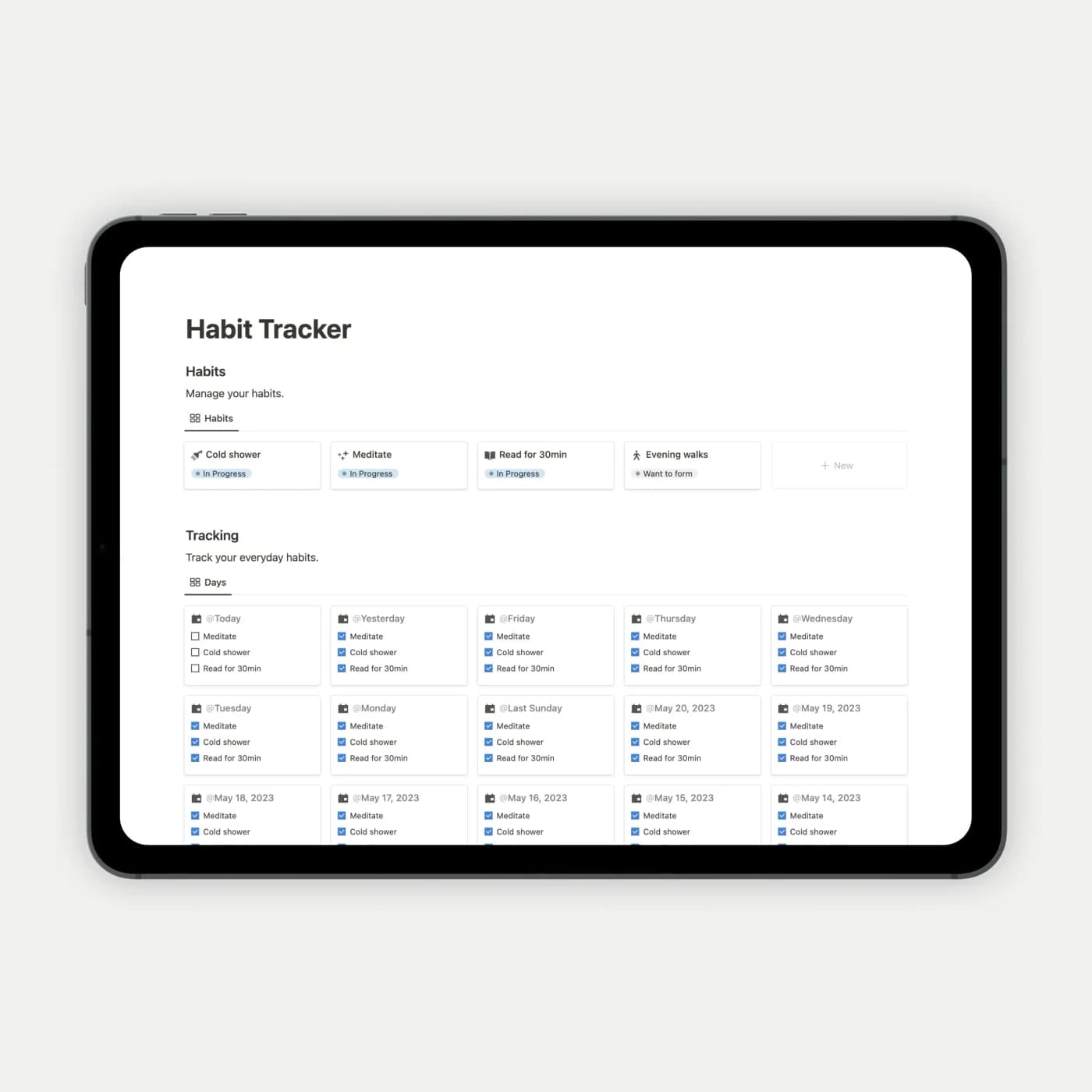
Notion Habit Tracker
Give a few everyday habits a clear place in your routine.
Bring tasks, plans, and priorities into one place. Find a Notion system that makes it easier to decide what deserves your attention today.
Showing 1–18 of 206 templates
FreeGive a few everyday habits a clear place in your routine.
 Free
 Free
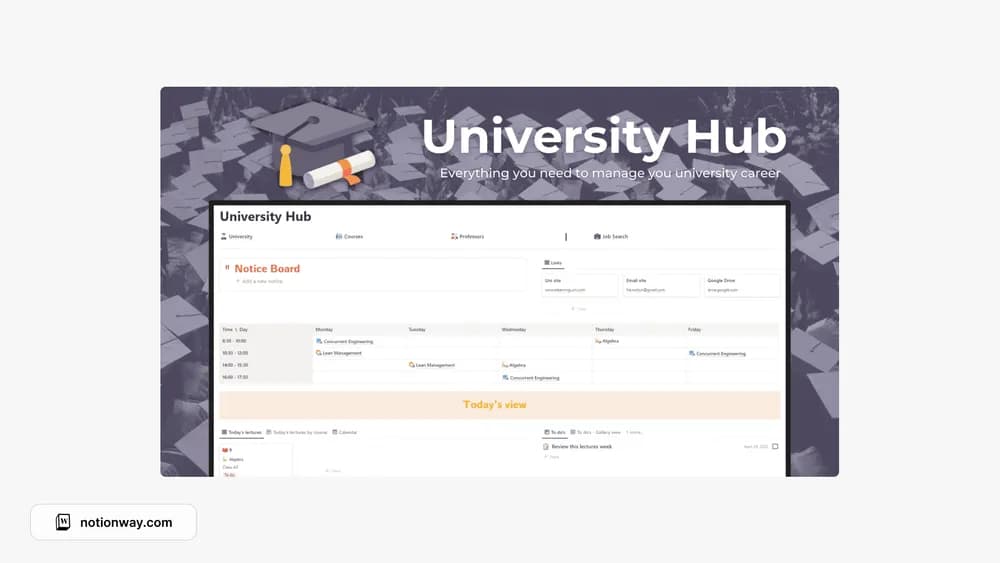
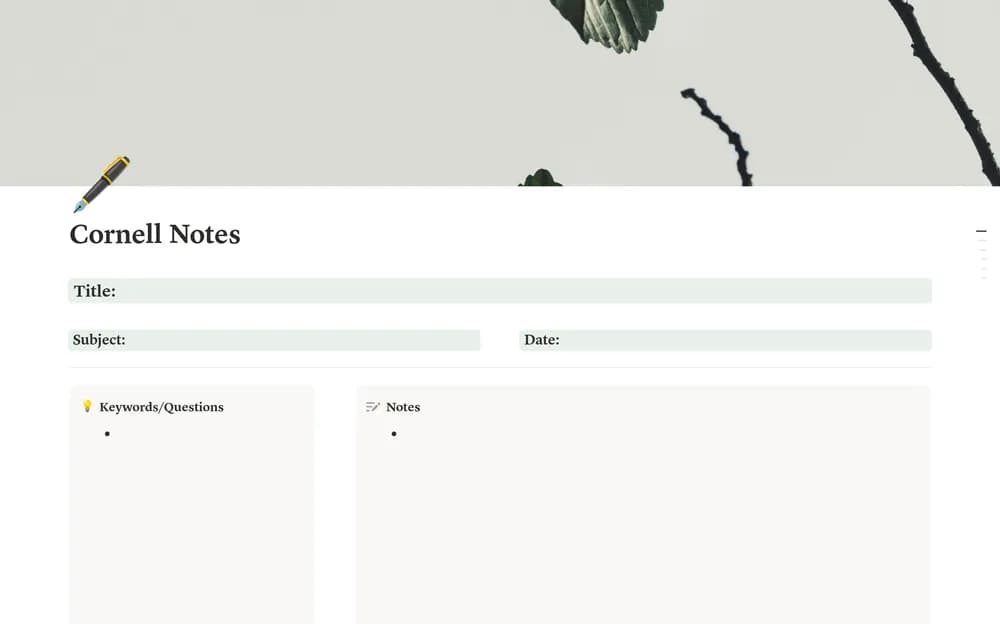
A university hub for keeping academic work in one starting place.
 Free
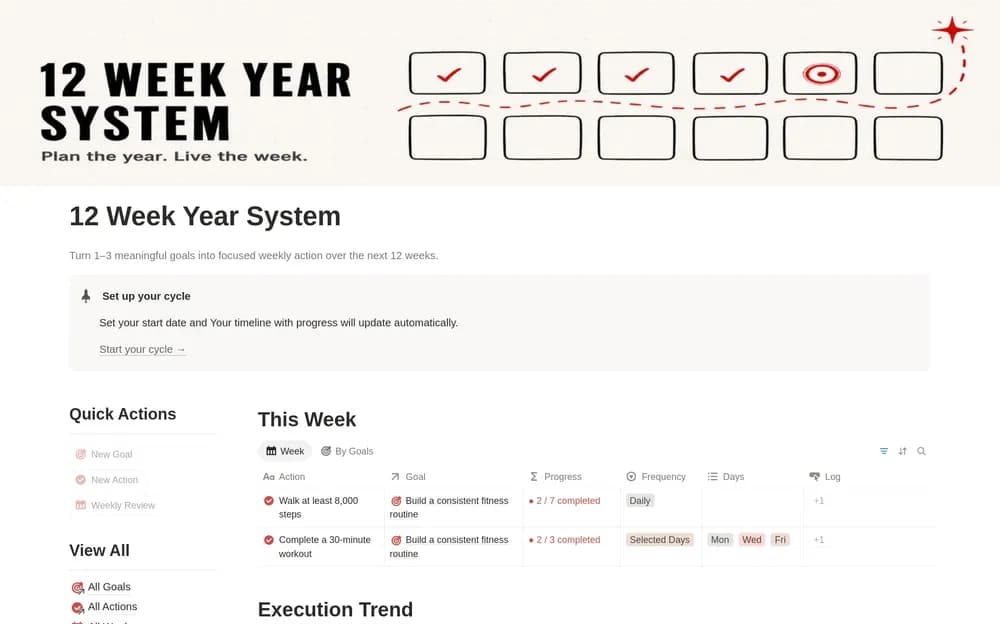
Run a 12-week goal cycle in Notion, turning measurable goals into recurring weekly actions with one-click completions and a weekly execution score.
 Free
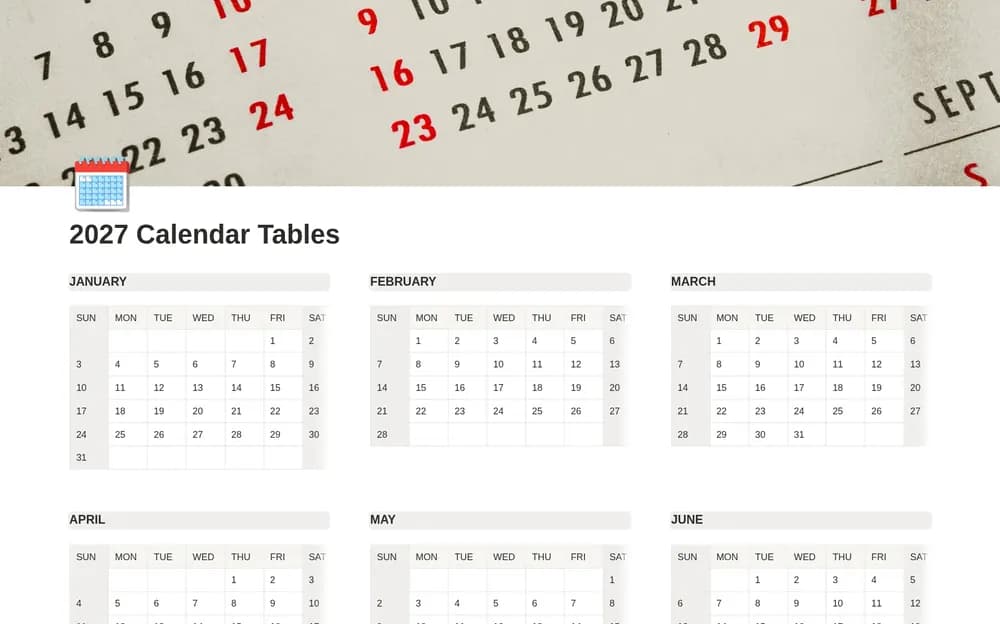
Get a 2027 calendar already laid out as Notion tables, with year, quarter, and month overviews you can highlight, annotate, or copy into a planner.
 Free
Plan 2027 in one Notion page with a dashboard, yearly goals linked to tasks, a Monday-to-Sunday board, a year calendar, habit cards, and a memory jar.
 Free
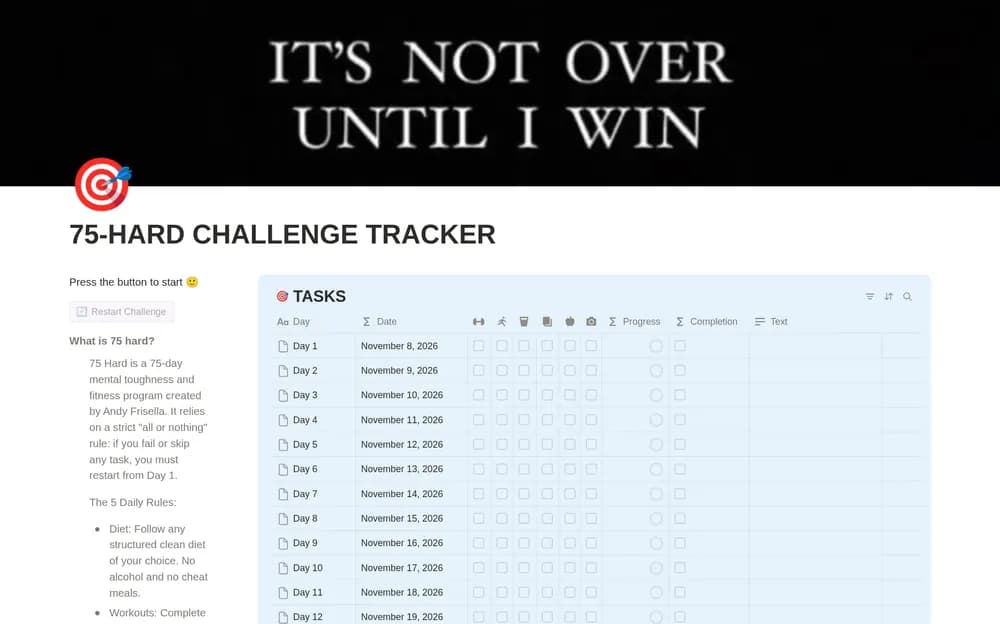
Track all 75 Hard tasks in Notion with a daily checklist, a 75-day progress view, and buttons that set real dates when you start or restart.
 Free
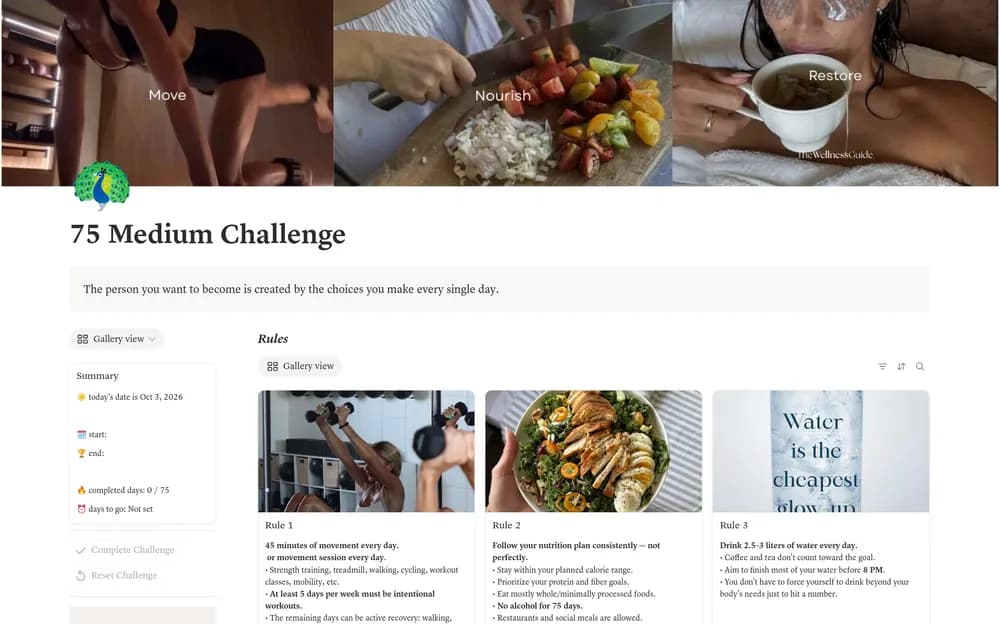
Follow the 75 Medium Challenge in Notion with a page for every day, logging movement, water, meals, reading, skincare, and weekly progress photos.
 Free
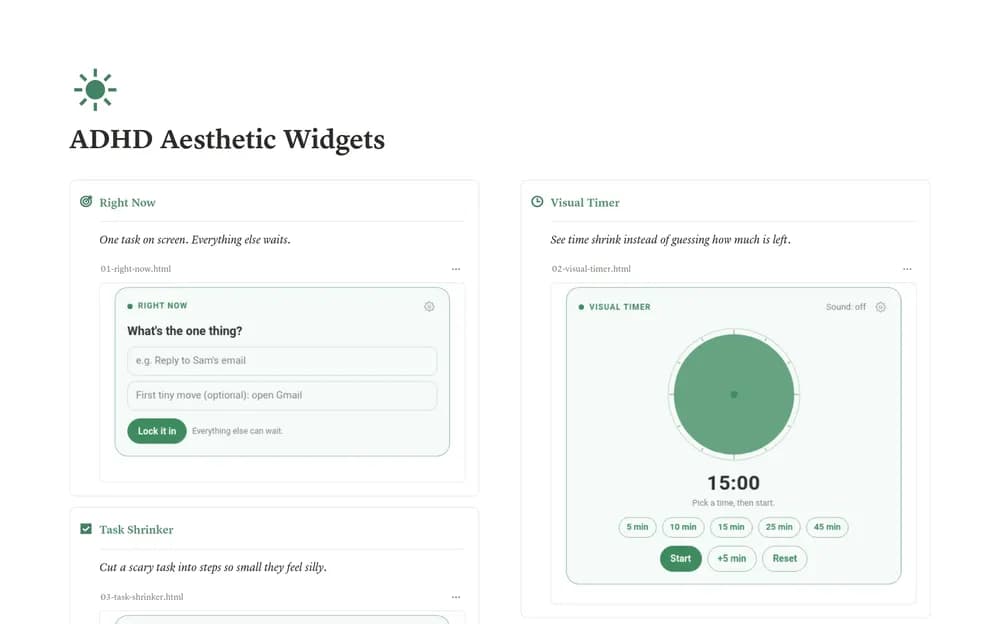
Get through stuck moments with ten Notion widgets, including a single-task focus view, visual timer, task shrinker, dopamine menu, and leave-by planner.
 Free
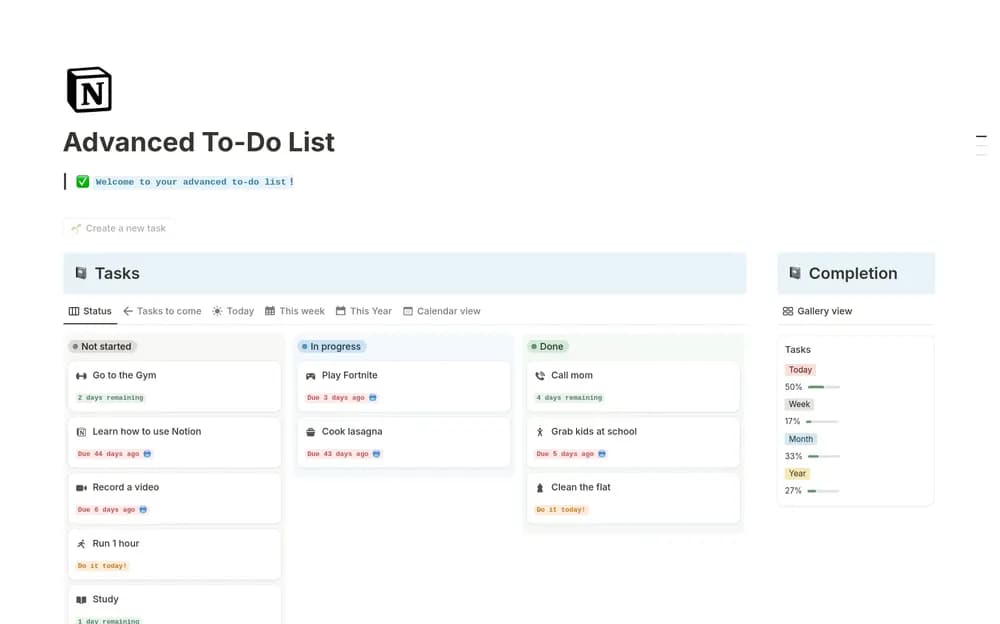
Manage tasks in Notion through Today, This Week, This Year, and Upcoming views, plus a second database that tracks completion rates over time.
 Free
 Free
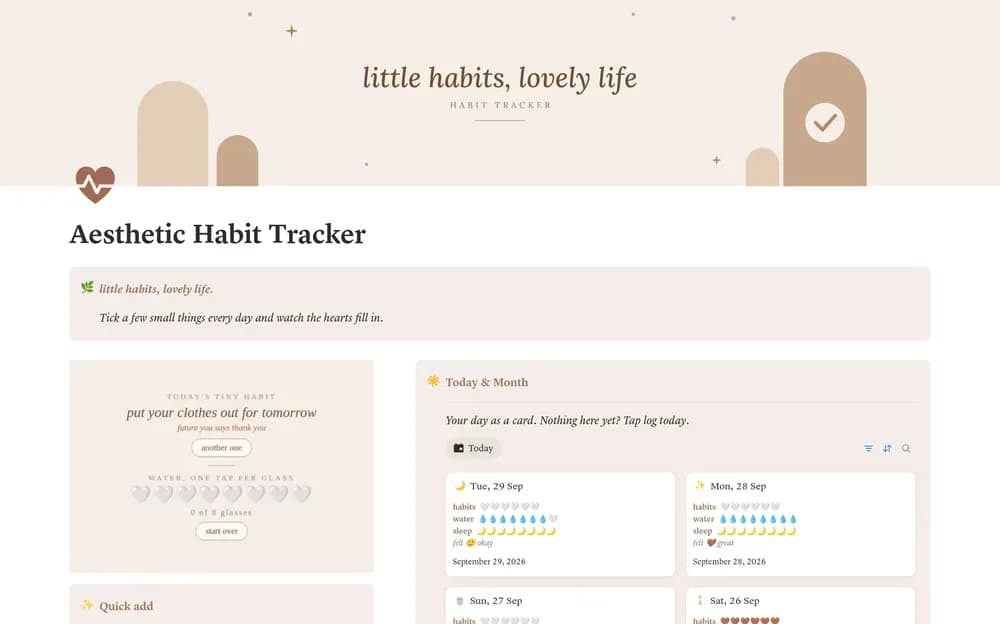
Track six daily habits, water, sleep, and mood in a brown-themed Notion habit tracker with heart check-ins, weekly tables, and monthly scores.
 Free
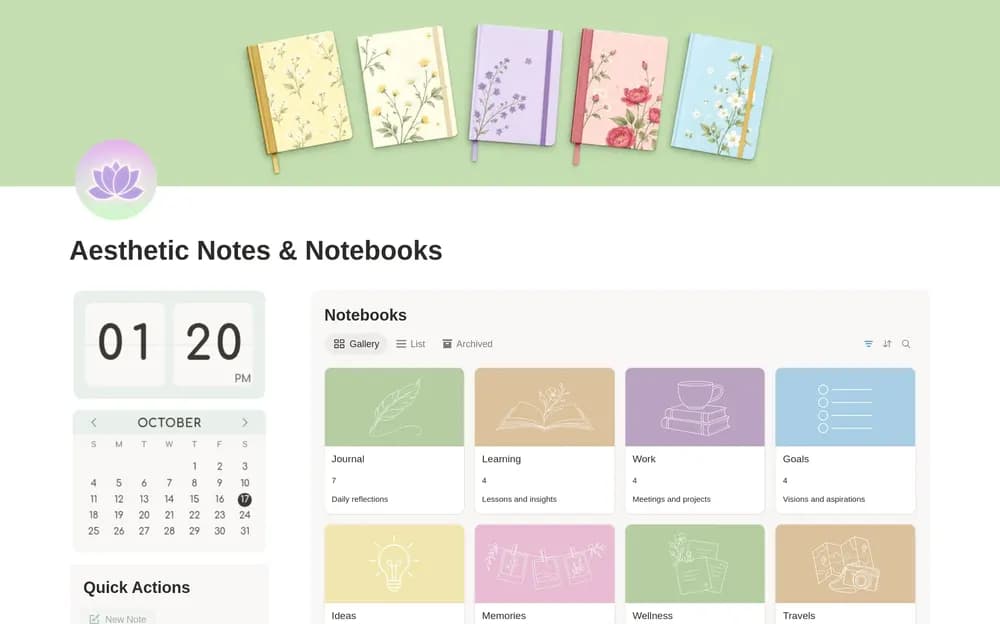
File notes into eight themed notebooks on a Notion shelf, with journal, Cornell, outline, and meeting note templates, status boards, and entry calendars.
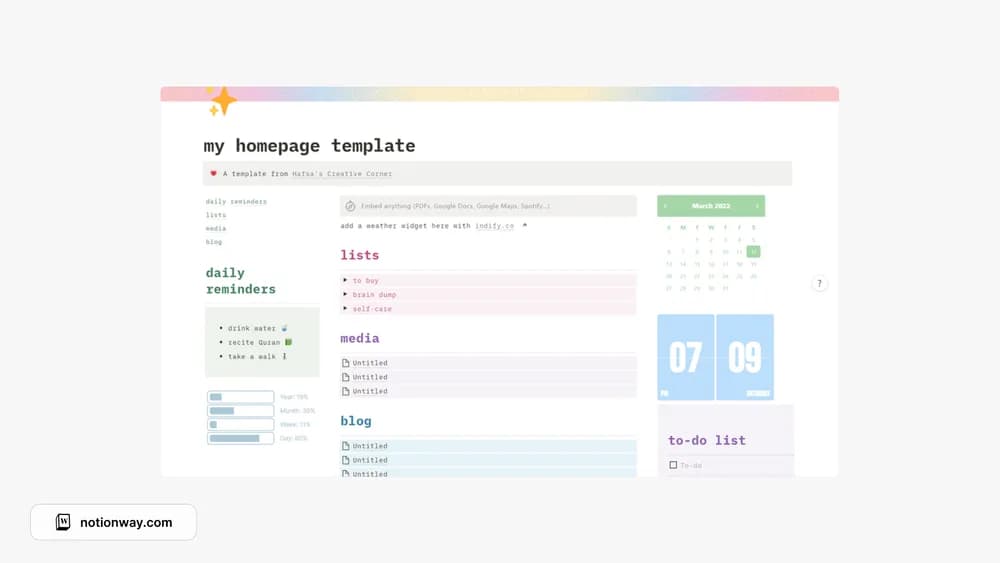 Free
A pastel personal home page for reminders and quick everyday capture.
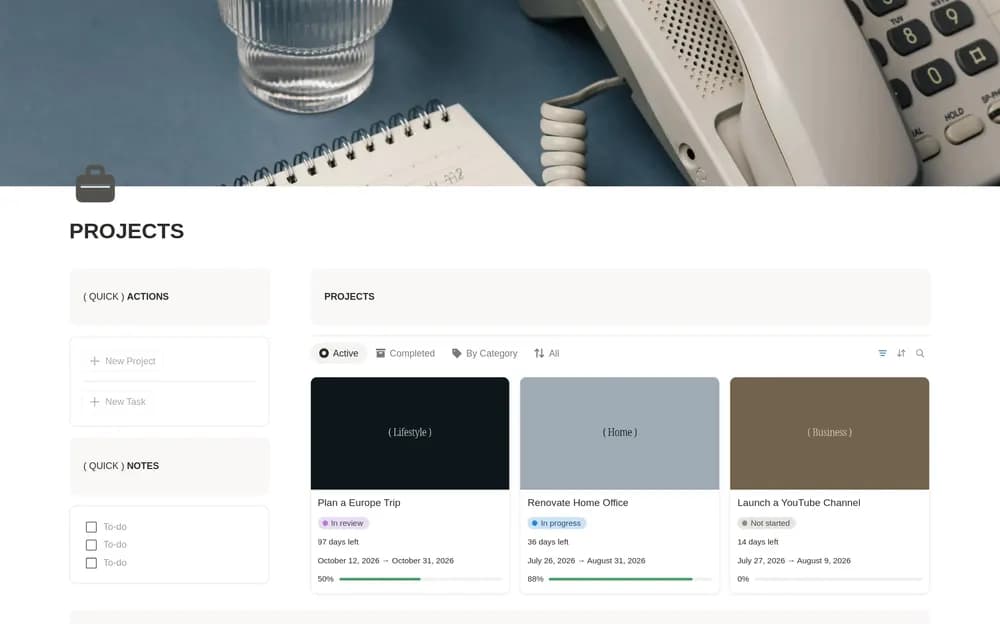 Free
Manage projects and related tasks in Notion with automatic progress, project pages, sub-tasks, quick actions, and table, board, and timeline views.
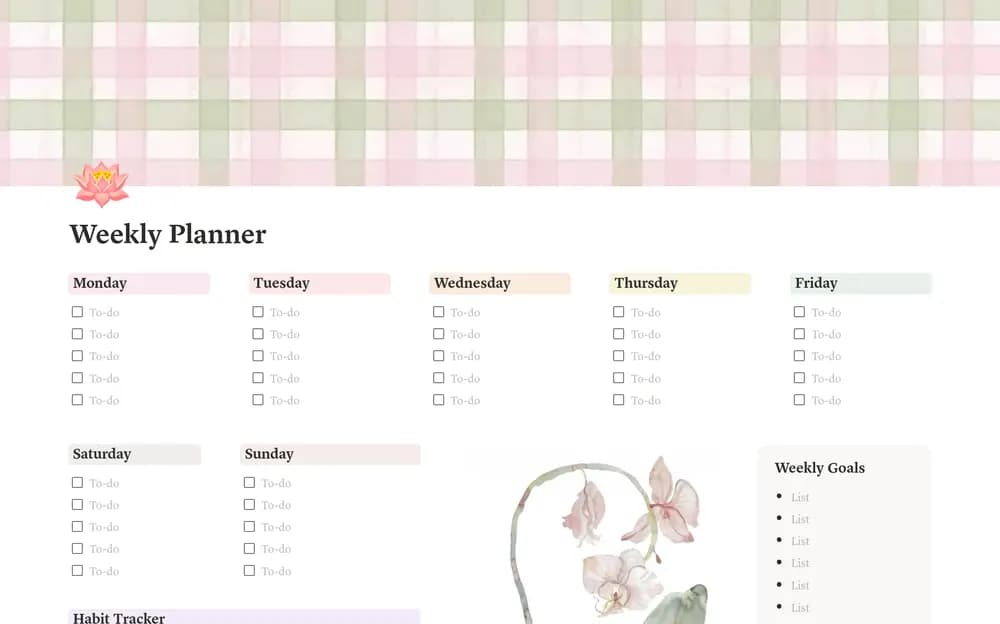 Free
Plan the week in Notion with a monthly overview, weekly goals, daily to-do blocks, a task tracker, and a habit tracker under floral watercolor covers.
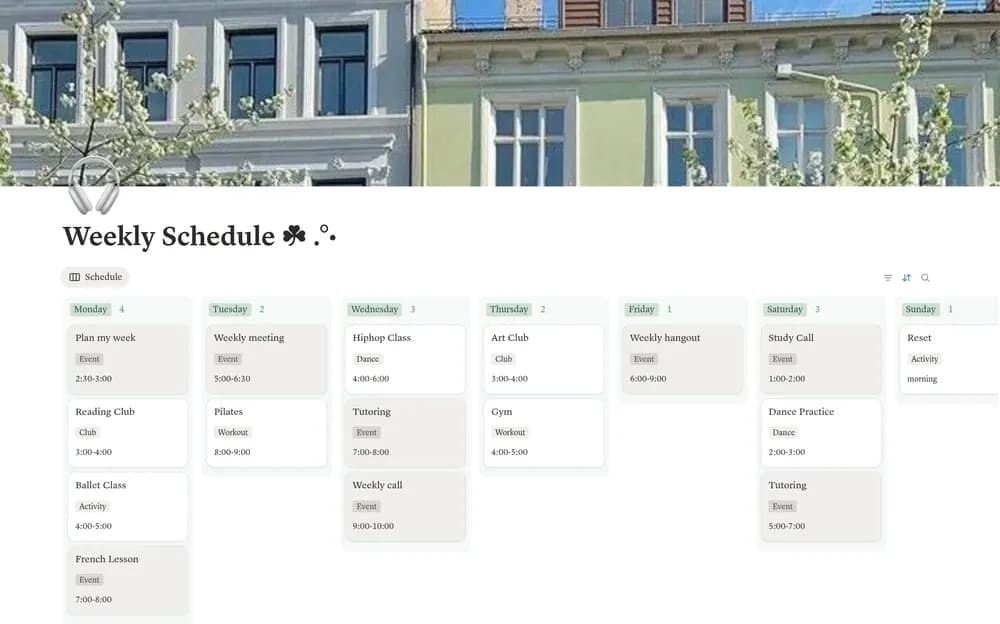 Free
Lay out weekly events in Notion in chronological order by day and time, with type labels and a grey highlight for higher-priority commitments.
 Free
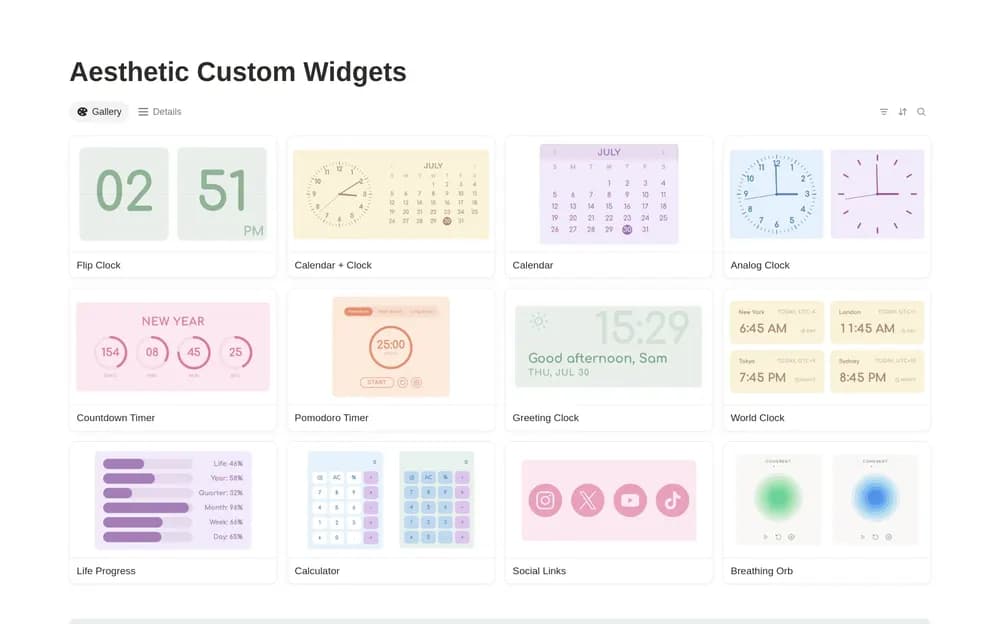
Browse a Notion gallery of customizable embed widgets, from flip clocks and calendars to Pomodoro timers, life-progress bars, and a breathing orb.
Compare the purpose and included features before choosing a workspace.
People starting a small daily routine.
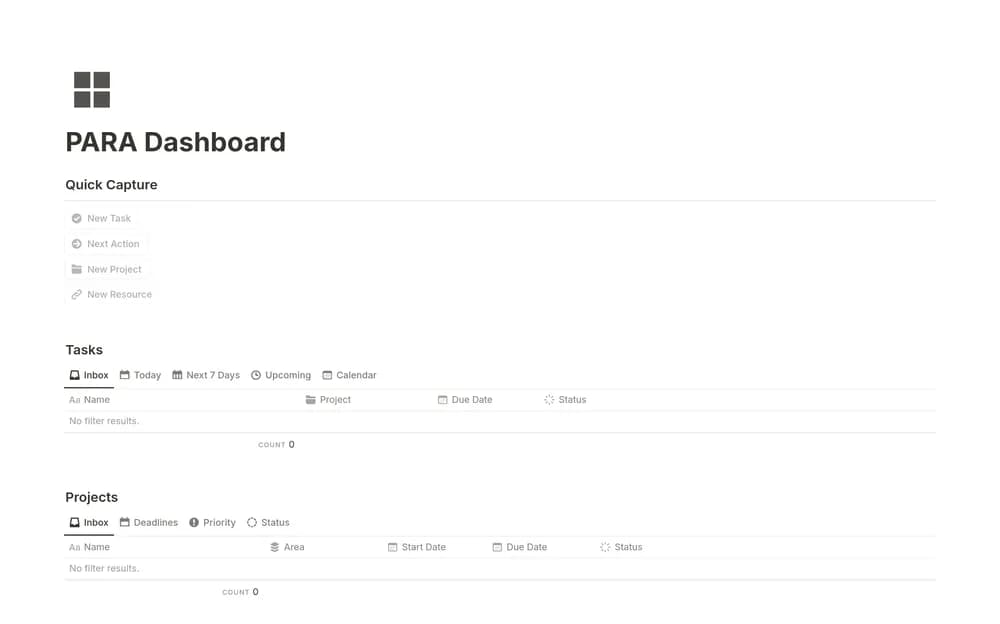
People who want a clear organizing principle for notes and projects.
University students who want a central academic workspace.
197 working templates from 146 creators: 184 free and 13 paid, with paid options from $1 to $49. Links last checked November 22, 2026.
| Template | Best for | Price | Creator |
|---|---|---|---|
| Notion Habit Tracker | People starting a small daily routine. | Free | PathPages |
| PARA Dashboard | People who want a clear organizing principle for notes and projects. | Free | Easlo |
| University Hub | University students who want a central academic workspace. | Free | Fre |
| 12 Week Year System | Goal-driven individuals who prefer short planning cycles to annual resolutions. | Free | Noren |
| 2027 Calendar Tables | Planners who want a quick, printed-style year overview inside Notion without building one from scratch. | Free | Renza Studios |
| 2027 Life Planner: Goals, Habits & Weekly Planner | People who want a forgiving annual planner they can drop and resume without facing pages of empty boxes. | Free | NotoMantra |
| 75 Hard Challenge Tracker | People taking on 75 Hard, especially for the first time, who want a simple daily checklist. | Free | dariyDi |
| 75 Medium Challenge | People attempting 75 Medium who want daily accountability without the restart rule of 75 Hard. | Free | Ximena |
Start with the part of your day that feels most scattered. A task list can solve a different problem from a complete life dashboard. Look at how quickly you can add an item, choose the next action, and review unfinished work. Try the template with a normal week of tasks before moving your whole workspace into it.
Quick capture
A clear daily view
A review you can keep up with
About the directoryCapture unfinished commitments in one inbox, then review them when you have time to choose what comes next. Separate a task you can do from a project that needs several steps. Keep a short view of current commitments instead of showing the entire archive whenever you open Notion.
Jump straight to any listing in the collection.
Choose a task list if capture and follow-through are the problem. A broader dashboard helps when you also need project context, notes, and a review routine. Test the smaller workflow before adding sections you will need to maintain.
It depends on the job you need it to do. Good starting points in this collection include Notion Habit Tracker (people starting a small daily routine), PARA Dashboard (people who want a clear organizing principle for notes and projects) and University Hub (university students who want a central academic workspace). Compare the included features below, then try your first choice with a week of real information before moving everything across.
Yes. This collection currently includes 184 listings with a confirmed free creator offer, alongside 13 paid or freemium options. Use the Free filter to compare them. A free version can have different features from a creator’s paid upgrade, so check the original listing and current access terms before adding it to your workspace.