About Cocktail Recipe Manager (Lite)
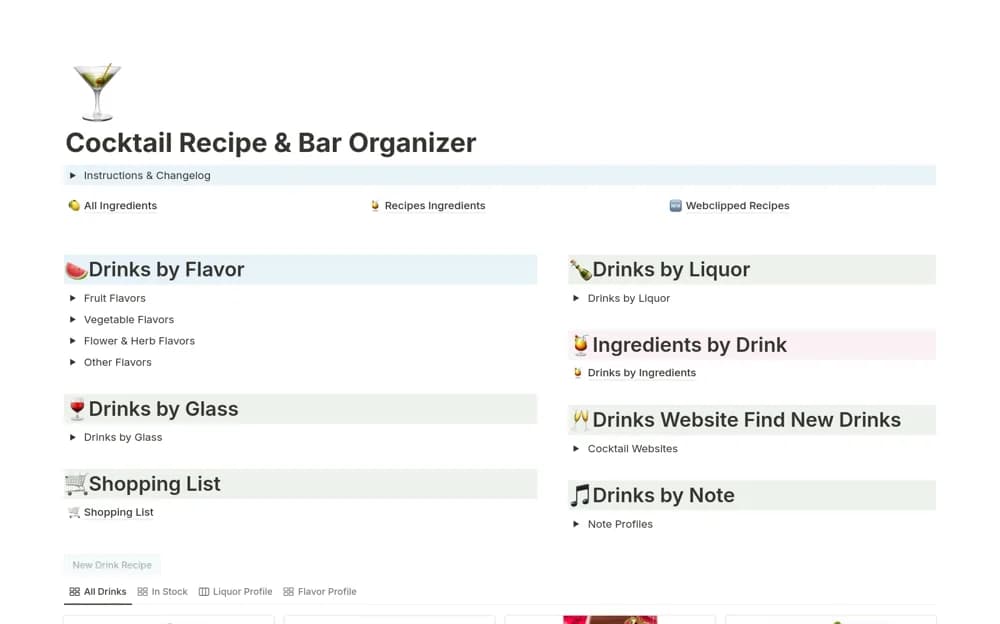
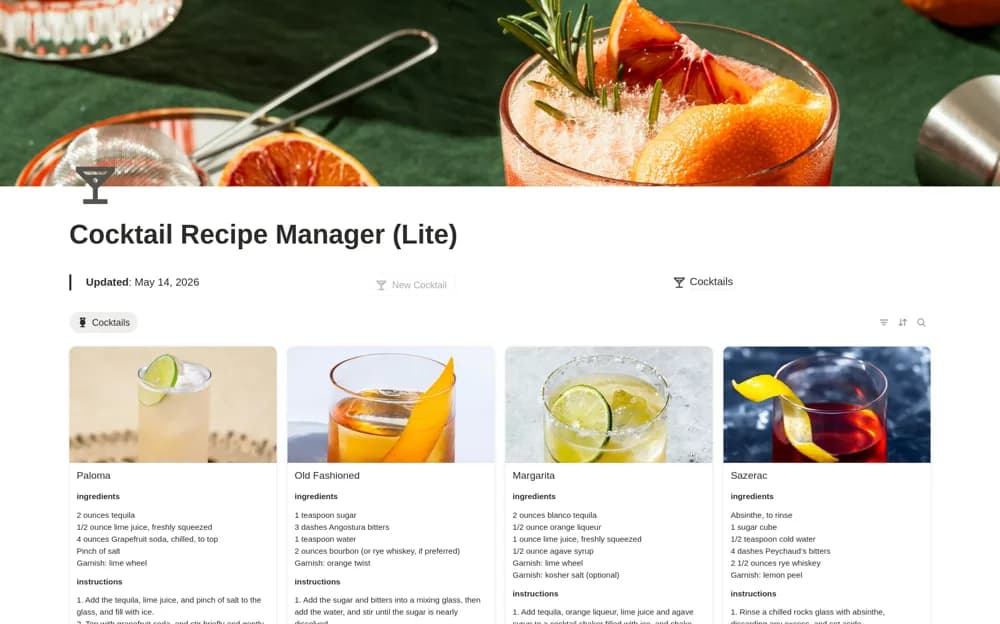
A lightweight cocktail recipe library with ingredient lists, preparation instructions, and a gallery for saved recipes.
What’s included
- Recipe ingredient records
- Preparation instructions
- Quick-add organization and a visual recipe gallery
How to use it in practice
Save a few recipes you already know and check quantities and instructions against their source. Use consistent ingredient names and add notes about your own variations. Keep the collection focused on references you can find again rather than expanding it simply for the number of entries.
Set it up in your workspace
- Open the original Notion Marketplace listing and add the template to your chosen workspace while signed in. Keep its example records until you understand how the pages connect.
- Save a few recipes you already know and check quantities and instructions against their source.
- Try one complete example before adding a large backlog. Check that its views and any calculations show what you expect, then replace the sample content with your own.
Who it suits and what to consider
Adult hobbyists wanting a small reference for cocktail recipes. This is the Lite recipe organizer; the source mentions a separate checkout-related mini-course with its own access route.