About Mod Management Warehouse
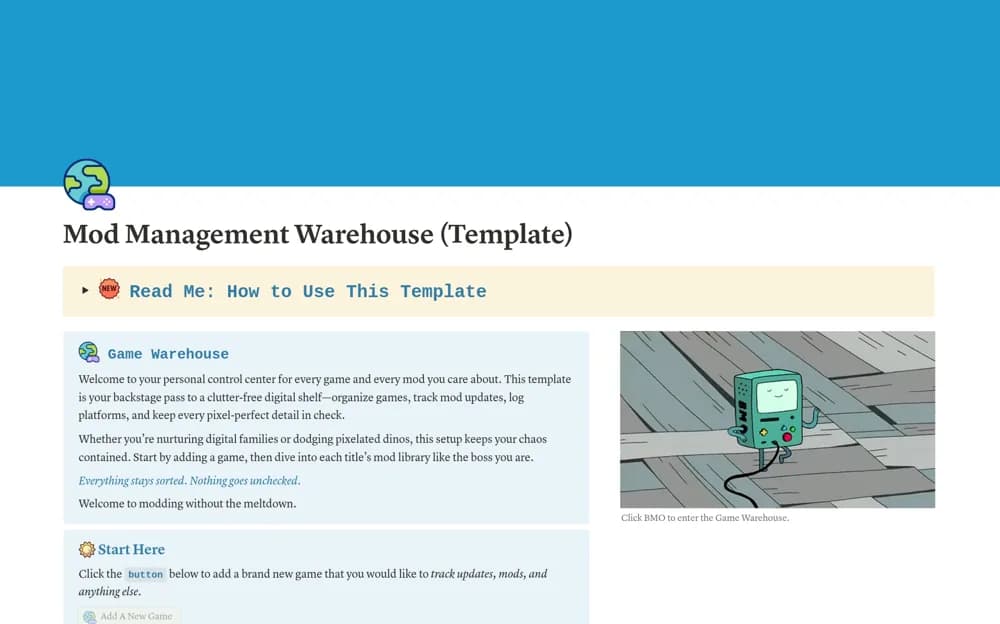
A gaming mod library connecting games, mod versions, creators, compatibility notes, and update status.
What’s included
- Game gallery with platform, status, and update context
- Mod records with versions, creators, and compatibility
- Current and archived mod views with quick-access links
How to use it in practice
Add one game and a handful of mods, keeping the installed version and source link accurate. Check compatibility against current developer and mod-author information after an update. Use the archive view for removed mods and keep a separate reliable backup of game files.
Set it up in your workspace
- Open the original Notion Marketplace listing and add the template to your chosen workspace while signed in. Keep its example records until you understand how the pages connect.
- Add one game and a handful of mods, keeping the installed version and source link accurate.
- Try one complete example before adding a large backlog. Check that its views and any calculations show what you expect, then replace the sample content with your own.
Who it suits and what to consider
Players maintaining mod collections across one or more games. This organizes gaming mods rather than business stock; it does not verify downloads or automatically resolve compatibility issues.