About Household Chores | Simple Home Management
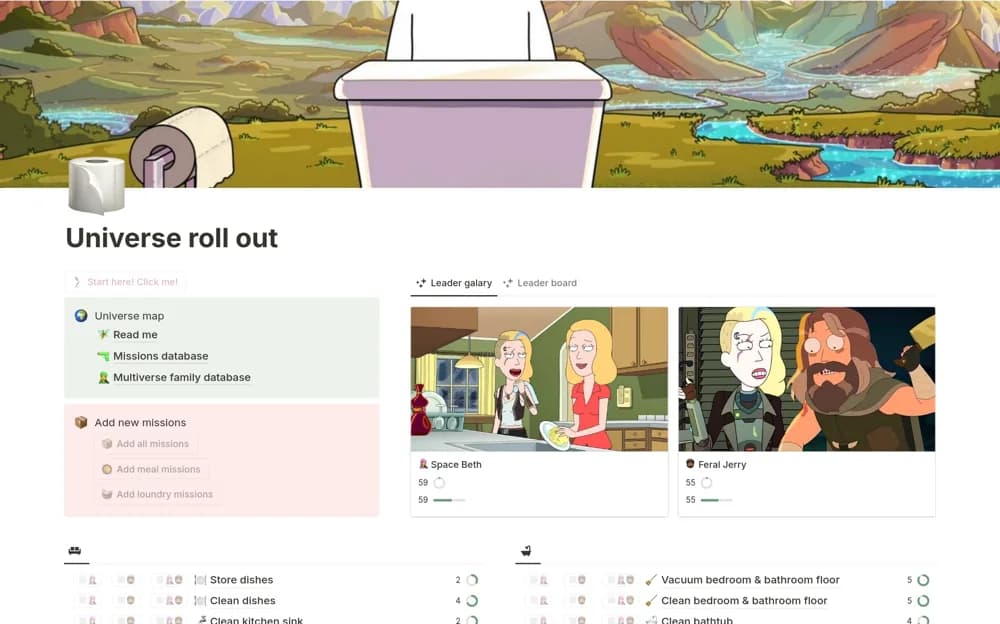
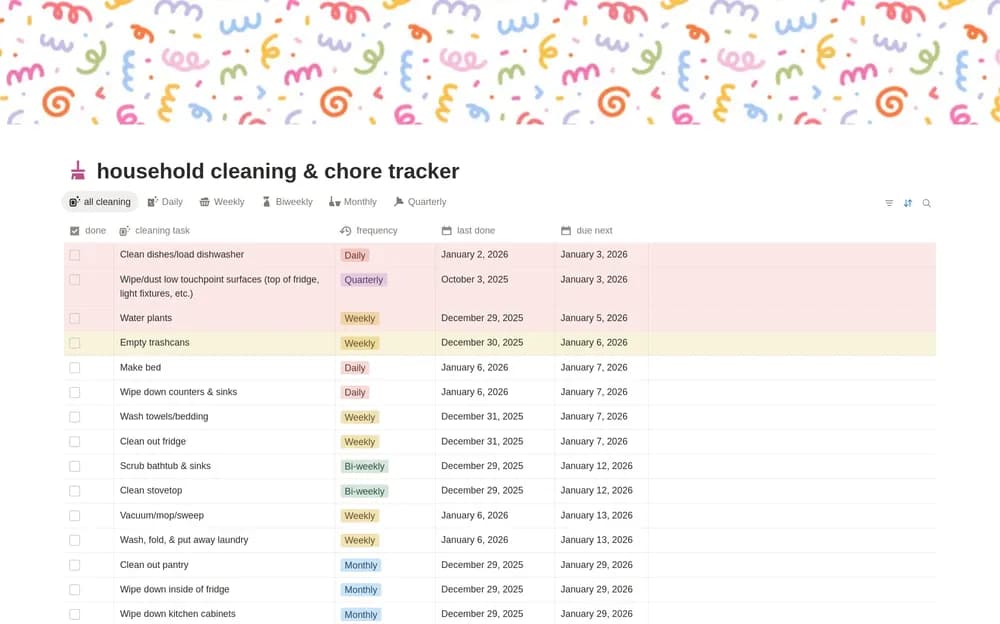
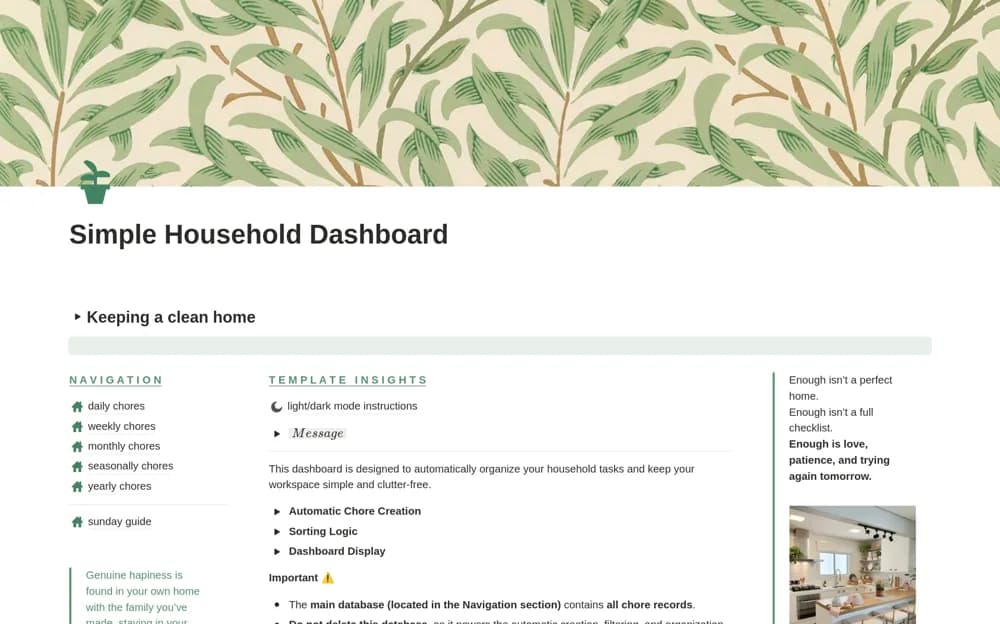
Organize household chores in Notion by daily, weekly, monthly, seasonal, and yearly routines, with a daily completion view.
What’s included
- Chores grouped by frequency
- Seasonal and yearly maintenance sections
- Daily completion percentage
- Navigation and display instructions
How to use it in practice
Choose a manageable daily routine and one weekly cleaning task first. Adjust the examples to your home, then review the monthly and seasonal sections for jobs you genuinely need. Check the daily view at a regular time and revise the list when the routine proves unrealistic.
Set it up in your workspace
- Open the original Notion Marketplace listing and add the template to your chosen workspace while signed in. Keep its example records until you understand how the pages connect.
- Choose a manageable daily routine and one weekly cleaning task first.
- Try one complete example before adding a large backlog. Check that its views and any calculations show what you expect, then replace the sample content with your own.
Who it suits and what to consider
Households that want recurring cleaning and maintenance routines visible in one place. A percentage reflects checked tasks, not the condition of your home. Keep the routine small enough that maintaining the tracker stays practical.