About MedicationOS
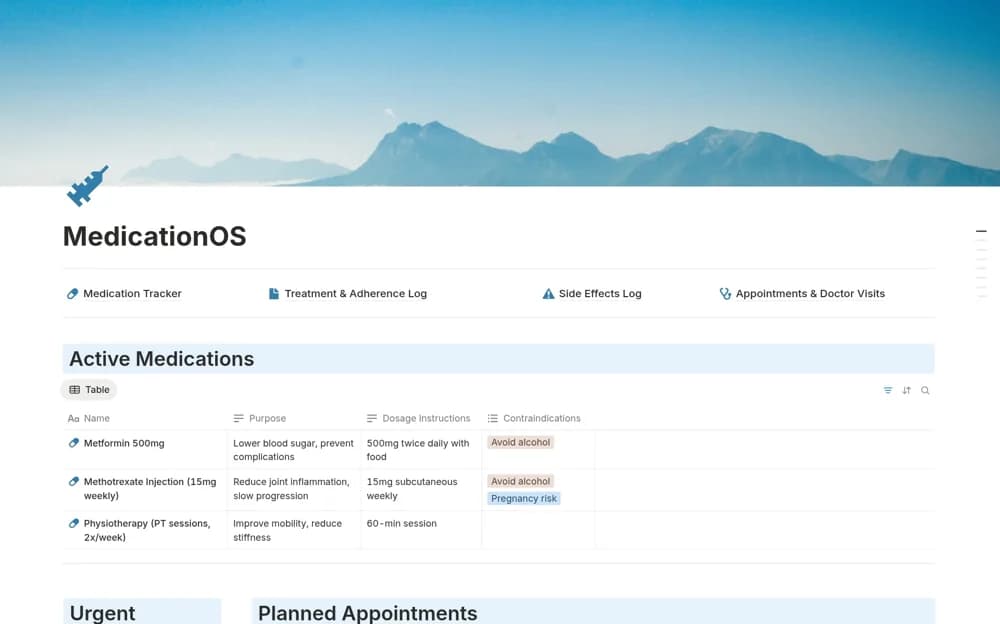
A medication record workspace for prescribed details, timing, refills, appointment notes, and observed effects.
What’s included
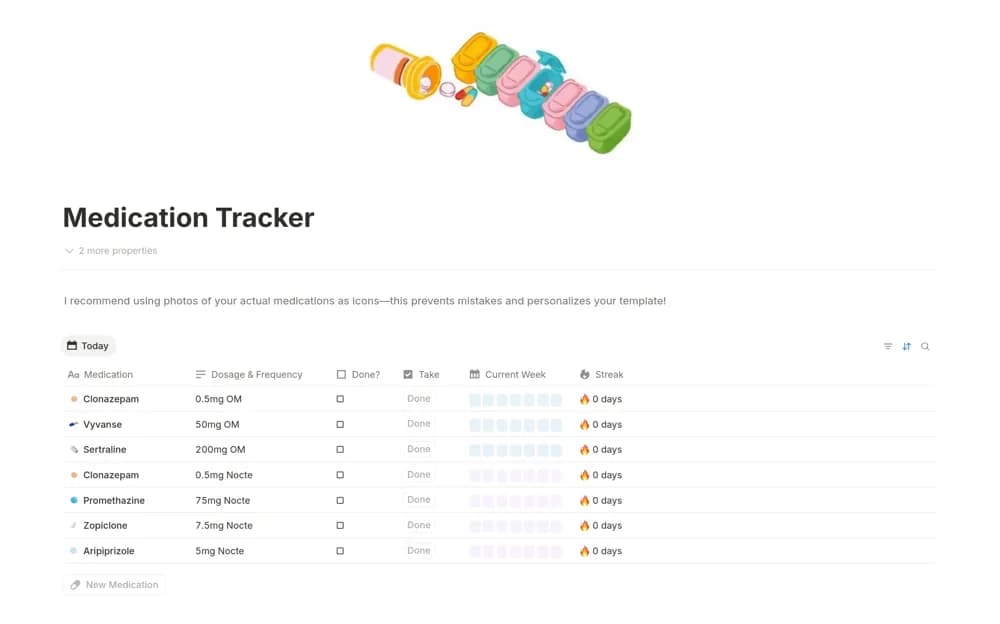
- Medication, dosage, timing, and prescription records
- Refill-date organization
- Appointment notes and observations about effects
How to use it in practice
Enter details from your current prescription and check them with your pharmacist or clinician. Keep changes dated and record observations without diagnosing their cause. Test any reminder behavior separately and maintain the reliable medication routine agreed with your care team.
Set it up in your workspace
- Open the original Notion Marketplace listing and add the template to your chosen workspace while signed in. Keep its example records until you understand how the pages connect.
- Enter details from your current prescription and check them with your pharmacist or clinician.
- Try one complete example before adding a large backlog. Check that its views and any calculations show what you expect, then replace the sample content with your own.
Who it suits and what to consider
People organizing personal medication information to discuss with their care team. The template does not verify prescriptions, interactions, dosage safety, or notification delivery.