About PetCare Pro — Minimal Pet Management System
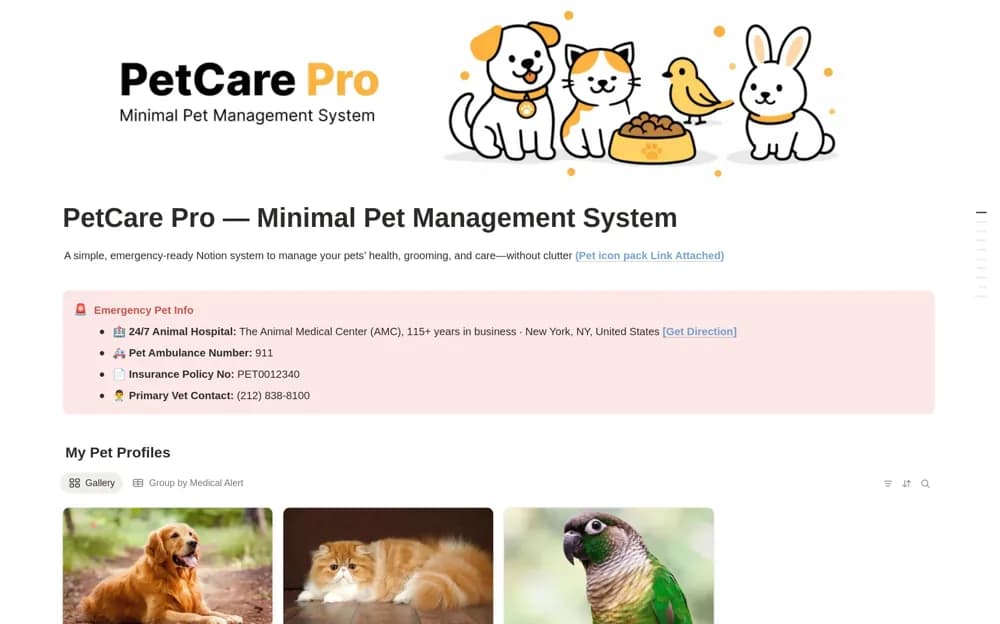
A pet care organizer with profiles, visible emergency details, a shared care log, and upcoming-task views.
What’s included
- Pet profiles with emergency contacts and medical alerts
- Care, grooming, nutrition, and training log
- Overdue, upcoming, medical-only, and monthly views
How to use it in practice
Enter current veterinary and emergency contact information first. Add one pet’s confirmed care dates and check its individual history. Review the upcoming view regularly, while keeping urgent veterinary decisions and reliable emergency information independent of access to the workspace.
Set it up in your workspace
- Open the original Notion Marketplace listing and add the template to your chosen workspace while signed in. Keep its example records until you understand how the pages connect.
- Enter current veterinary and emergency contact information first.
- Try one complete example before adding a large backlog. Check that its views and any calculations show what you expect, then replace the sample content with your own.
Who it suits and what to consider
Pet owners coordinating routine care for one or several animals. Date-based views do not guarantee notifications, and the template does not assess an animal’s health.