About Remly - Sleep Tracker
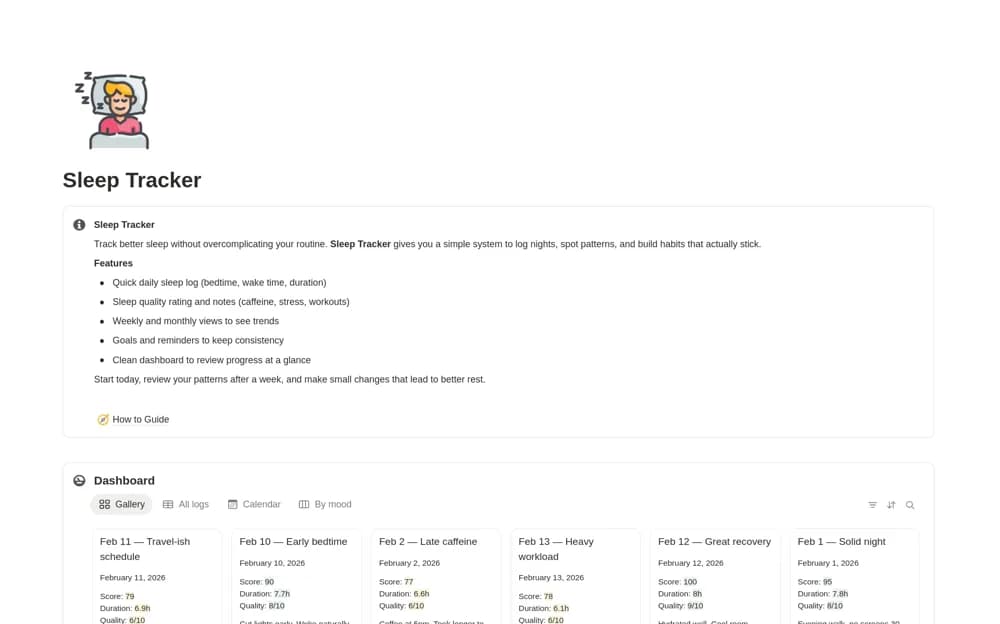
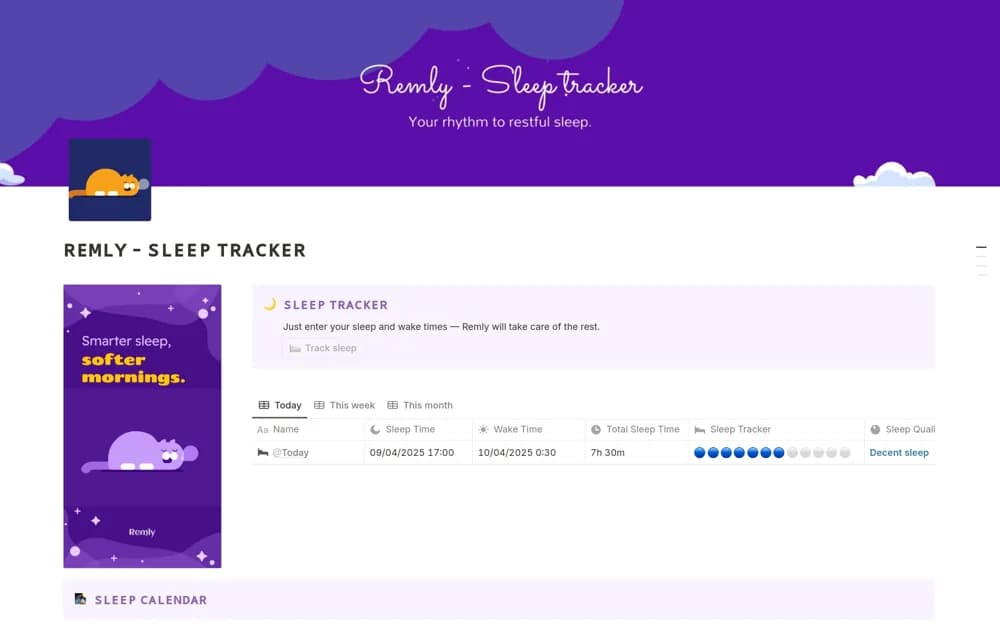
Log bedtime and waking time in Notion with calculated sleep duration, visual status indicators, and a cycle-based planning calculator.
What’s included
- Sleep and wake time inputs
- Calculated sleep duration
- Visual status indicators
- Cycle-based bedtime and wake-time calculator
How to use it in practice
Enter a night’s sleep and waking times, checking that an overnight interval calculates correctly. Keep logging consistently for a short period, then review the duration records alongside your own notes. Treat the calculator as a planning feature and compare its assumptions with what is appropriate for you.
Set it up in your workspace
- Open the original Notion Marketplace listing and add the template to your chosen workspace while signed in. Keep its example records until you understand how the pages connect.
- Enter a night’s sleep and waking times, checking that an overnight interval calculates correctly.
- Try one complete example before adding a large backlog. Check that its views and any calculations show what you expect, then replace the sample content with your own.
Who it suits and what to consider
People keeping a personal record of sleep times and reviewing their logging routine. Clock times cannot measure sleep quality or diagnose a sleep problem. The calculator’s cycle assumptions are not a personalized clinical assessment.