About Style and Outfits Planner
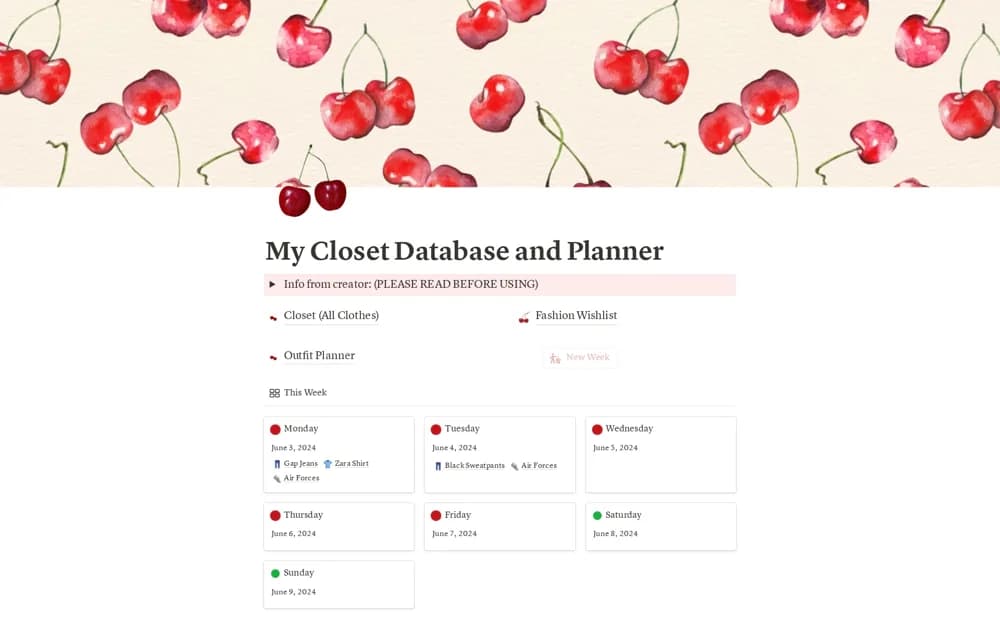
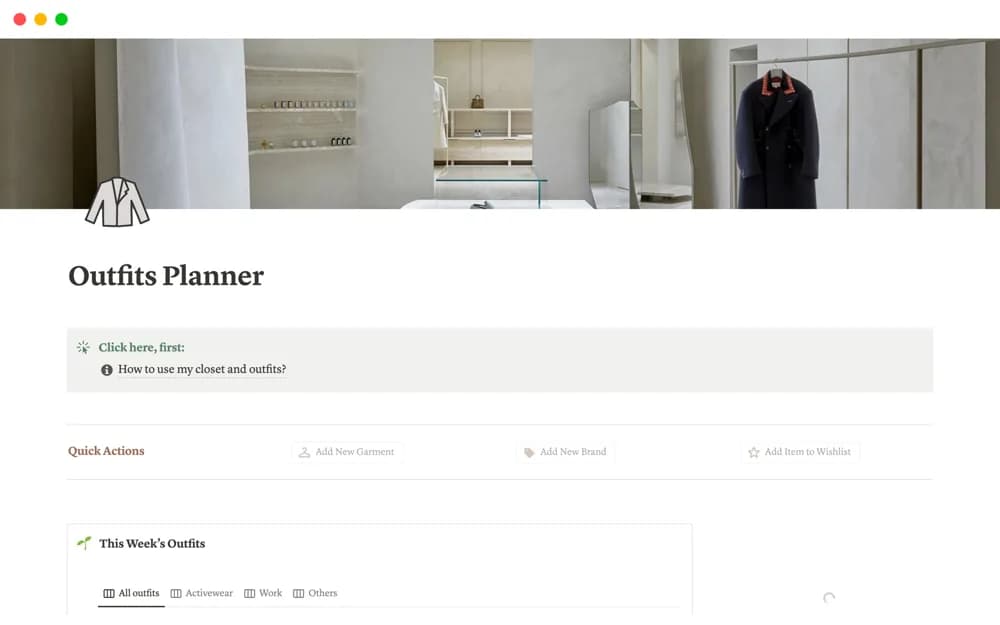
A clothing planner for closet records, weekly and seasonal outfits, style wishlists, brands, and shopping ideas.
What’s included
- Closet and wishlist sections
- Weekly planner and seasonal outfits
- Drag-and-drop outfit ideas, brand lists, and shopping-cart organization
How to use it in practice
Build a few outfits from current clothes before adding purchase ideas. Organize seasons and occasions around your actual routine, then test the weekly view. Keep shopping suggestions separate from the outfits already possible so the planner supports useful choices.
Set it up in your workspace
- Open the original Notion Marketplace listing and add the template to your chosen workspace while signed in. Keep its example records until you understand how the pages connect.
- Build a few outfits from current clothes before adding purchase ideas.
- Try one complete example before adding a large backlog. Check that its views and any calculations show what you expect, then replace the sample content with your own.
Who it suits and what to consider
People who enjoy visual outfit planning across occasions and seasons. The source does not establish automated recommendations or live product availability.