About Vehicle Management Portal
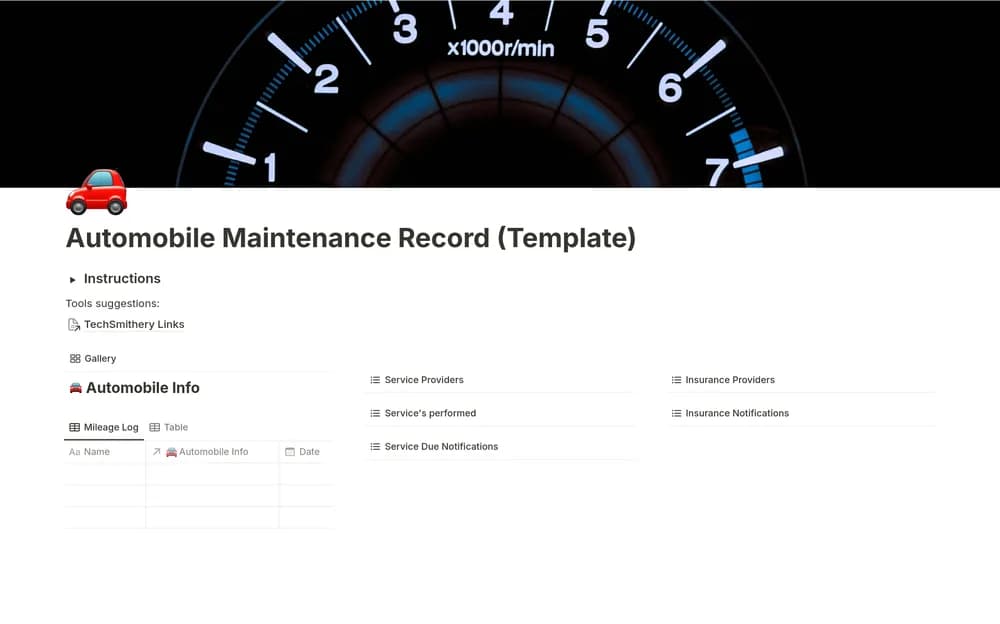
A vehicle portal can bring maintenance, costs, and useful ownership information into one starting point. Check the creator’s exact sections before importing records. Keep dates and source documents close to the overview so you can understand the history when you need it later.
What’s included
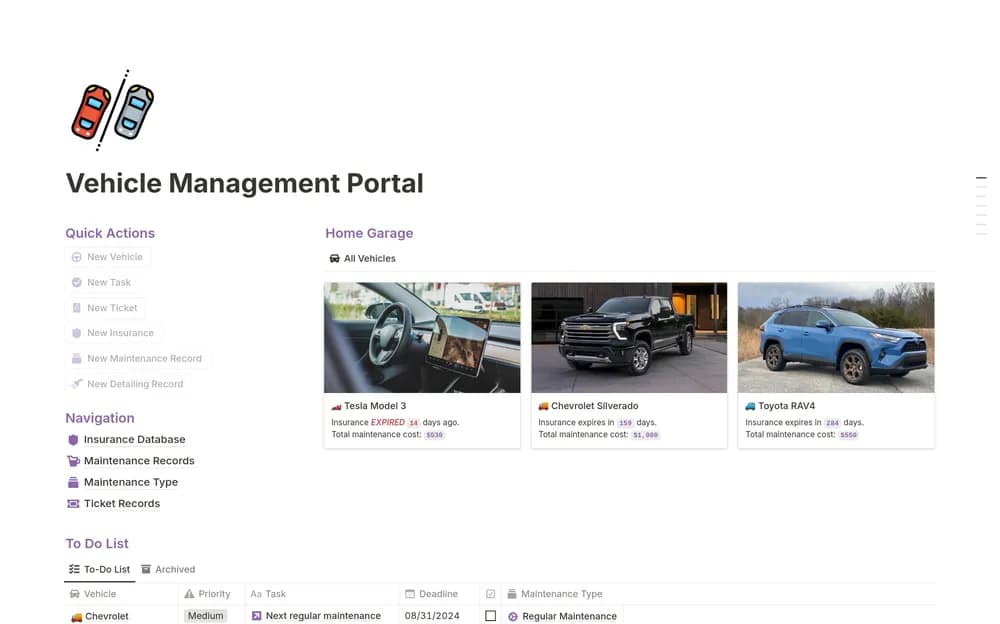
- Vehicle details including mileage, purchase information, plate, VIN, and insurer
- Insurance, maintenance, detailing, and ticket records
- Maintenance-cost views and a prioritized to-do list with dates
How to use it in practice
Set up one vehicle and verify its key details before entering history. Add a service record with the date, mileage, provider, and cost, then inspect the cost view. Keep insurance expiry and ticket deadlines current and distinguish a planned task from completed work. Review access if the workspace contains identifiers or policy details.
Set it up in your workspace
- Open the original Notion Marketplace listing and add the template to your chosen workspace while signed in. Keep its example records until you understand how the pages connect.
- Set up one vehicle and add a few current records. Keep official documents and maintenance guidance linked from the page.
- Try one complete example before adding a large backlog. Check that its views and any calculations show what you expect, then replace the sample content with your own.
Who it suits and what to consider
Vehicle owners who want a broader record than a service list. A fuller vehicle-management option for several record types. Check official documents when entering identifiers, coverage, or payment deadlines.