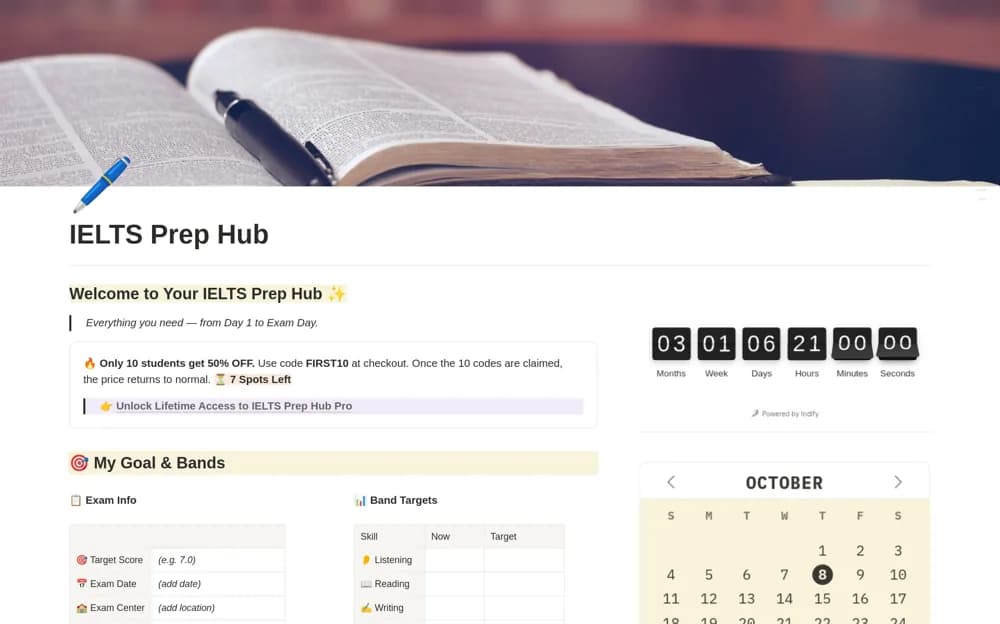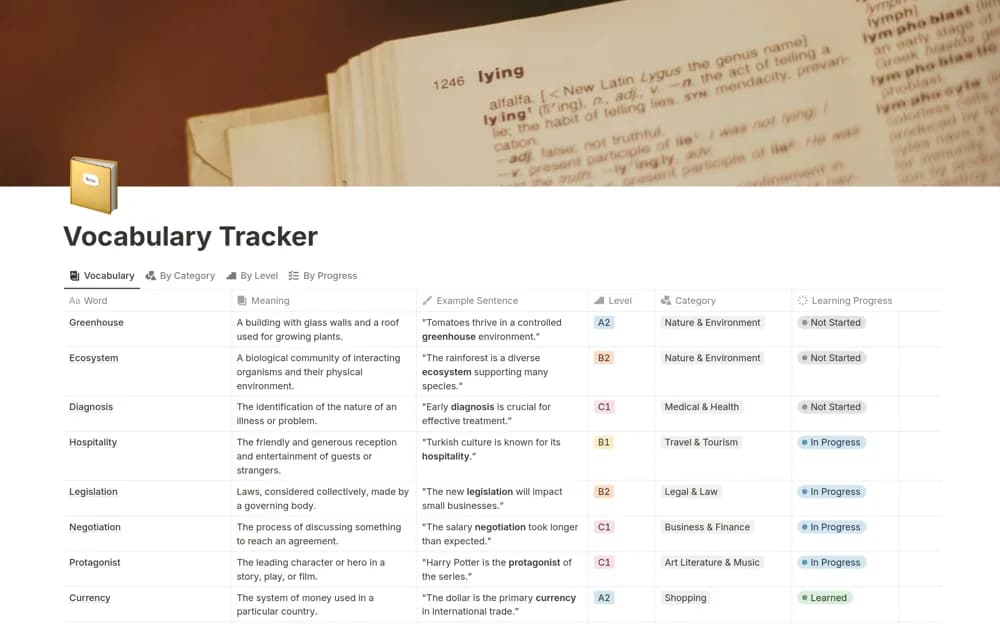
About Vocabulary Tracker
A language-learning vocabulary organizer for keeping new words and a repeatable review record together.
What’s included
- Vocabulary organization
- Review and progress context
- An editable structure for language or professional terms
How to use it in practice
Add a small set of words from material you are actually reading or hearing. Record useful context and practice using the word, then revisit it through a manageable review routine. Remove duplicates and prioritize terms relevant to your current learning goal.
Set it up in your workspace
- Open the original Notion Marketplace listing and add the template to your chosen workspace while signed in. Keep its example records until you understand how the pages connect.
- Add a small set of words from material you are actually reading or hearing.
- Try one complete example before adding a large backlog. Check that its views and any calculations show what you expect, then replace the sample content with your own.
Who it suits and what to consider
Language learners building a focused collection for study or exam preparation. The brief public description does not establish automatic translation, pronunciation, or spaced-repetition scheduling.