About Wishlist & Giftlist Tracker
Organize personal purchases and gift ideas in Notion with product links, prices, recipients, priorities, and purchased-item views.
What’s included
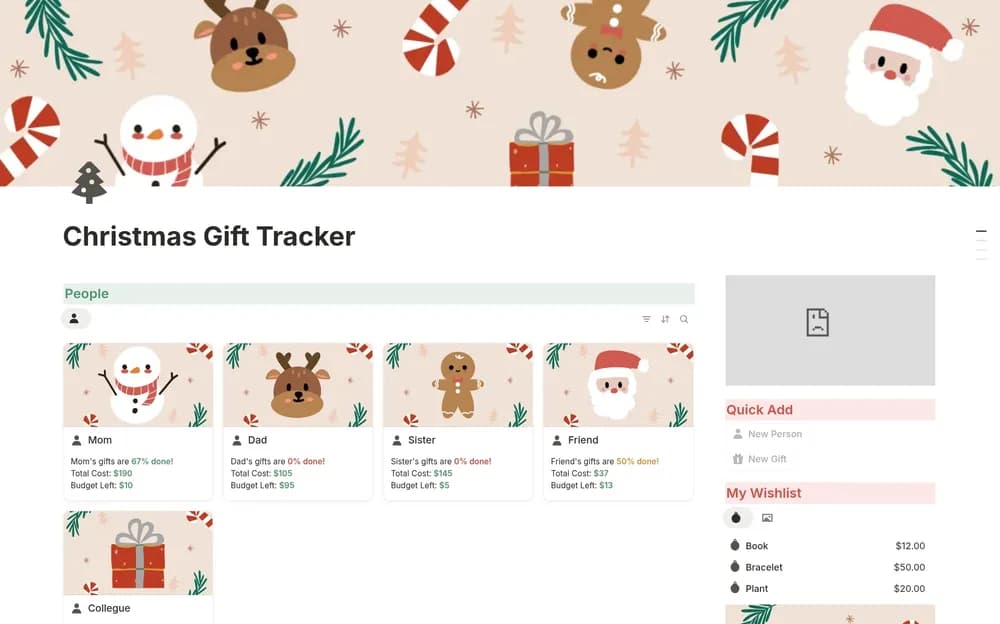
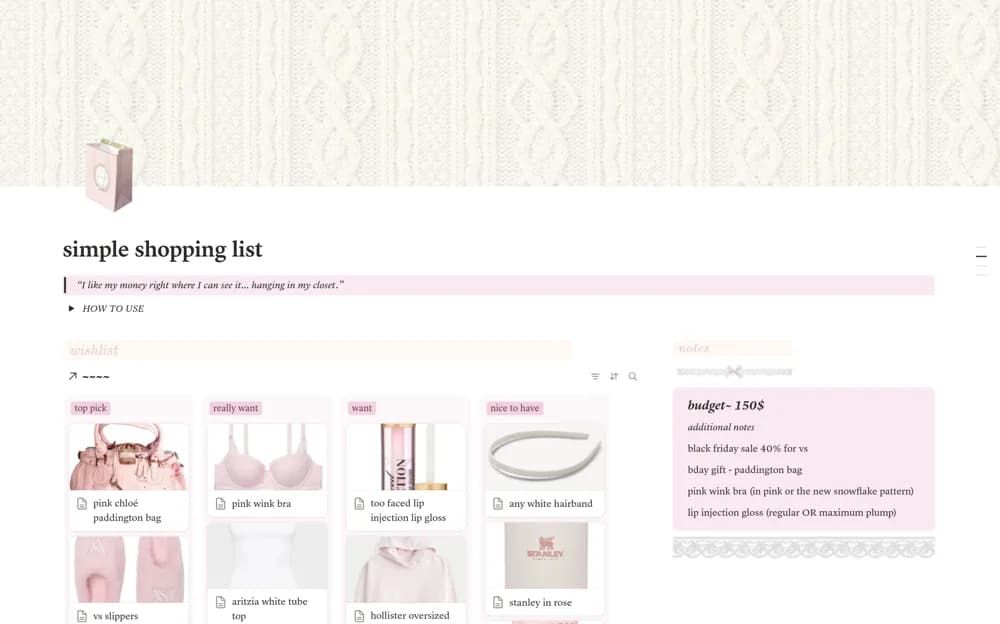
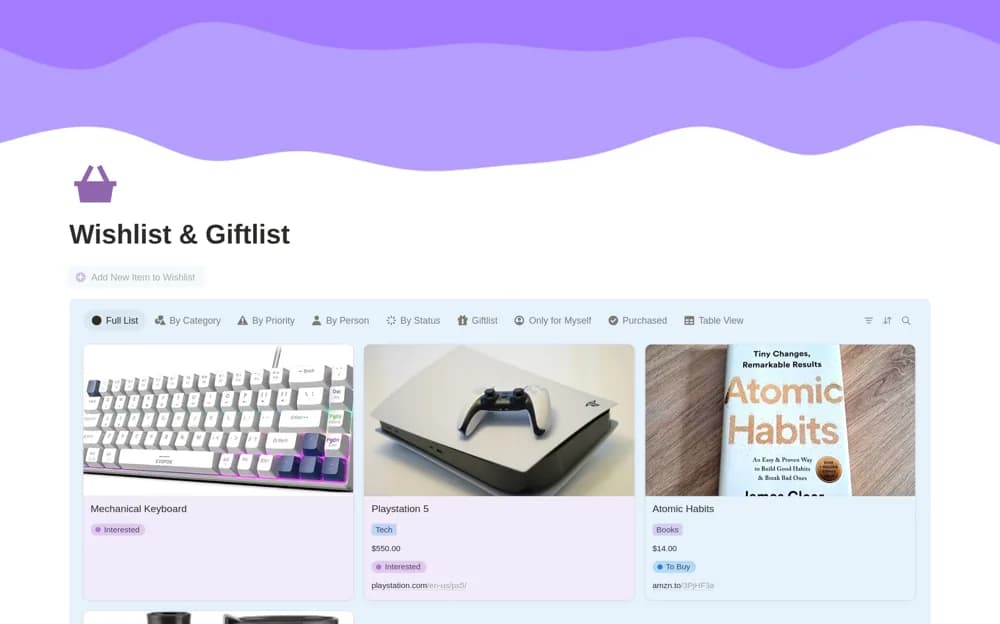
- Item photos, prices, and product links
- Recipient and category organization
- Purchase status and priority views
- Separate gift and personal lists
How to use it in practice
Add a gift idea with its recipient, link, and current price. Compare it with the other ideas for that person before choosing what to buy. Mark confirmed purchases promptly and review the recipient view before an occasion so you do not buy the same gift twice.
Set it up in your workspace
- Open the original Notion Marketplace listing and add the template to your chosen workspace while signed in. Keep its example records until you understand how the pages connect.
- Add a gift idea with its recipient, link, and current price.
- Try one complete example before adding a large backlog. Check that its views and any calculations show what you expect, then replace the sample content with your own.
Who it suits and what to consider
People planning gifts for several recipients while keeping personal wishlists separate. Prices and availability need manual checking. A wishlist entry does not reserve a product or place an order.