About Yoga Teacher Dashboard (Lite)
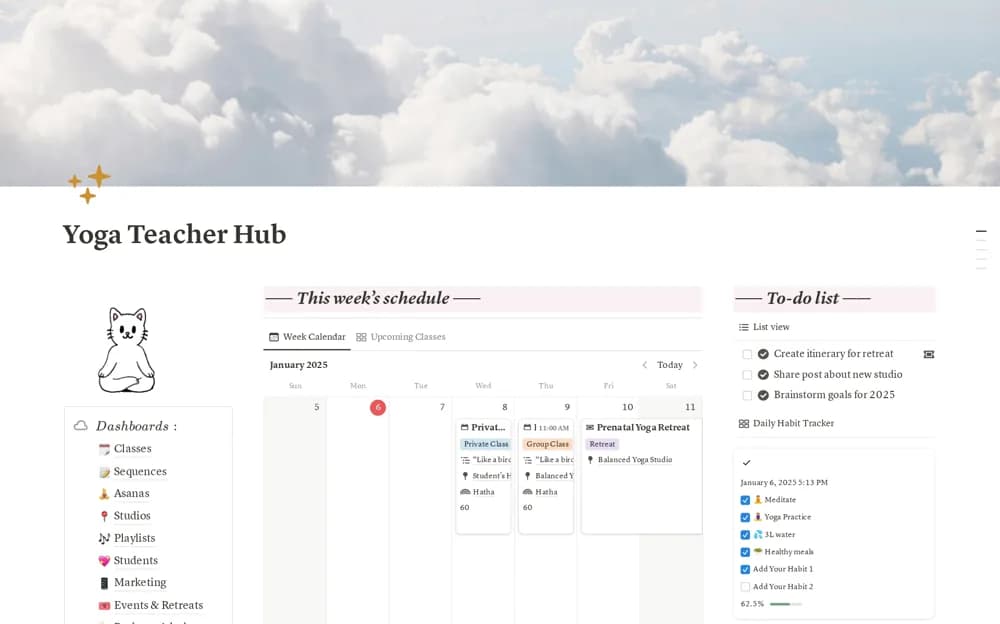
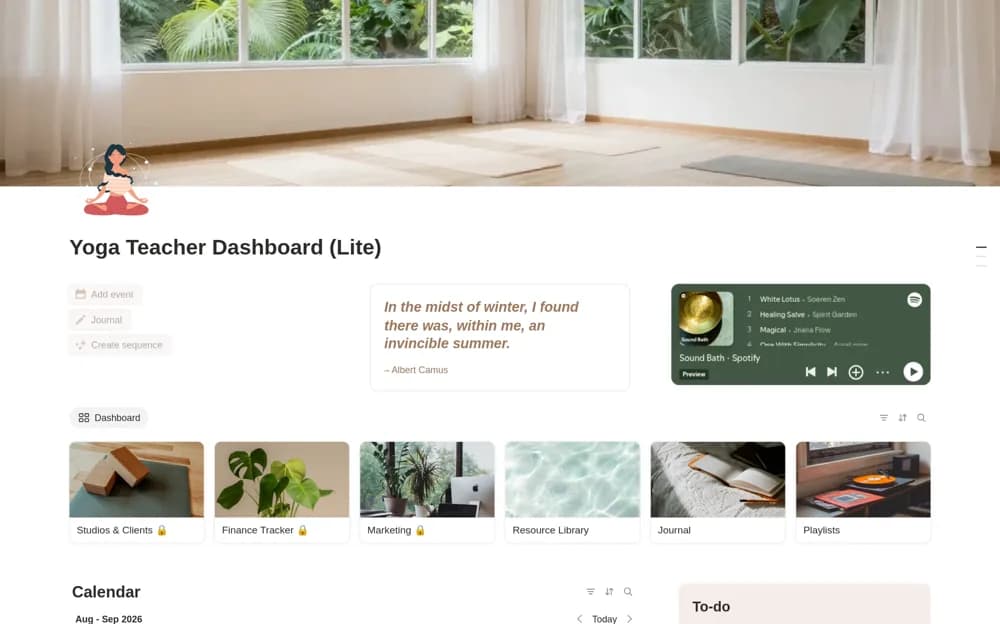
A free yoga-teaching dashboard with sequence planning, a calendar, a to-do list, reflection journal, and playlist organization for the essentials of a teaching routine.
What’s included
- Sequence Planner and calendar
- To-do list and journal
- Class playlist organization
How to use it in practice
Plan one class with its intended focus and the sequence you are prepared to teach. Add the session to the calendar and keep the playlist nearby, then write a short reflection afterward. Reuse what worked while adjusting the next class to the actual group rather than copying the sequence unchanged.
Set it up in your workspace
- Open the original Notion Marketplace listing and add the template to your chosen workspace while signed in. Keep its example records until you understand how the pages connect.
- Plan one class with its intended focus and the sequence you are prepared to teach.
- Try one complete example before adding a large backlog. Check that its views and any calculations show what you expect, then replace the sample content with your own.
Who it suits and what to consider
Yoga teachers who want a focused planning space without adopting a full business system. Client and studio management, finance, marketing, and an asana library are promoted as full-version features. They are not part of the free essentials described here.