About Birthday & Event Tracker Dashboard
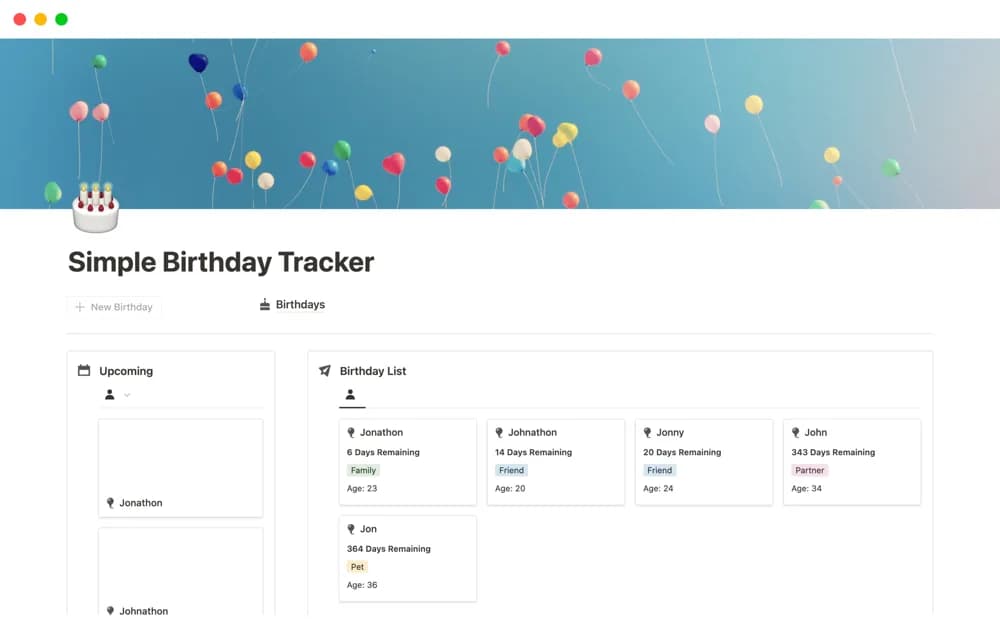
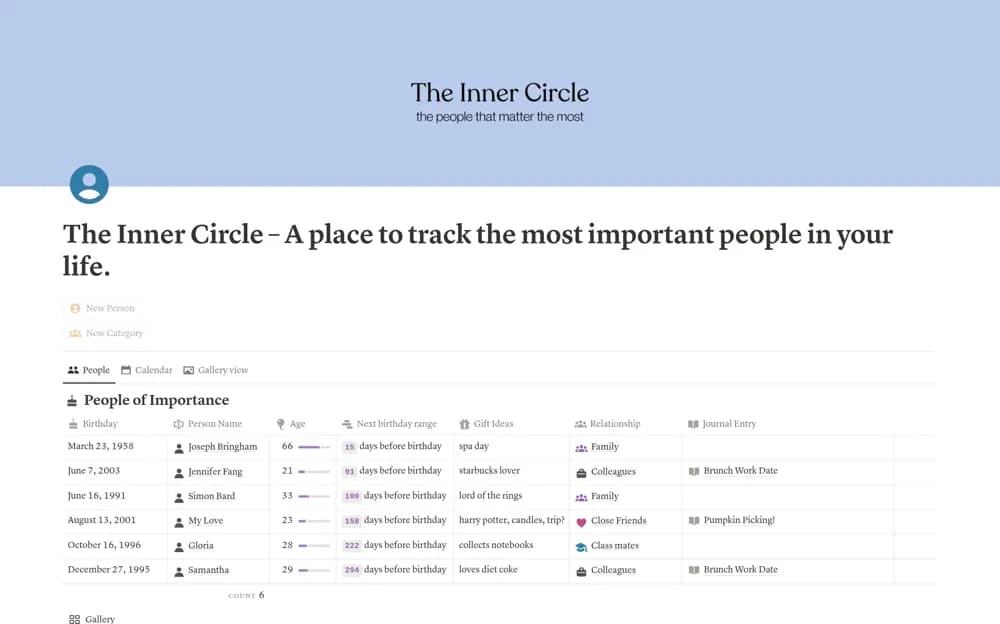
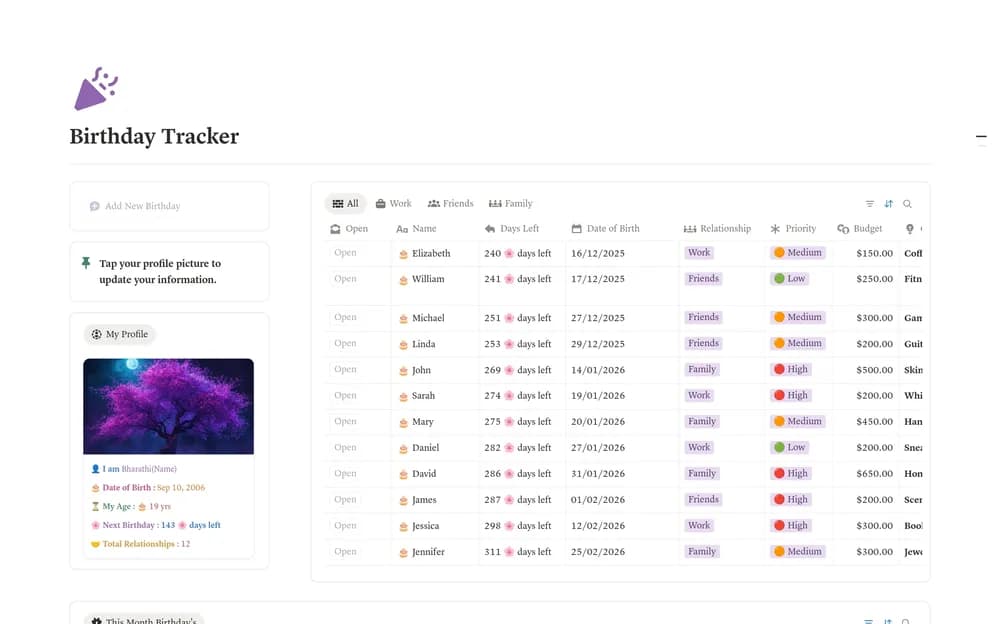
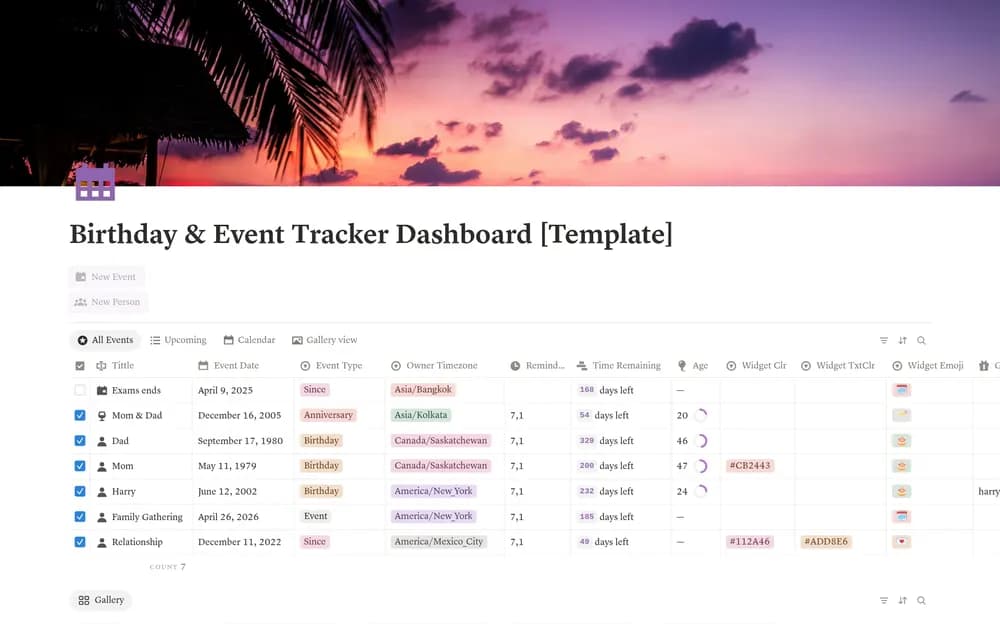
Keep birthdays, anniversaries, and recurring events in a Notion dashboard with countdowns, ages, relationship categories, gift ideas, and time zones.
What’s included
- Birthdays, anniversaries, and recurring events in one place
- Countdown timers and age tracking
- Relationship categories and gift-idea notes
- Support for multiple time zones
- Optional link to a free, open-source Scriptable iOS widget
How to use it in practice
Add the birthdays and anniversaries coming up in the next few months, with a relationship category and a gift idea for each. Check that the countdowns and ages look right. If you use an iPhone, follow the creator’s GitHub guide to connect the widget, then see whether the home-screen view helps you remember dates during the week.
Set it up in your workspace
- Open the original Notion Marketplace listing and add the template to your chosen workspace while signed in. Keep its example records until you understand how the pages connect.
- Add the birthdays and anniversaries coming up in the next few months, with a relationship category and a gift idea for each.
- Try one complete example before adding a large backlog. Check that its views and any calculations show what you expect, then replace the sample content with your own.
Who it suits and what to consider
People who track important dates for family and friends, especially iPhone users who want a home-screen countdown. The home-screen widget requires iOS, the Scriptable app, and a Notion API connection set up from the GitHub guide. Android users would rely on the Notion dashboard alone.