About Christmas Wishlist with Holiday Playlist
Share a categorized Christmas wishlist from Notion with store links, sizes, colors, and notes, plus space for an embedded holiday playlist.
What’s included
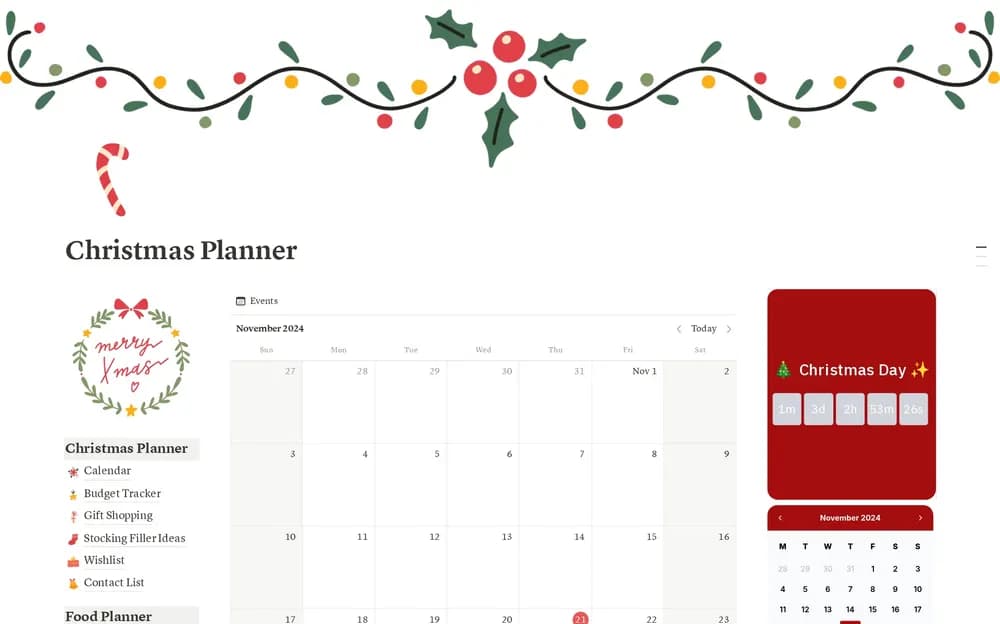
- Wishlist categories such as tech, beauty, fashion, home, books, and experiences
- Store links, colors, sizes, and notes per item
- Playlist section for a Spotify or YouTube embed
- Festive icons and layout
How to use it in practice
Add the gifts you would like this year under the right categories. For each, paste a store link and note the size or color so nobody has to ask. Embed a playlist if you want the festive touch, then share the page with one relative and ask whether anything is unclear.
Set it up in your workspace
- Open the original Notion Marketplace listing and add the template to your chosen workspace while signed in. Keep its example records until you understand how the pages connect.
- Add the gifts you would like this year under the right categories.
- Try one complete example before adding a large backlog. Check that its views and any calculations show what you expect, then replace the sample content with your own.
Who it suits and what to consider
People who want a festive wishlist that is easy for family and friends to read. The playlist must be embedded from Spotify or YouTube, and the listing does not mention a way for gift-givers to mark items as purchased.