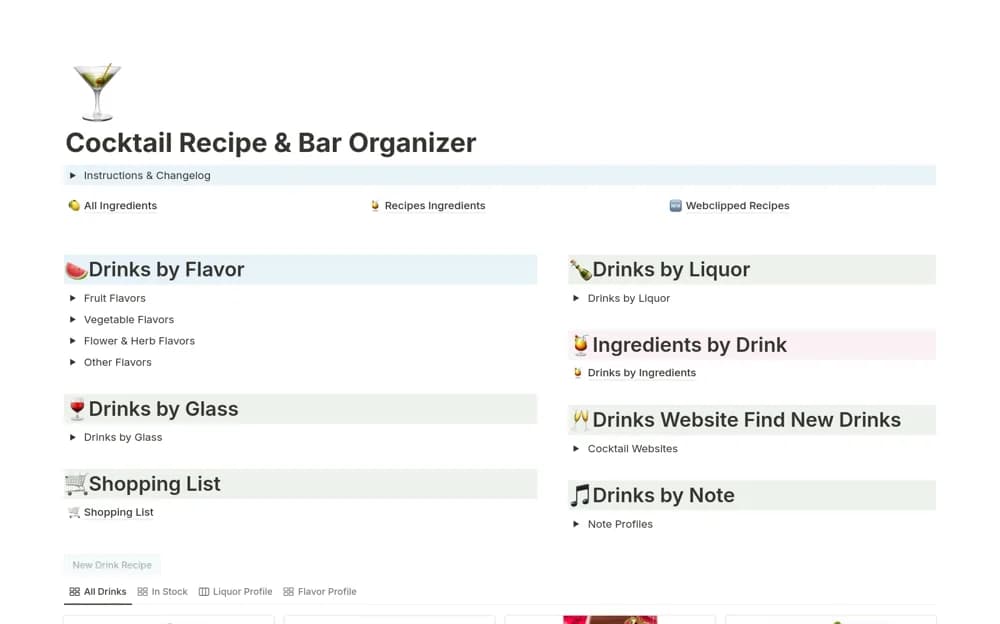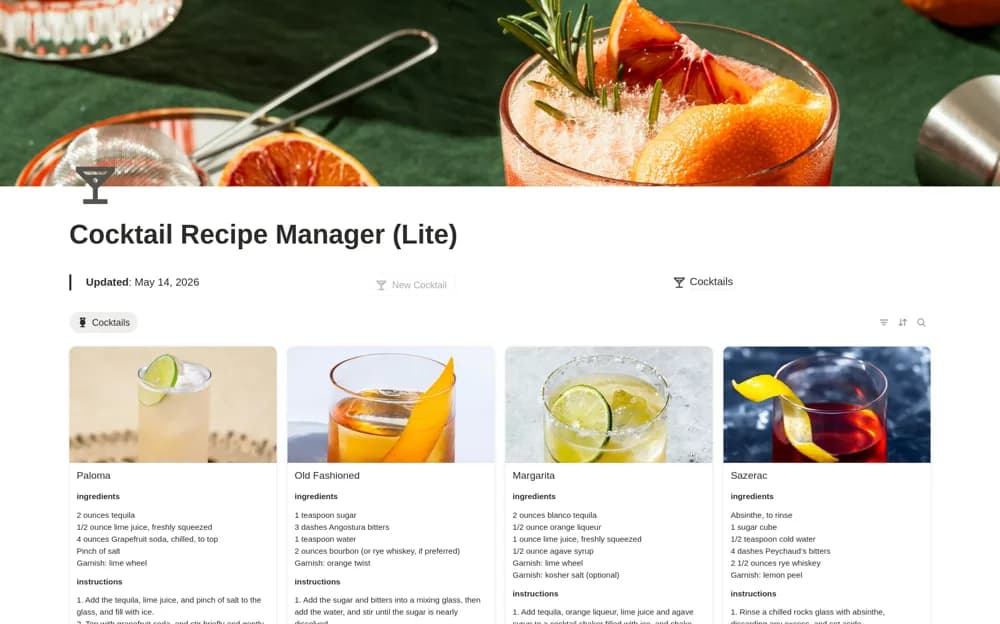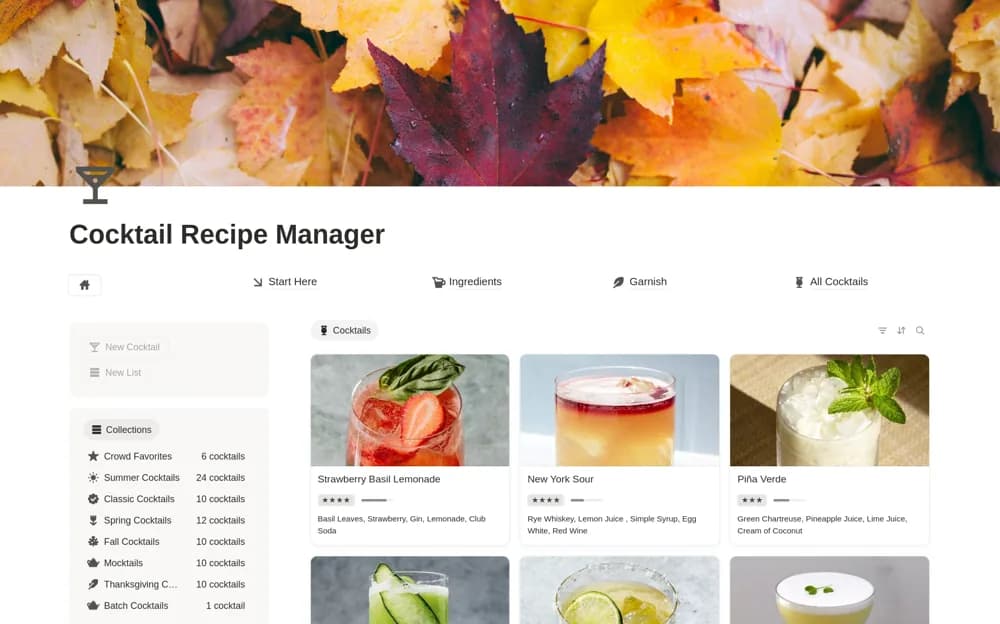
About Cocktail Recipe Manager
Collect cocktail recipes in Notion, filtering drinks by spirits and ingredients and organizing favorites or a menu for an event.
What’s included
- Cocktail recipe database
- Spirit and ingredient filters
- Custom collections and favorites
- Shortcuts for adding drinks
How to use it in practice
Browse the collection for drinks using ingredients you already have, then save a short menu for your gathering. Add notes to a recipe after trying it so you can remember your preferred variation. Keep personal additions clearly named when comparing them with the creator’s recipes.
Set it up in your workspace
- Open the original Notion Marketplace listing and add the template to your chosen workspace while signed in. Keep its example records until you understand how the pages connect.
- Browse the collection for drinks using ingredients you already have, then save a short menu for your gathering.
- Try one complete example before adding a large backlog. Check that its views and any calculations show what you expect, then replace the sample content with your own.
Who it suits and what to consider
Home cocktail enthusiasts who want a browsable recipe collection and room for their own additions. The creator describes ongoing additions to the library. Confirm how updates are delivered; changes to the original need not appear in your duplicated copy.