About Conference Event Page
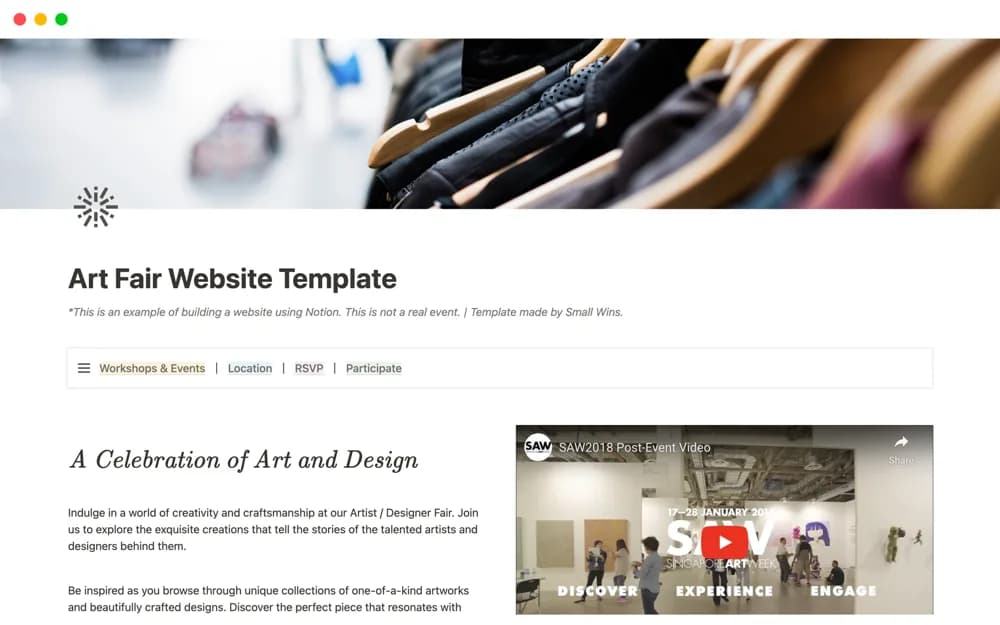
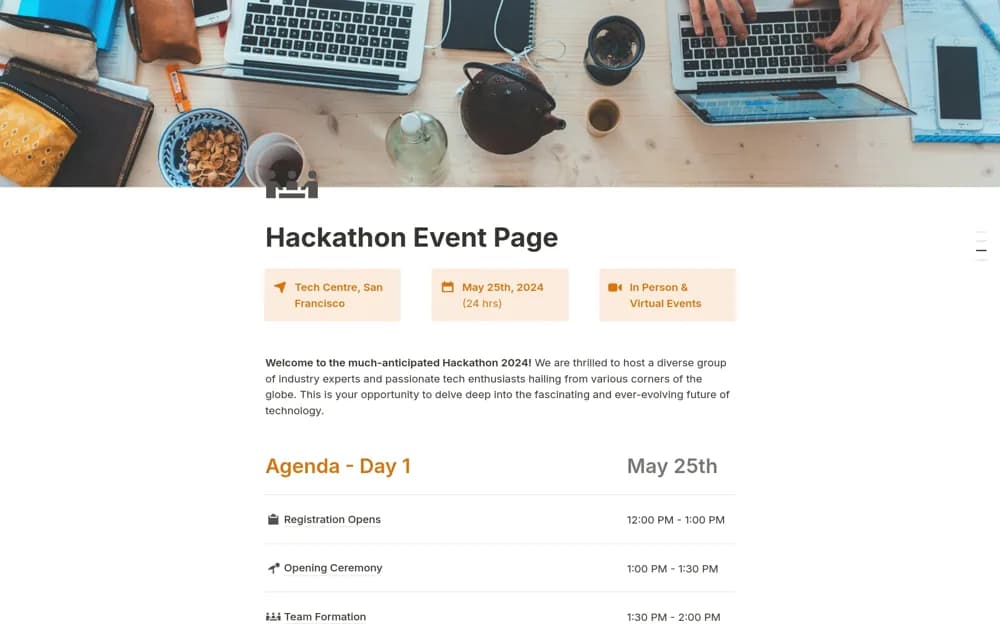
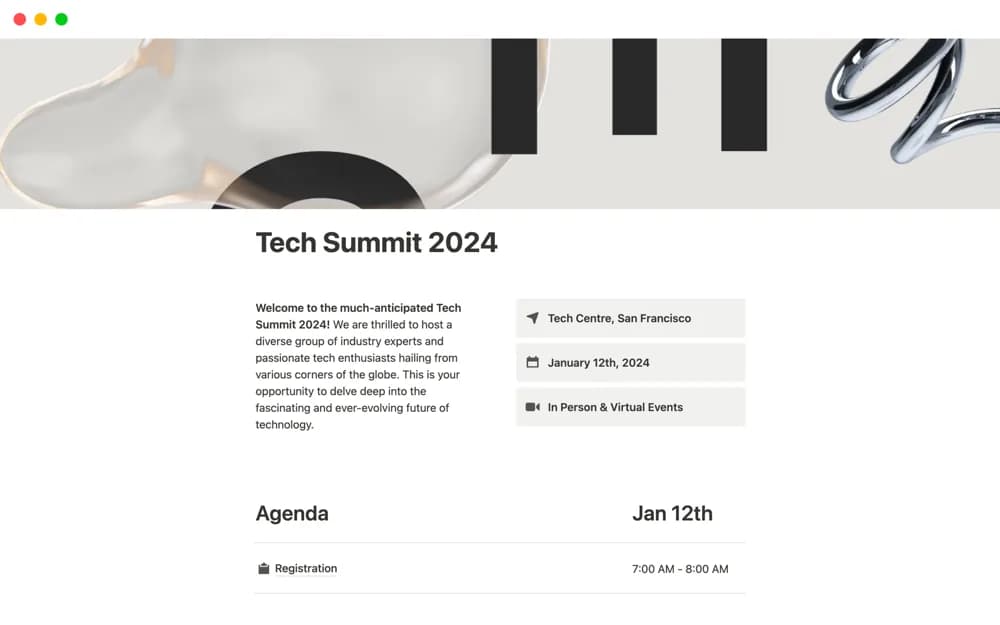
Publish a clear Notion conference page with the event’s location, dates, and agenda so attendees can find essential information together.
What’s included
- Public event-information layout
- Conference dates and location
- Attendee agenda section
How to use it in practice
Replace the example event details and verify the date, time zone, and venue information. Add the actual agenda and review how it reads on a phone, then open the public link without your organizer account. Update the page promptly when a session or location changes.
Set it up in your workspace
- Open the original Notion Marketplace listing and add the template to your chosen workspace while signed in. Keep its example records until you understand how the pages connect.
- Replace the example event details and verify the date, time zone, and venue information.
- Try one complete example before adding a large backlog. Check that its views and any calculations show what you expect, then replace the sample content with your own.
Who it suits and what to consider
Conference organizers creating a public information page for prospective or registered attendees. This is a public information page. Ticket payments, registration management, and private staff briefings are separate workflows unless you add them.