 Paid
PaidFreelancingFeatured
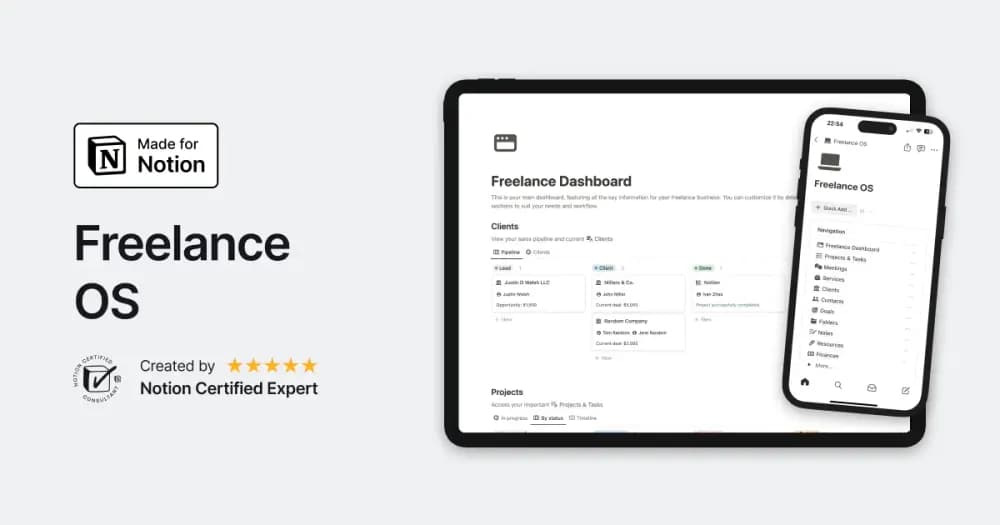
Freelance OS
Notion Everything’s workspace for running the client side of independent work.
Find Notion templates for running a small business, serving clients, and keeping team work organized. Start with the workflow that needs the most attention.
Showing 1–18 of 349 templates
A little structure goes a long way.PaidNotion Everything’s workspace for running the client side of independent work.
 Free
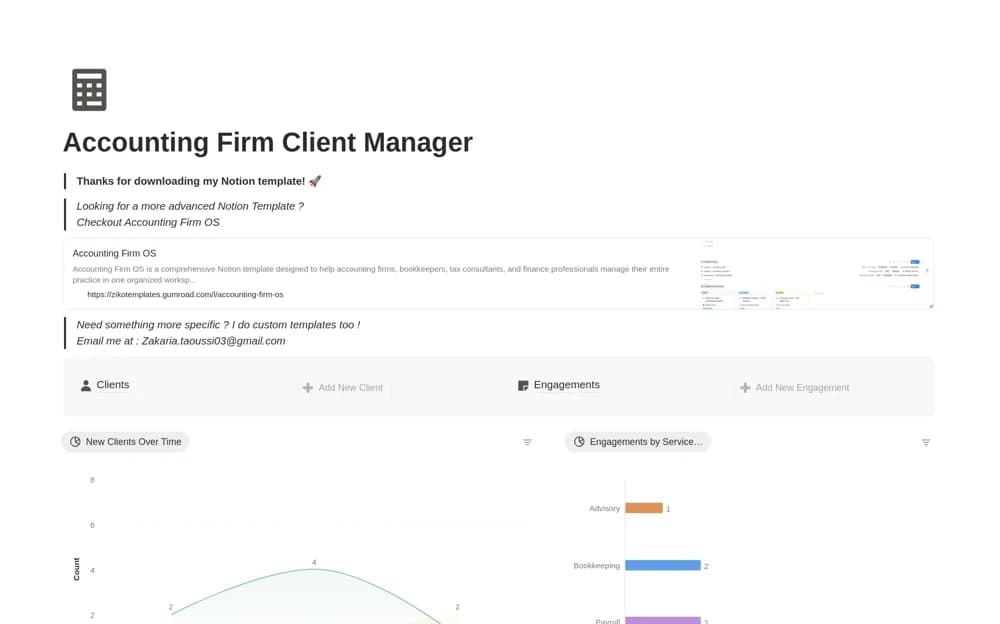
FreeA focused accounting CRM for client records, engagements, service categories, and current account status.
 Paid
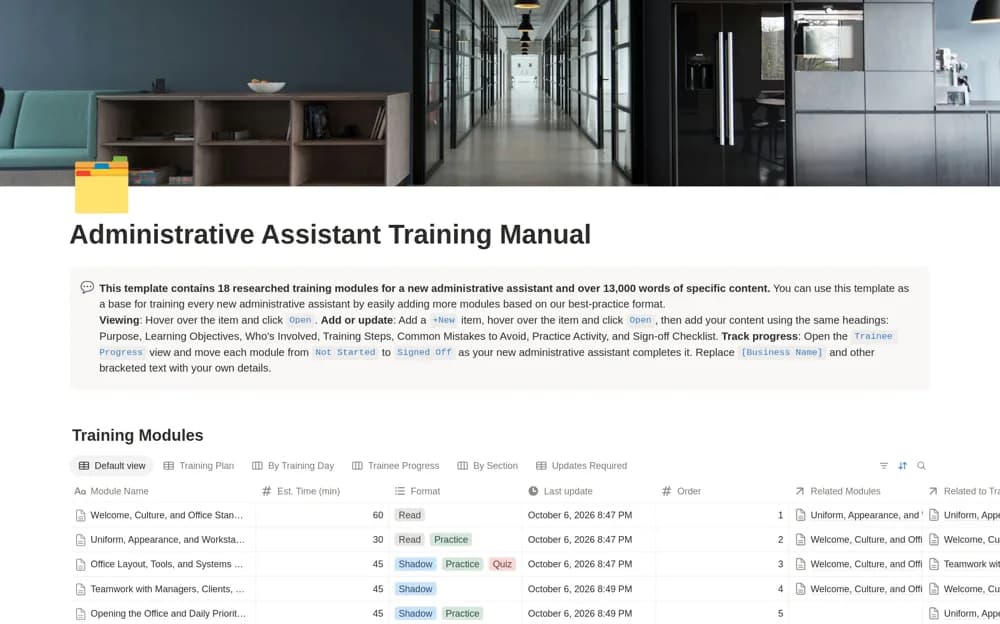
PaidA five-day administrative training framework covering office routines, scheduling, communication, and handoffs.
 Paid
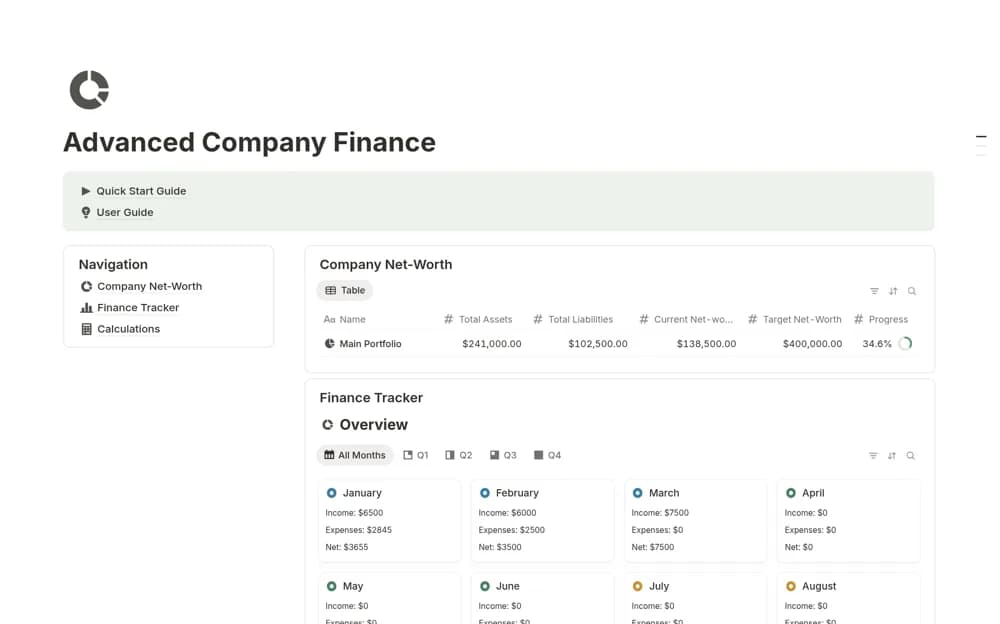
PaidA paid company-finance workspace covering transactions, net worth, assets, liabilities, and equity, with monthly or quarterly reports and calculators for margins, break-even points, payroll costs, and ROI.
 Free
Free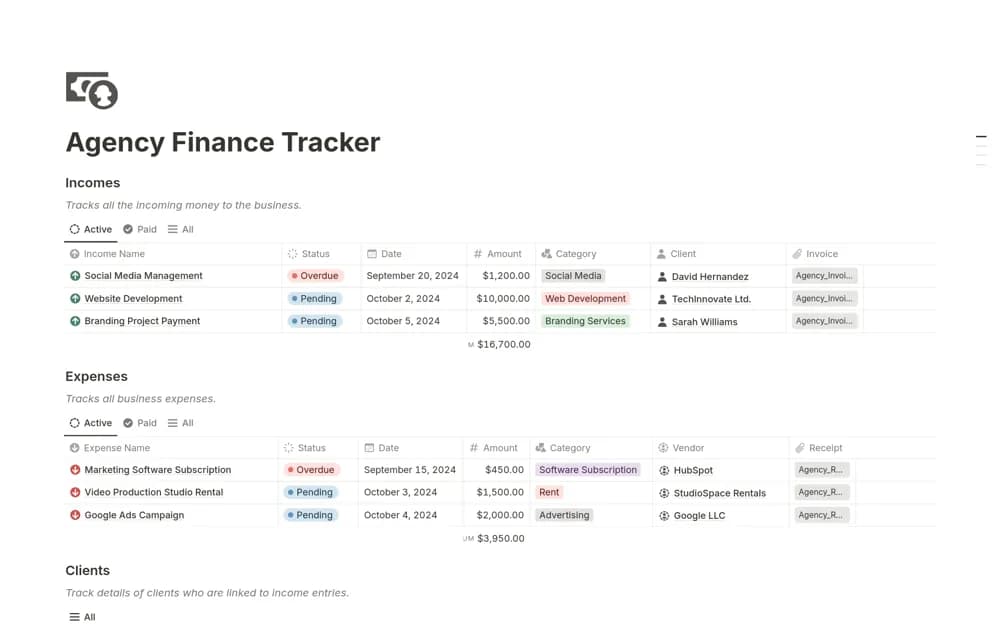 Free
FreeA simple agency finance workspace for client income, expenses, payments, and vendor contract context, bringing the operating money records into a focused management view.
 Free
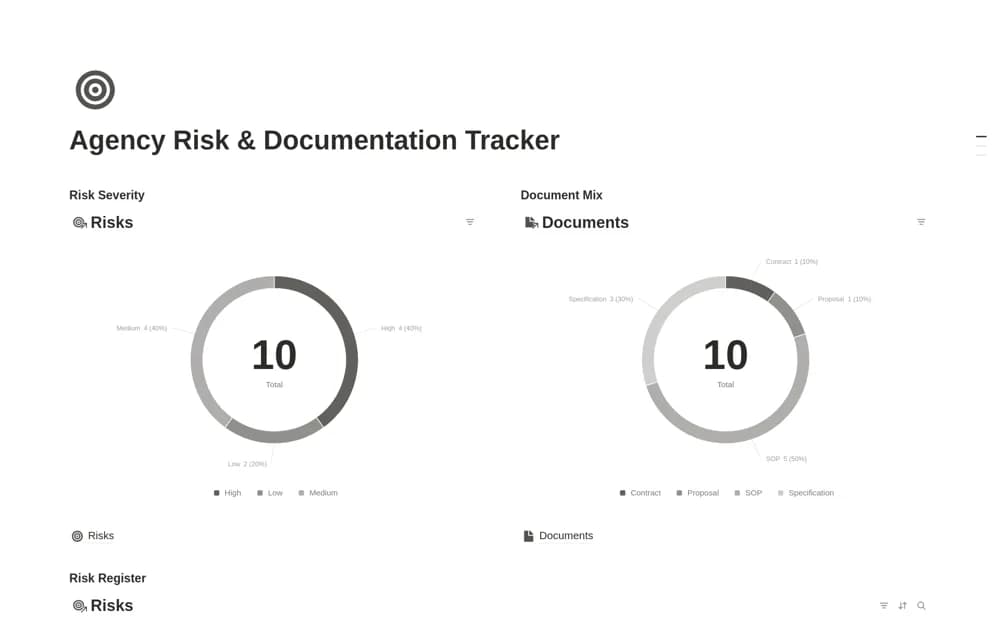
FreeAn agency review workspace with separate risk and document libraries, connecting severity, likelihood, impact, ownership, mitigation, document versions, and review dates.
 Free
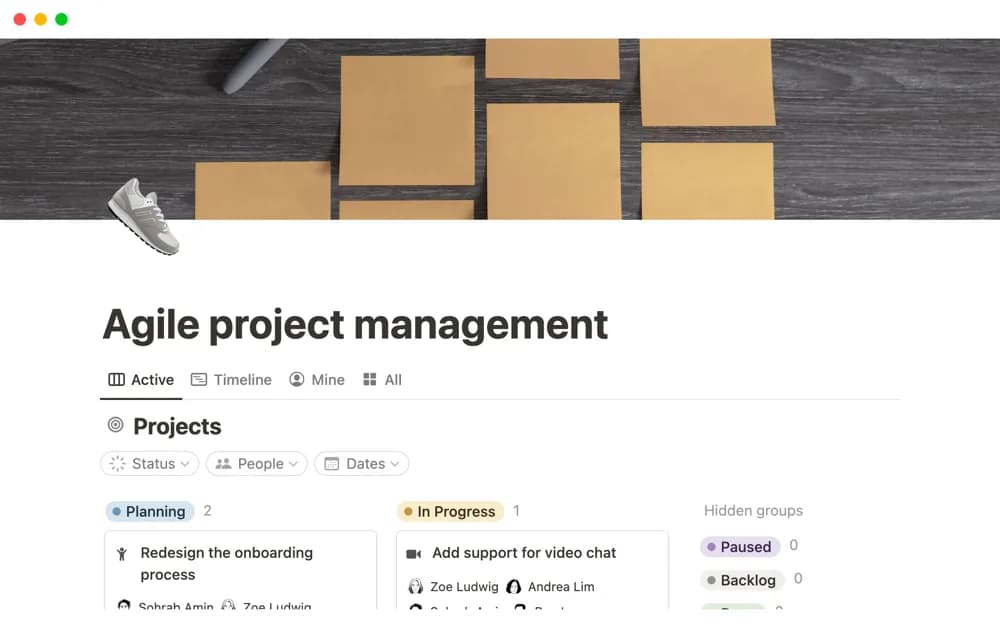
FreeA Notion-made project system that divides work into tasks and sprints with a sprint timeline.
 Free
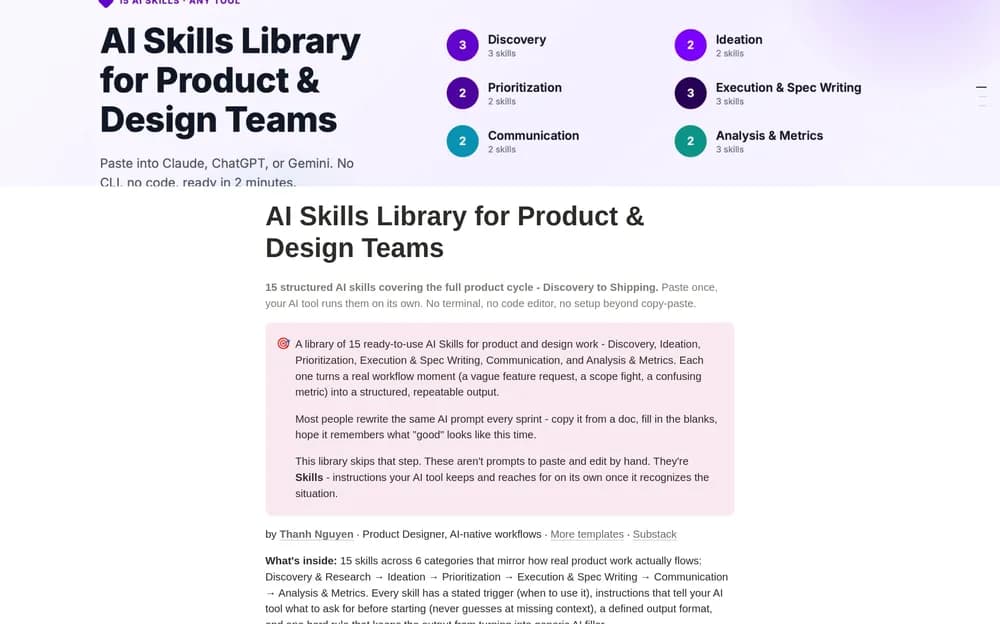
FreeGive a product or design team’s AI skills a shared reference point.
 Free
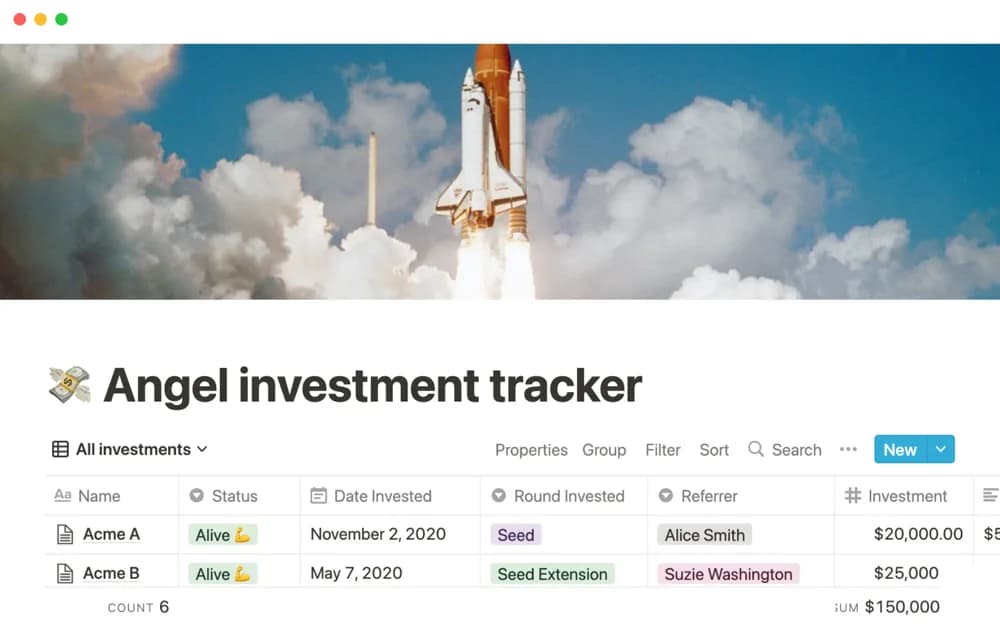
FreeAn angel-investment organizer for startup context, portfolio records, and coordination of an investment review process.
 Free
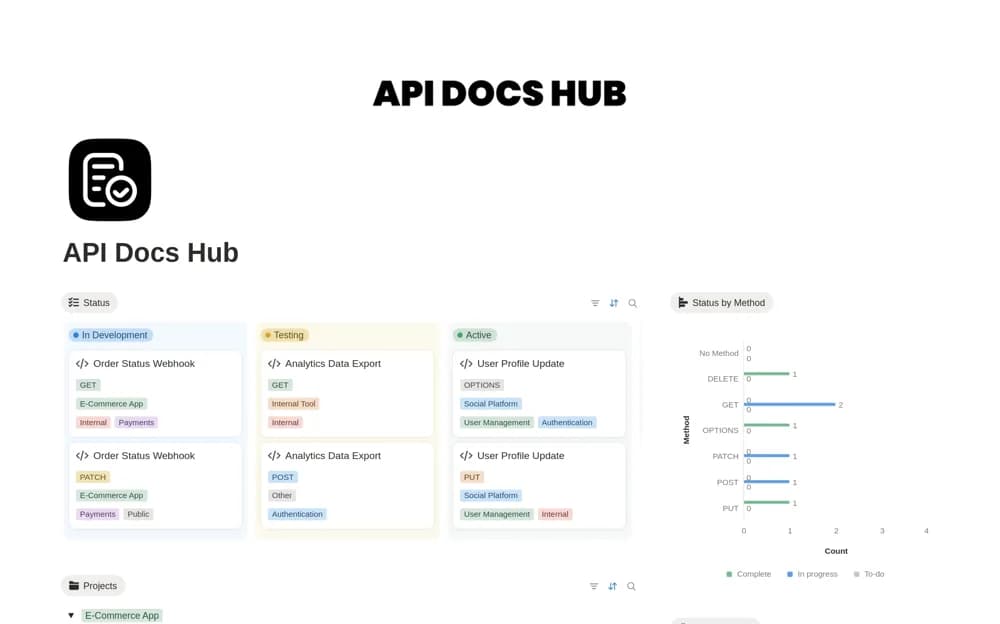
FreeAn endpoint documentation hub recording methods, parameters, request bodies, responses, examples, authentication context, versions, and deprecation notes in filterable Notion records.
 Free
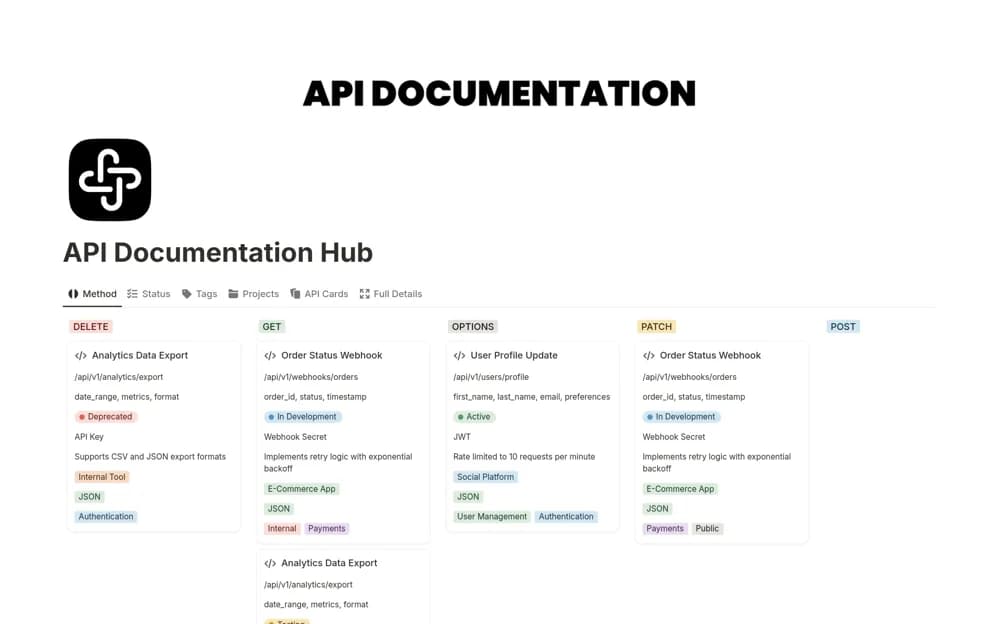
FreeA Notion API documentation workspace with endpoint details, methods, parameters, responses, authentication context, and views identifying active, deprecated, or developing APIs.
 Free
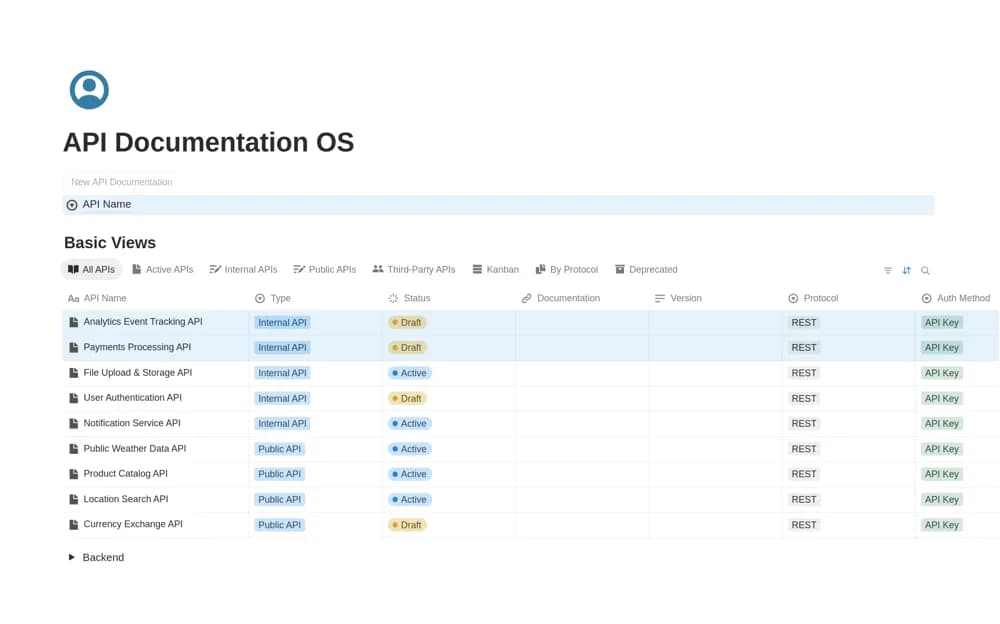
FreeAn API reference manager with lifecycle statuses, internal or public classifications, protocol and version views, and a button for creating shareable documentation pages.
 Free
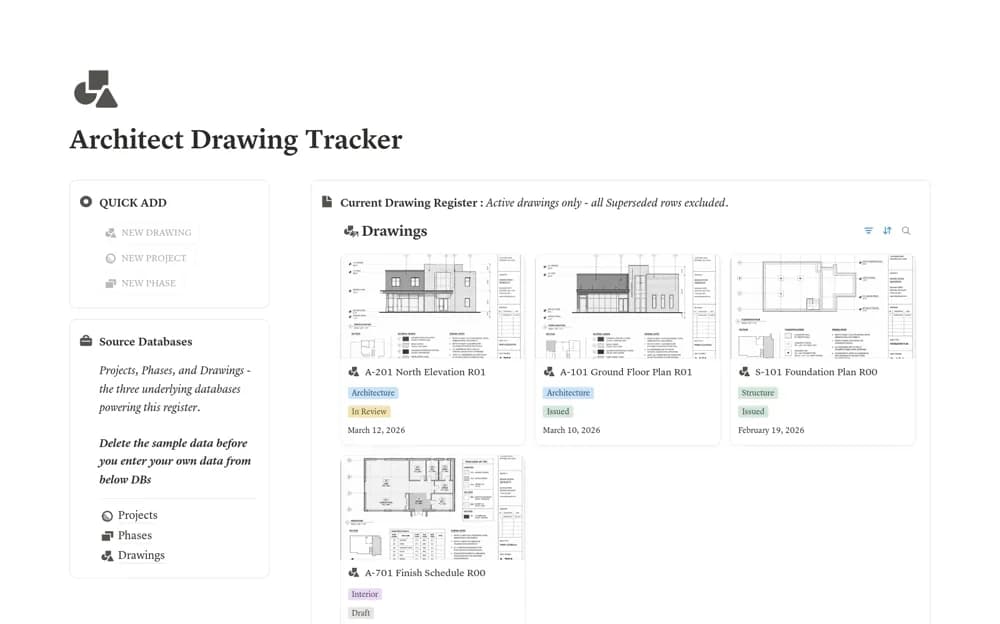
FreeA drawing revision register with separate projects, phases, and drawing records, including current, issued, superseded, historical, and missing-file-link views.
 Paid
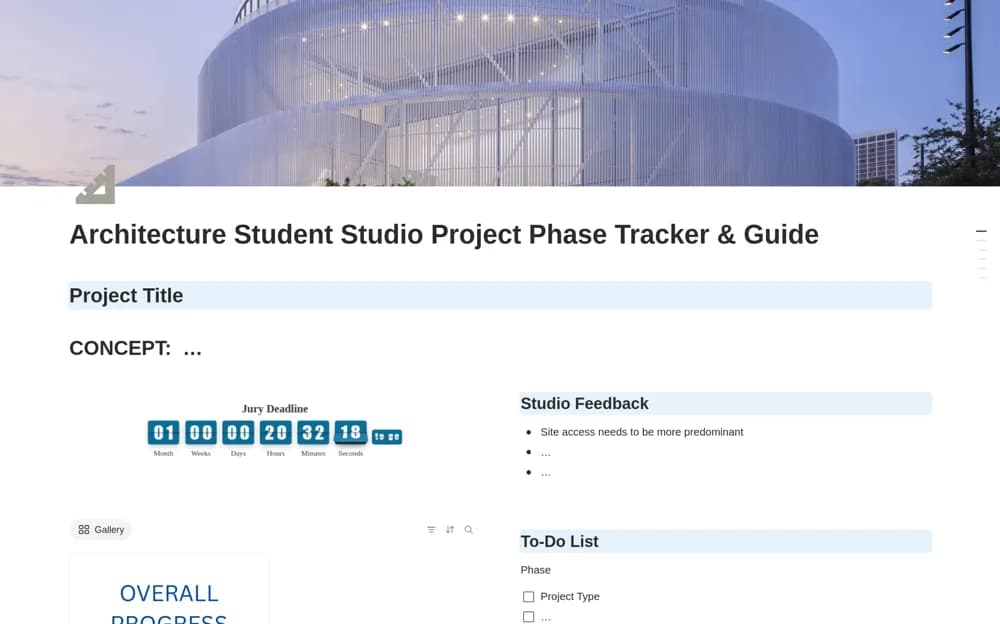
PaidAn architecture studio tracker connecting design phases, presentation deadlines, feedback, and project progress.
 Free
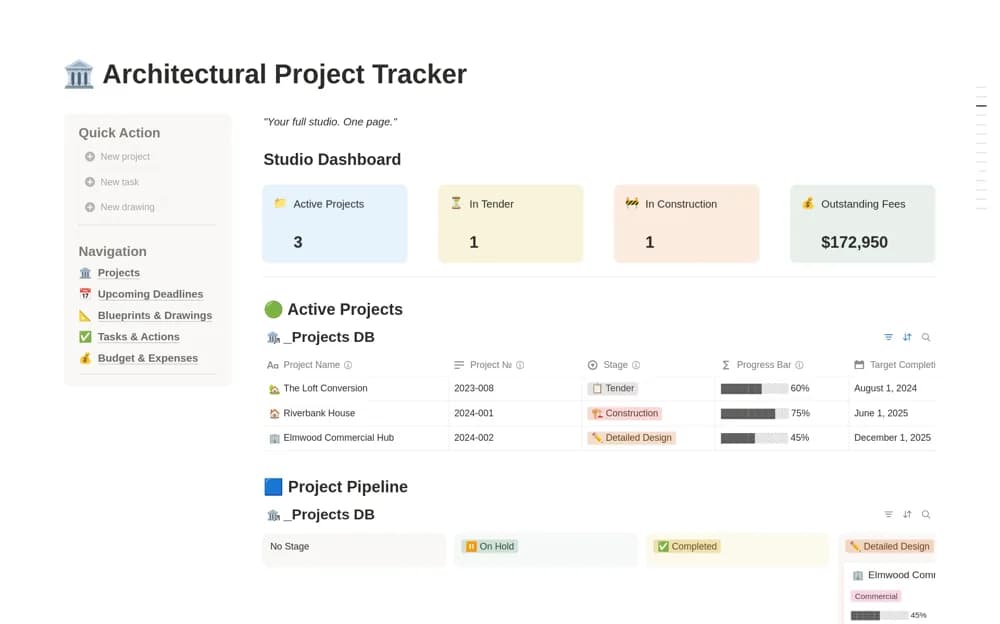
FreeAn architectural project workspace with phase tracking, fees and outstanding invoices, a drawing register, consultants, tasks, deadlines, and a studio overview.
 Free
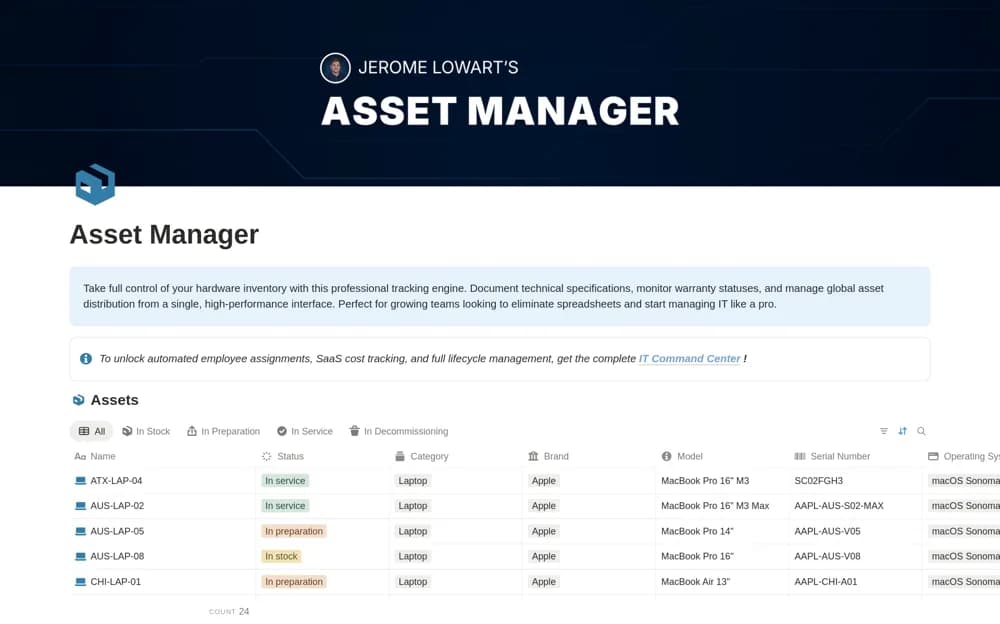
FreeAn IT hardware register for serial numbers, specifications, purchases, grouping, and warranty context.
 Free
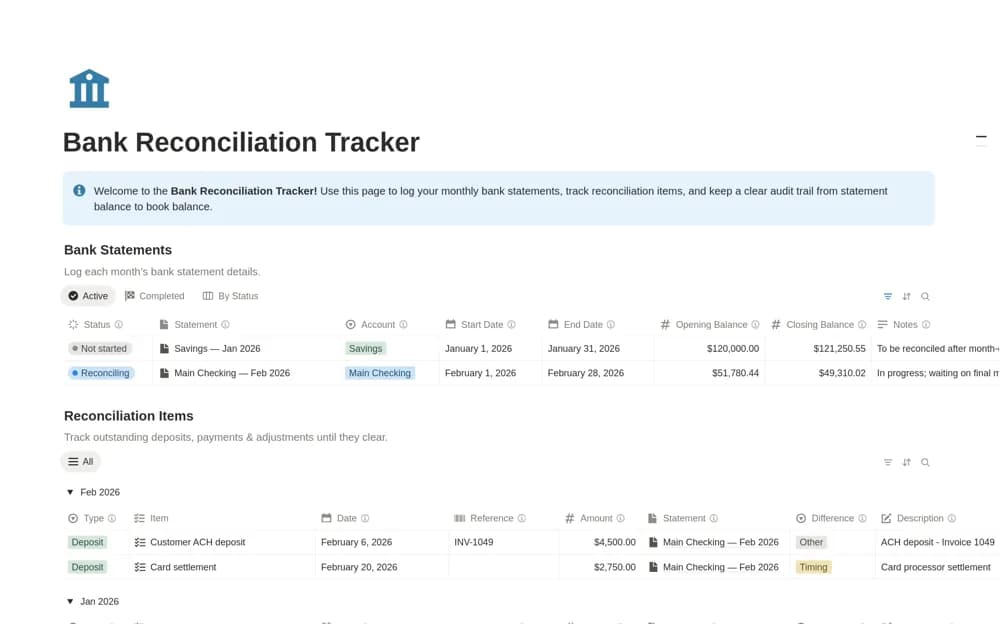
FreeA focused reconciliation workspace with separate bank statement periods and reconciliation items, including balances, completion status, matched flags, and views for unresolved work.
Compare the purpose and included features before choosing a workspace.
Business owners evaluating things they might buy.
Small e-commerce operators coordinating several parts of their store.
People shaping a new or early-stage business.
A useful business workspace makes ownership and next steps visible. Look for a template that matches how your team already works, then test it with one active project. Permissions, client access, and reporting needs deserve a closer look before you bring sensitive company information into a shared page.
Clear ownership
Repeatable workflows
Useful project and client views
About the directoryPick an active client or project and follow it from intake to delivery. Keep the agreed scope, responsible person, next action, and supporting records together. Notice where the template reduces duplicate work and where it introduces another update. Decide who maintains shared information before rolling it out to the team.
A business hub combines several operational areas, while a client tracker focuses on relationships and follow-ups. Choose the tracker when the immediate problem is losing client context; choose a larger hub when its connected project and operations records have clear owners.
Yes. This collection currently includes 291 listings with a confirmed free creator offer, alongside 53 paid or freemium options. Use the Free filter to compare them. A free version can have different features from a creator’s paid upgrade, so check the original listing and current access terms before adding it to your workspace.