About Daily Meds Tracker: Time Log
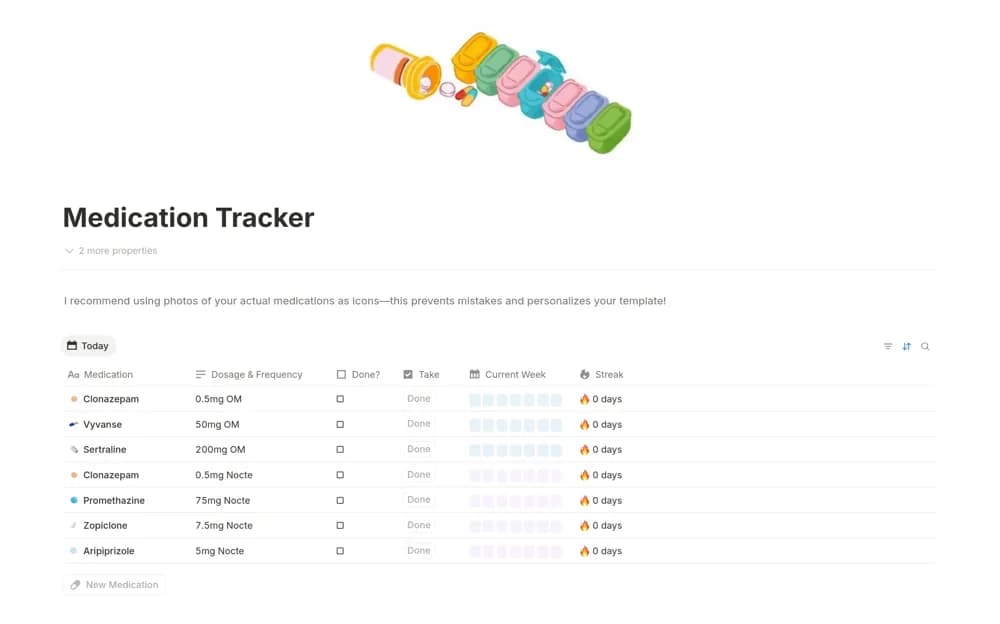
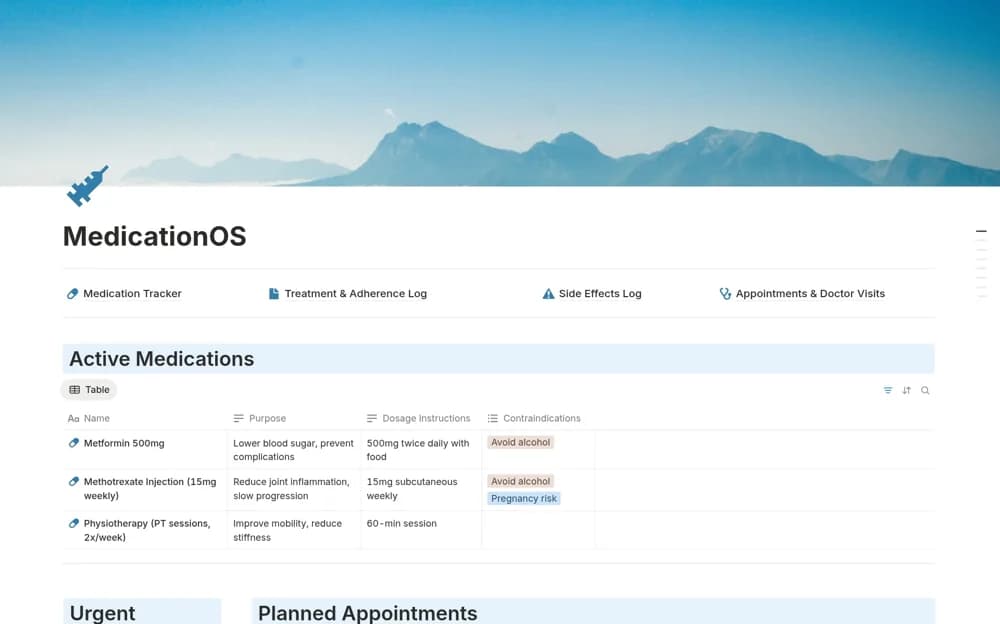
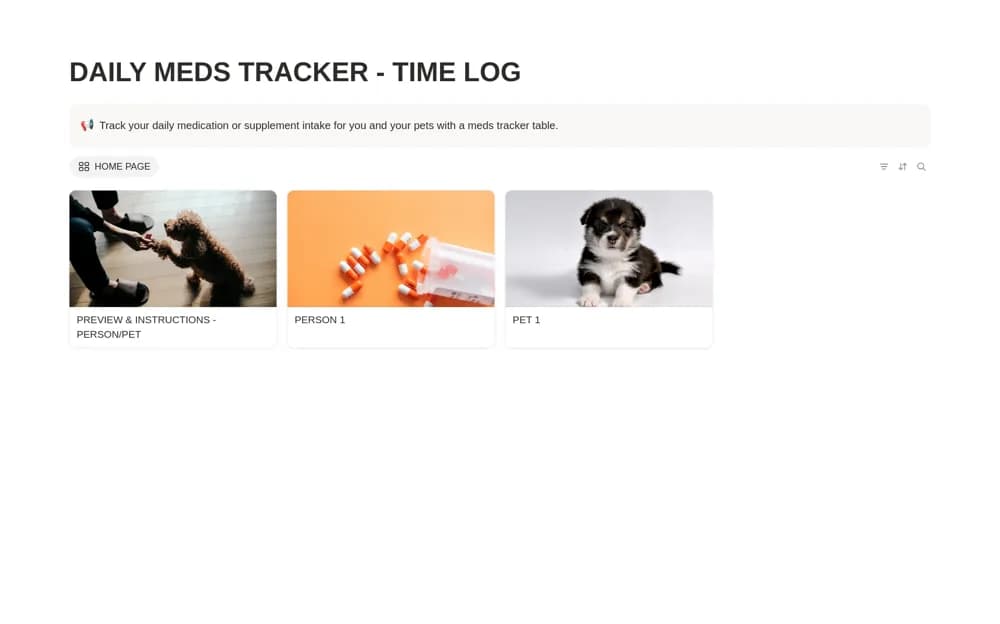
Keep a simple daily medication time log in Notion, with recorded intake days and a place for existing caregiver instructions.
What’s included
- Daily medication intake records
- Time-of-intake logging
- Caregiver instruction space
How to use it in practice
Set up the log using the existing instructions from the appropriate healthcare professional or veterinarian. Record an intake when it happens and make the date and time unambiguous. If a caregiver is involved, agree who enters the record so the same event is not logged twice.
Set it up in your workspace
- Open the original Notion Marketplace listing and add the template to your chosen workspace while signed in. Keep its example records until you understand how the pages connect.
- Set up the log using the existing instructions from the appropriate healthcare professional or veterinarian.
- Try one complete example before adding a large backlog. Check that its views and any calculations show what you expect, then replace the sample content with your own.
Who it suits and what to consider
People documenting an established medication routine or sharing recorded care information with an agreed caregiver. This records events; it does not prescribe doses, evaluate interactions, or decide what to do after a missed dose.