About Garden & Plant Tracker
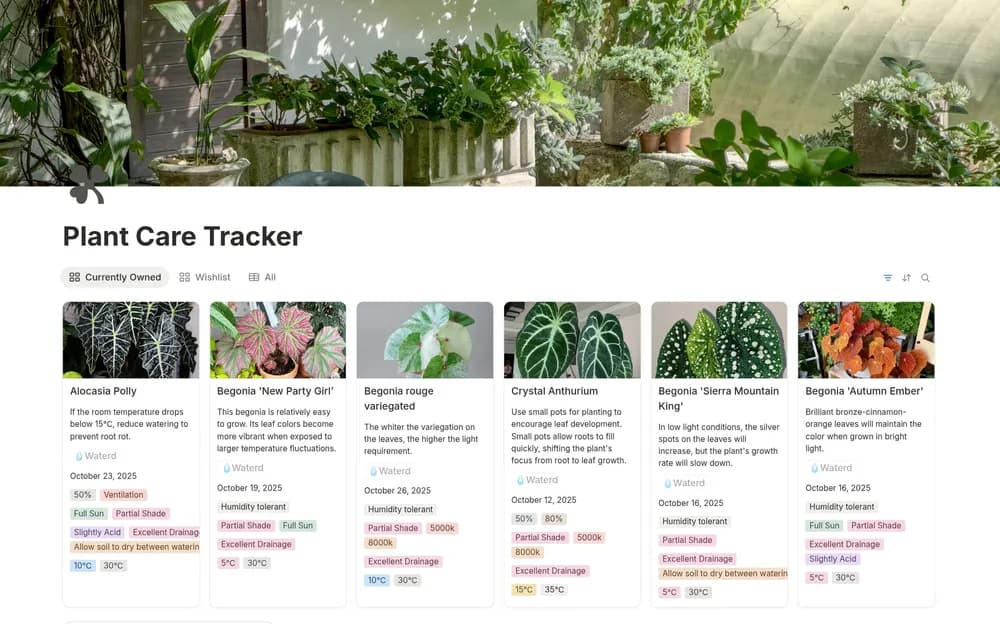
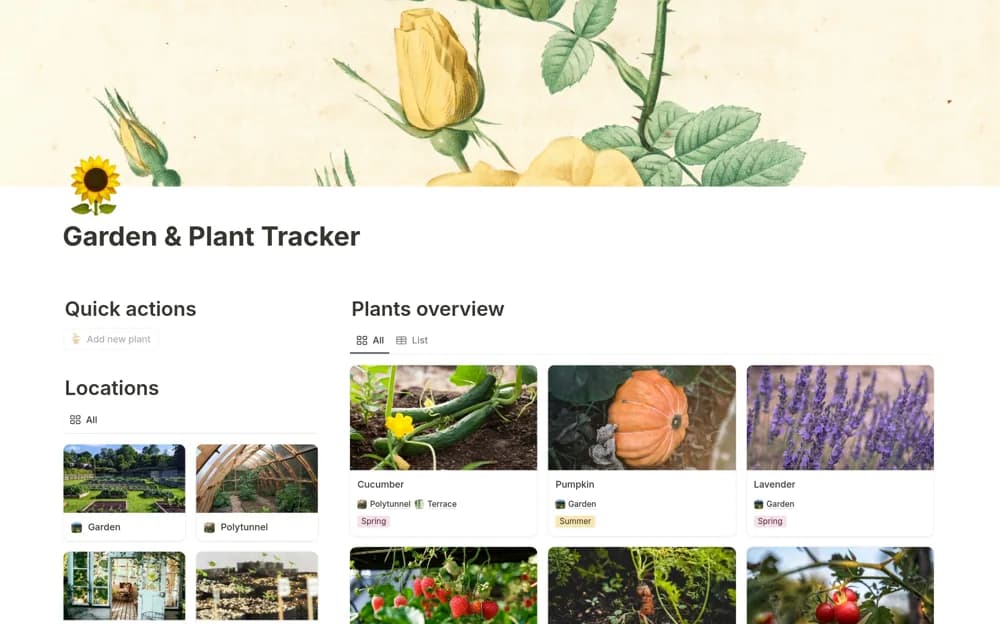
A gardening tracker for plant locations, watering, harvesting dates, sunlight, soil, growth notes, and care tasks.
What’s included
- Plant and location profiles
- Watering and harvesting reminder organization
- Sunlight, soil, task, and growth-note tracking
How to use it in practice
Add a few plants and record their actual location and care needs from a reliable reference. Log observations and check how reminder dates appear. Adapt the schedule to local conditions rather than following a fixed interval regardless of weather, soil, or plant health.
Set it up in your workspace
- Open the original Notion Marketplace listing and add the template to your chosen workspace while signed in. Keep its example records until you understand how the pages connect.
- Add a few plants and record their actual location and care needs from a reliable reference.
- Try one complete example before adding a large backlog. Check that its views and any calculations show what you expect, then replace the sample content with your own.
Who it suits and what to consider
Gardeners maintaining practical records for plants and growing spaces. The tracker does not sense moisture or diagnose plant problems; reminder delivery needs testing separately.