About Plant Care Tracker
A plant tracker is most helpful when each record reflects the conditions where the plant actually grows. Use this layout for observations as well as dates. General care suggestions need adjusting for light, season, and the particular plant, so let reminders prompt a check rather than automatic watering.
What’s included
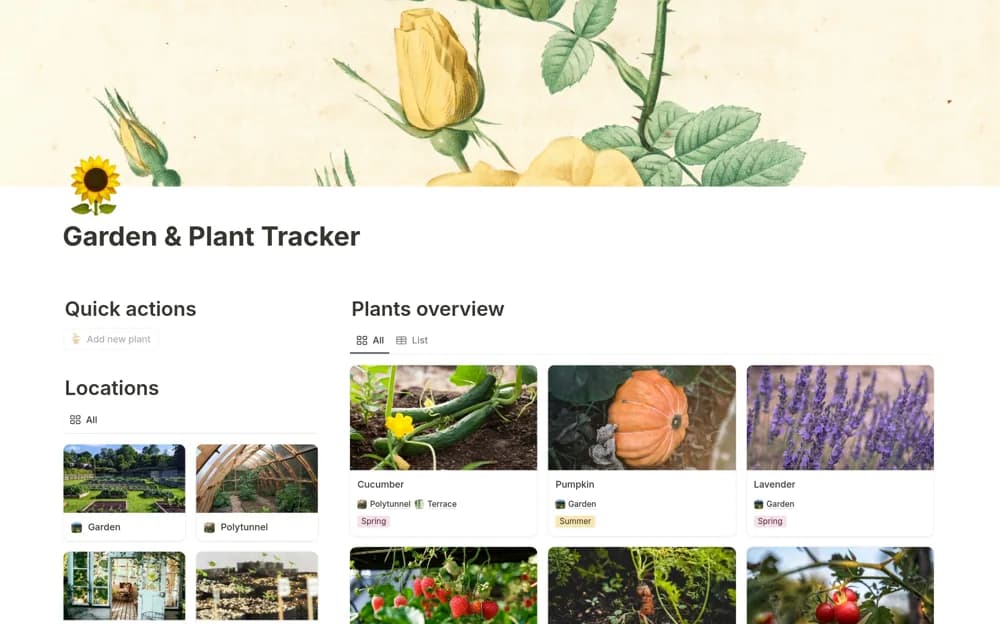
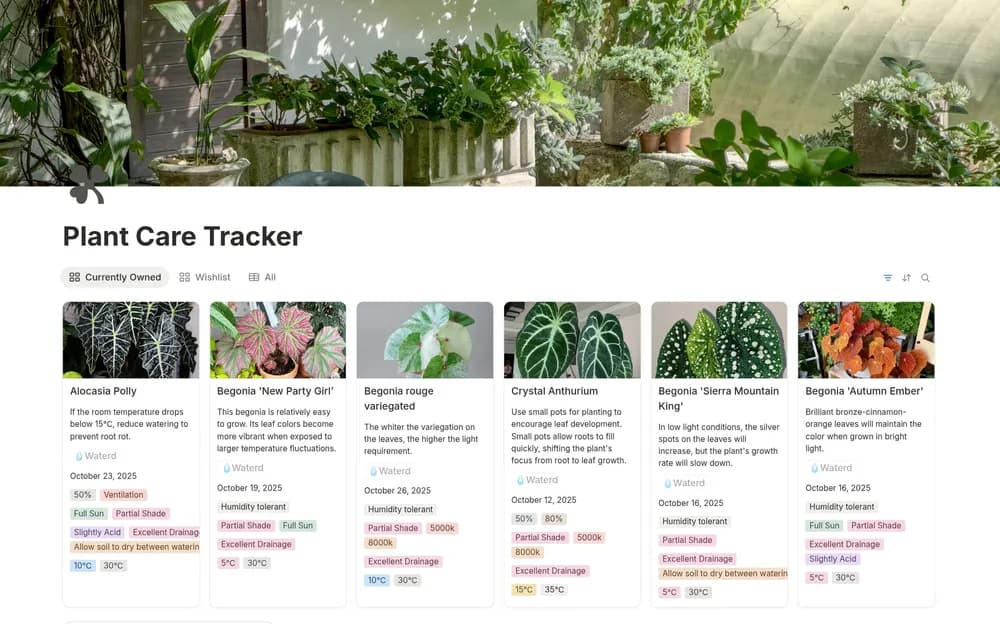
- Plant records with owned, wishlist, and all-plant views
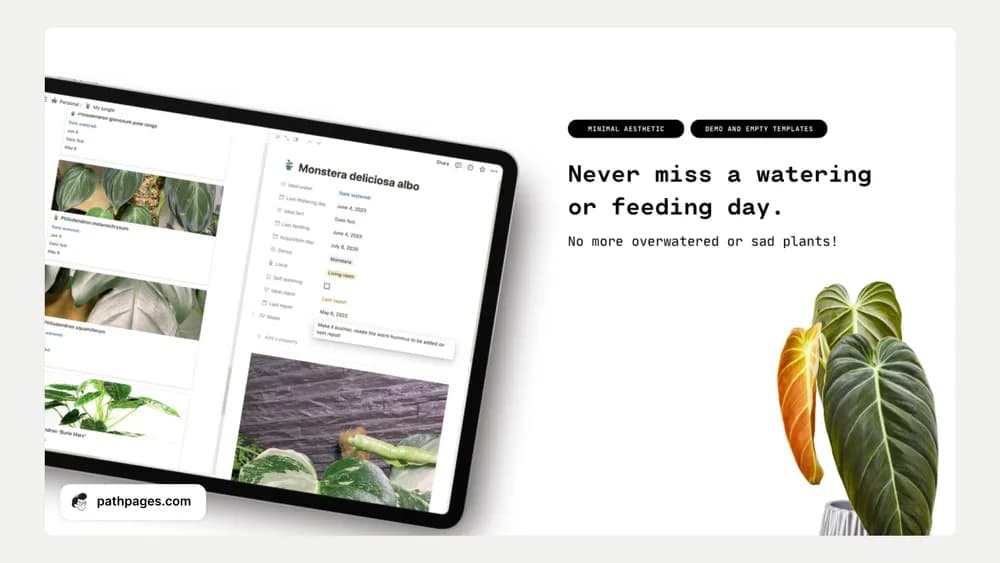
- A Watered button, care notes, and growth-note capture
- A care-knowledge library and supplies inventory
How to use it in practice
Add current plants with a photo and care notes you trust. Use the watering button after watering, then record observations when conditions or growth change. Keep useful care references in the guide and check supplies before purchasing more. Review the record alongside the plant’s condition rather than relying on a date alone.
Set it up in your workspace
- Open the original Notion Marketplace listing and add the template to your chosen workspace while signed in. Keep its example records until you understand how the pages connect.
- Add a few plants with their locations and recent observations. Keep the next review simple enough to maintain.
- Try one complete example before adding a large backlog. Check that its views and any calculations show what you expect, then replace the sample content with your own.
Who it suits and what to consider
Plant owners building a useful care record. A useful home for plant history and practical care context. Adapt the routine to the species and environment you actually have.