About Immigration & Visa Tracker
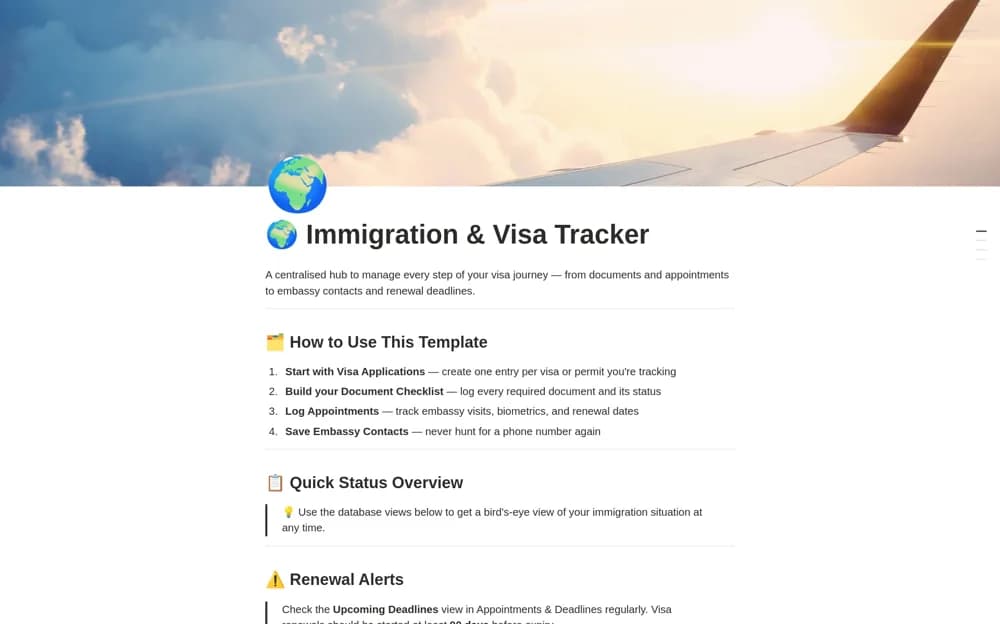
Organize visa applications in Notion with document records, deadlines, contacts, expenses, and calendar or timeline views for your move.
What’s included
- Application and document databases
- Deadline calendar and timeline
- Relevant contact records
- Application expenses and personal journal
How to use it in practice
Create a record for the actual application route and link its official instructions. Add required documents and dates from that source, keeping the version or access date with your notes. Review upcoming actions regularly and update status only after receiving a confirmation from the relevant authority or adviser.
Set it up in your workspace
- Open the original Notion Marketplace listing and add the template to your chosen workspace while signed in. Keep its example records until you understand how the pages connect.
- Create a record for the actual application route and link its official instructions.
- Try one complete example before adding a large backlog. Check that its views and any calculations show what you expect, then replace the sample content with your own.
Who it suits and what to consider
Applicants maintaining an administrative record alongside official immigration instructions. The download advertises country guides, but their current legal accuracy is not established here. Confirm requirements and deadlines with the relevant authority.