About Japan Travel Planner
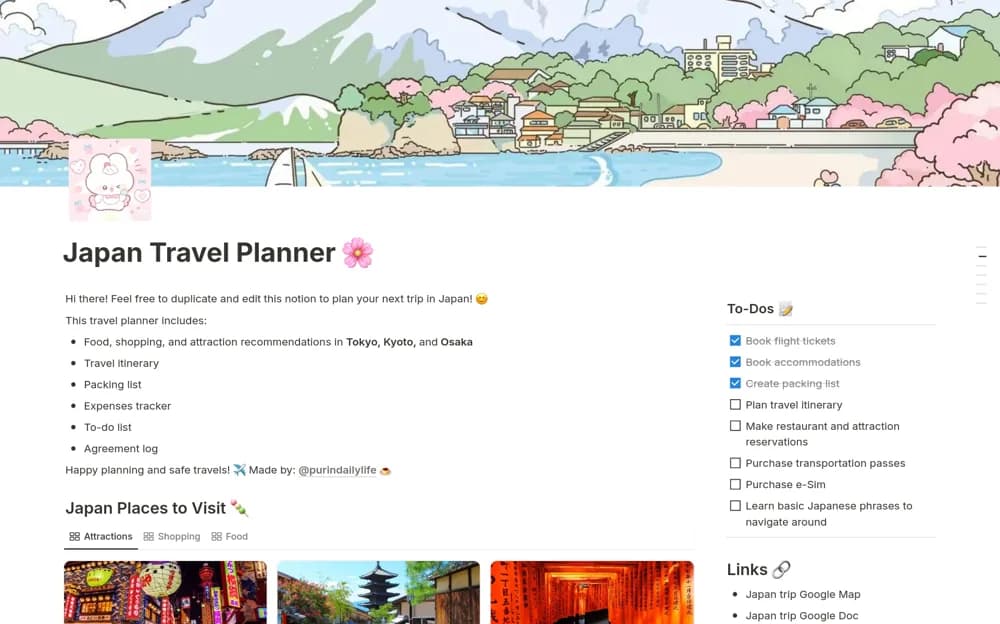
A Japan trip planner with day-by-day itineraries, packing categories, expense records, tasks, and destination ideas.
What’s included
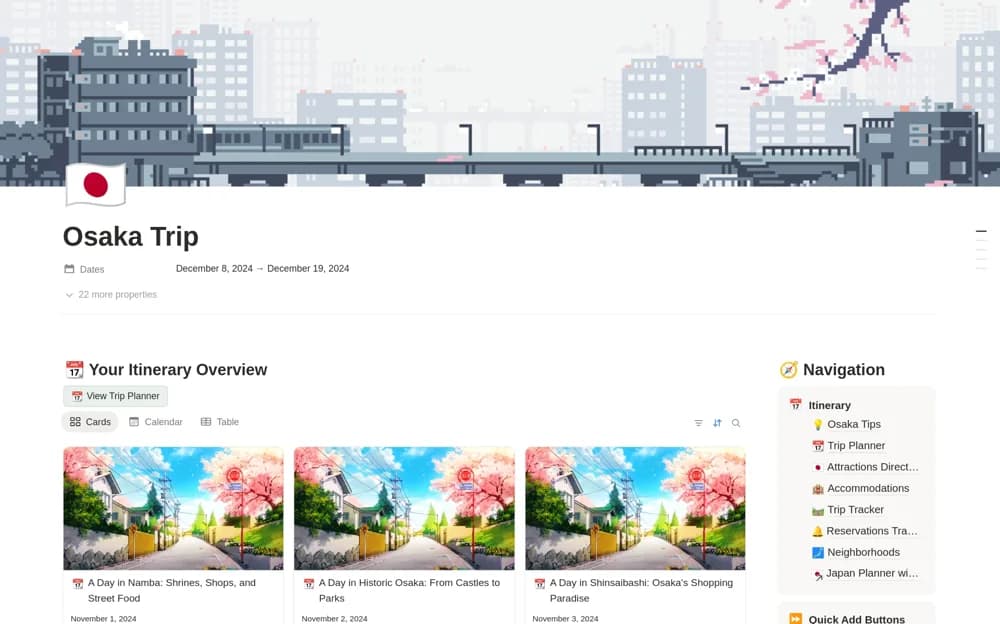
- Daily itinerary structure
- Packing and transaction-category expense tracking
- Tokyo, Kyoto, and Osaka ideas with tasks and an agreement log
How to use it in practice
Enter confirmed bookings and allow realistic travel time between stops. Treat suggested places as research leads, checking current opening times and booking requirements. Use the agreement log for shared trip decisions and keep essential documents available through a dependable backup.
Set it up in your workspace
- Open the original Notion Marketplace listing and add the template to your chosen workspace while signed in. Keep its example records until you understand how the pages connect.
- Enter confirmed bookings and allow realistic travel time between stops.
- Try one complete example before adding a large backlog. Check that its views and any calculations show what you expect, then replace the sample content with your own.
Who it suits and what to consider
Travelers organizing a Japan itinerary across several cities. Destination recommendations and travel details can change; the template is an organizer rather than a current travel authority.