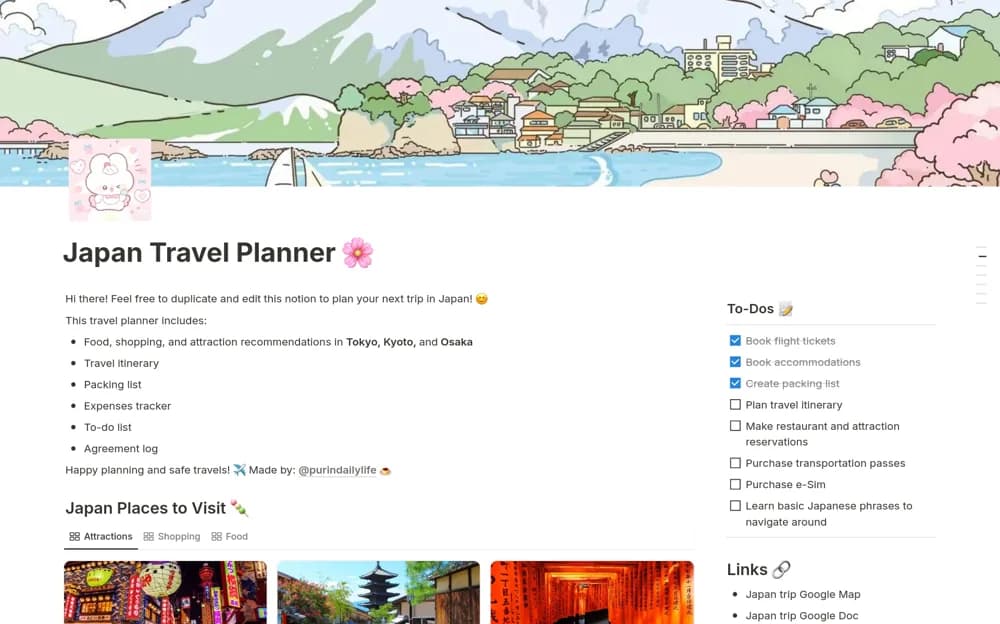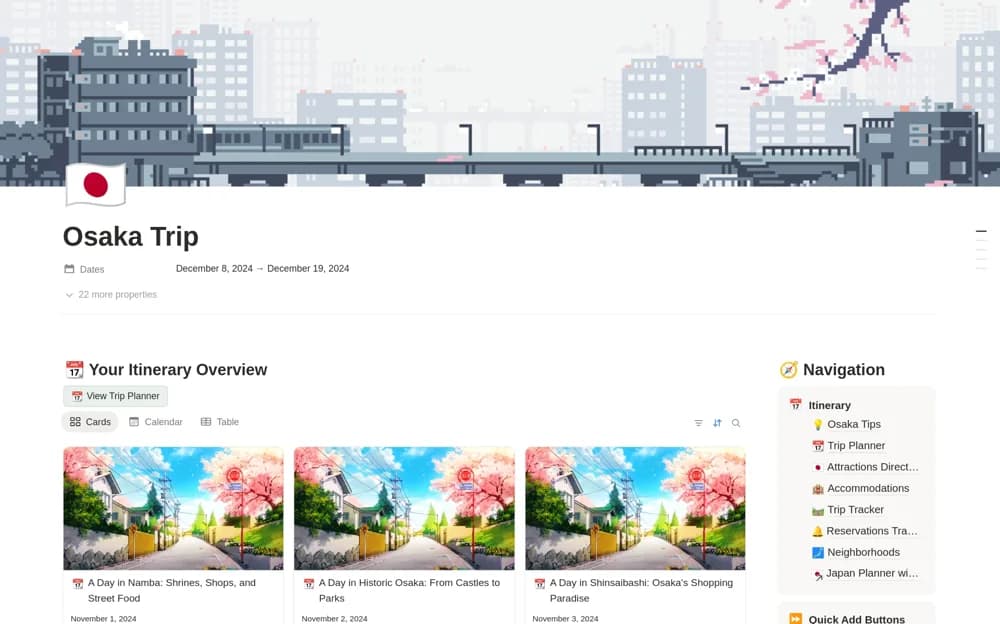
About Osaka Itinerary & Japan Travel Planner
An Osaka-focused travel planner with an editable eleven-day itinerary, attraction ideas, and the creators’ Japan travel notes.
What’s included
- Suggested itinerary for up to eleven days
- A collection of 110 Osaka attraction ideas
- Editable daily plans, navigation references, and travel guidance
How to use it in practice
Choose only the days and places that fit your pace. Check current opening times, reservations, and transport before treating an example as a confirmed plan. Keep booking details and realistic transfer time visible, then add alternatives for weather or changed availability.
Set it up in your workspace
- Open the original Notion Marketplace listing and add the template to your chosen workspace while signed in. Keep its example records until you understand how the pages connect.
- Choose only the days and places that fit your pace.
- Try one complete example before adding a large backlog. Check that its views and any calculations show what you expect, then replace the sample content with your own.
Who it suits and what to consider
Travelers using a suggested Osaka route as a starting point for their own trip. The guide reflects the creators’ travel experience; verify time-sensitive recommendations and official requirements separately.