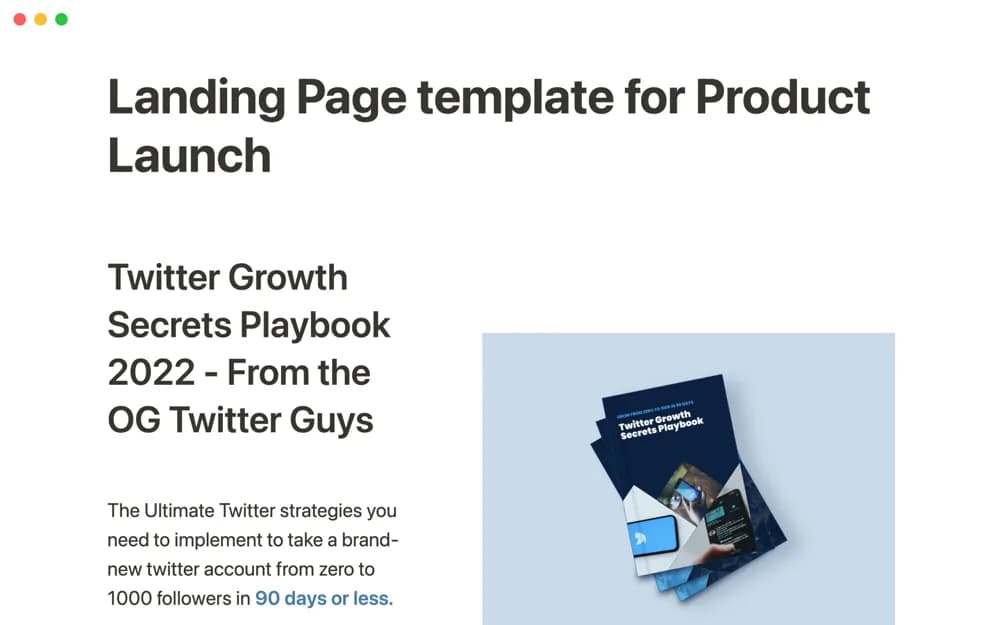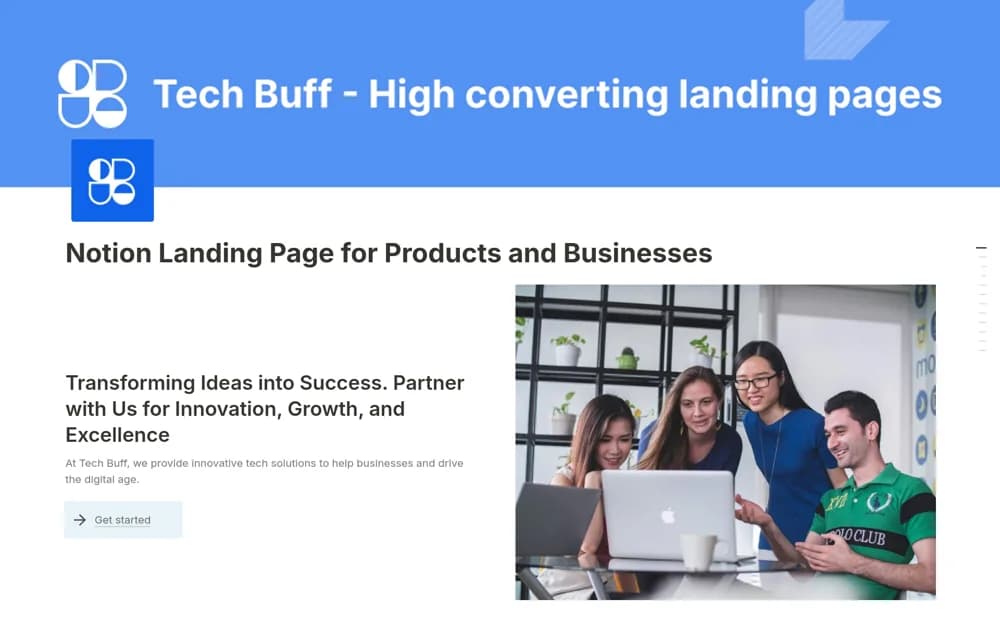
About Landing page for Products and Business
A Notion landing-page layout with benefits, features, pricing, a process explanation, calls to action, and FAQs.
What’s included
- Benefit and feature sections
- Pricing and process explanation
- Calls to action and frequently asked questions
How to use it in practice
Write the offer and intended audience clearly before filling the sections. Add accurate prices and a working next-step link, then review the public page on mobile. Ask a new reader what they would receive and what to do next; clarify gaps before publishing.
Set it up in your workspace
- Open the original Notion Marketplace listing and add the template to your chosen workspace while signed in. Keep its example records until you understand how the pages connect.
- Write the offer and intended audience clearly before filling the sections.
- Try one complete example before adding a large backlog. Check that its views and any calculations show what you expect, then replace the sample content with your own.
Who it suits and what to consider
Small businesses presenting a product or service through a simple public page. The template supplies page structure; it does not guarantee conversions or establish a checkout integration.