About Minimalist Atomic Notes
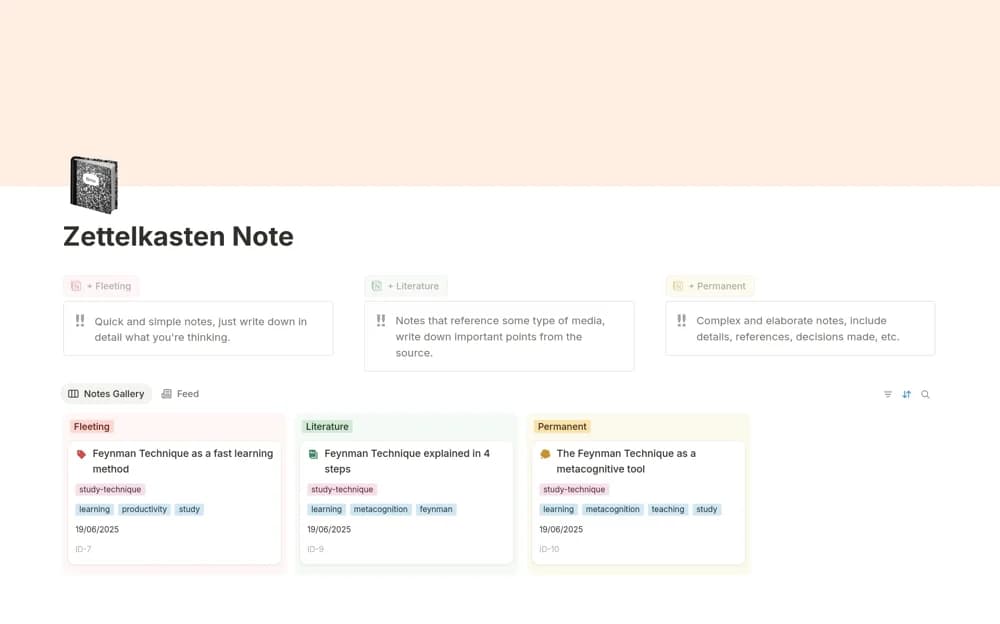
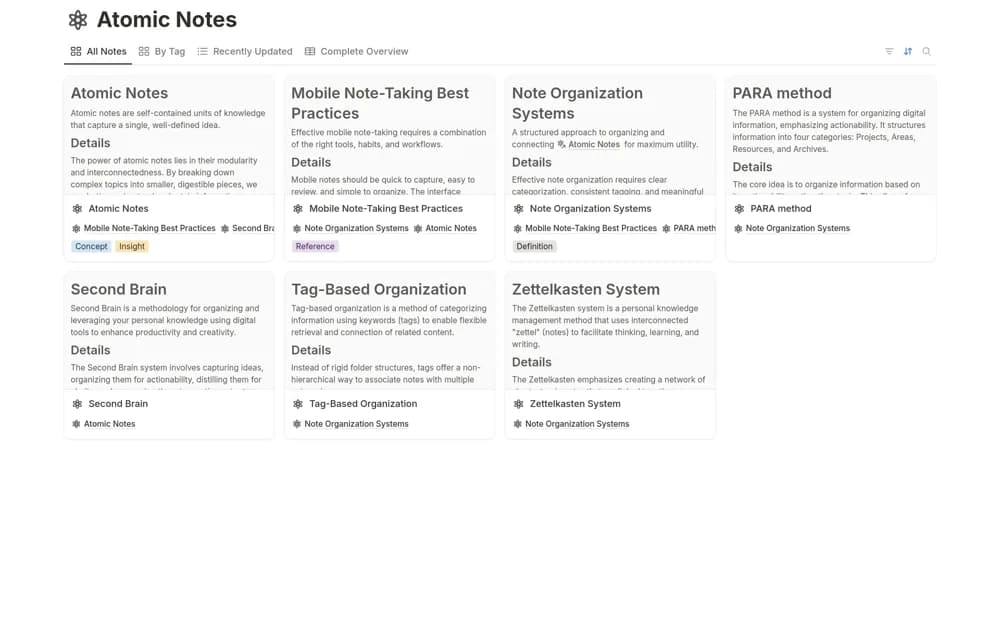
Build atomic notes in Notion with individual identifiers, examples, questions, references, tags, and views for reviewing recent changes.
What’s included
- Unique note identifiers
- Detail, example, question, and reference sections
- Tag-based organization
- All-note and recently updated views
How to use it in practice
Write one idea in your own words and add the source that prompted it. Include a practical example and a question you still have, then connect the note to a related idea when the relationship is useful. Review recent notes to improve the explanation rather than collecting fragments without context.
Set it up in your workspace
- Open the original Notion Marketplace listing and add the template to your chosen workspace while signed in. Keep its example records until you understand how the pages connect.
- Write one idea in your own words and add the source that prompted it.
- Try one complete example before adding a large backlog. Check that its views and any calculations show what you expect, then replace the sample content with your own.
Who it suits and what to consider
Learners developing a connected reference library one clearly explained idea at a time. The template supports atomic-note organization. Connections and meaningful explanations depend on your writing rather than an automatic knowledge-discovery service.