 Free
FreeLife & everyday
Personal productivity Notion templates
Make daily planning a little easier. Find Notion templates for tasks, priorities, focus sessions, and the routines that help you finish what you start.
Showing 1–18 of 26 templates
A little structure goes a long way.Free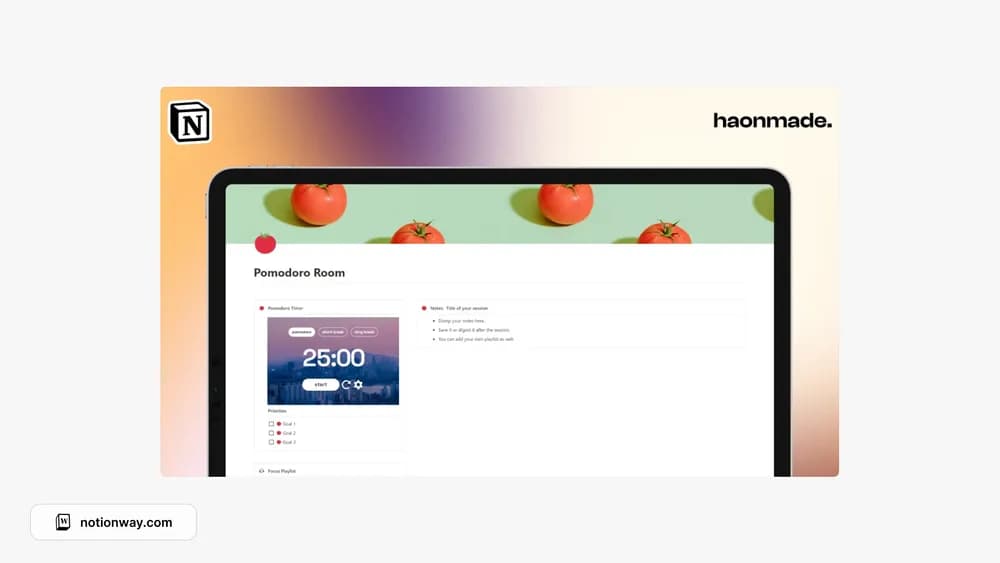 Free
FreeBrainstorm & Pomodoro Room
A workspace for brainstorming and focused work sessions.
 Free
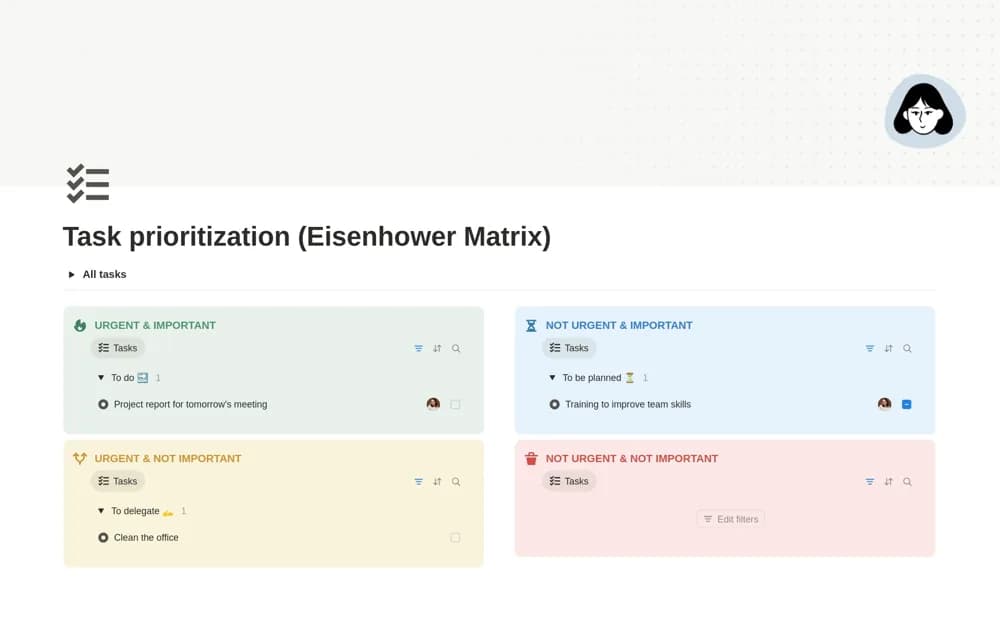
FreeEisenhower Matrix - Prioritization of your tasks
A four-quadrant task matrix for separating urgency from importance before choosing what to do next.
 Free
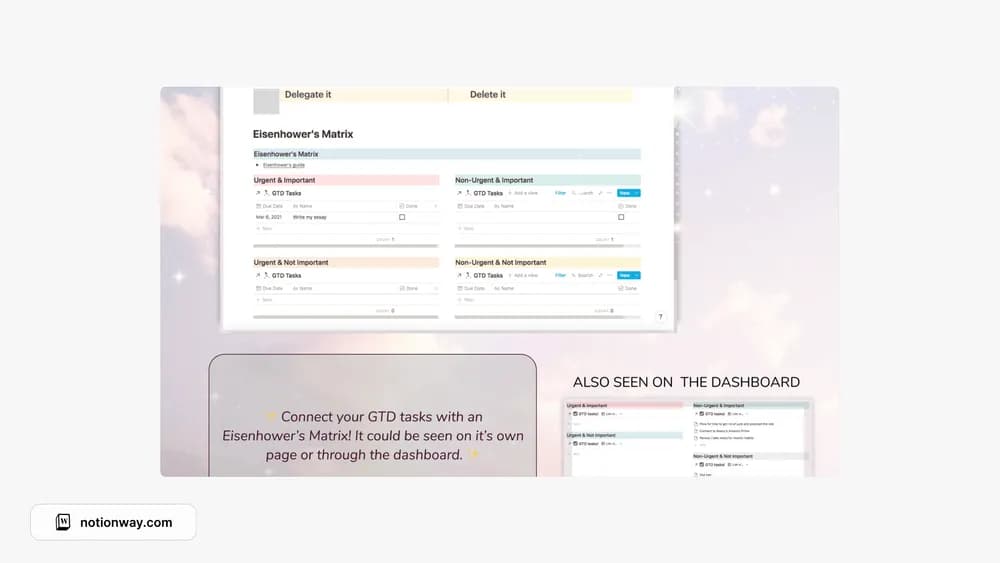
FreeEisenhower's Priority Matrix
Sort tasks by importance and urgency before choosing what to do.
 Free
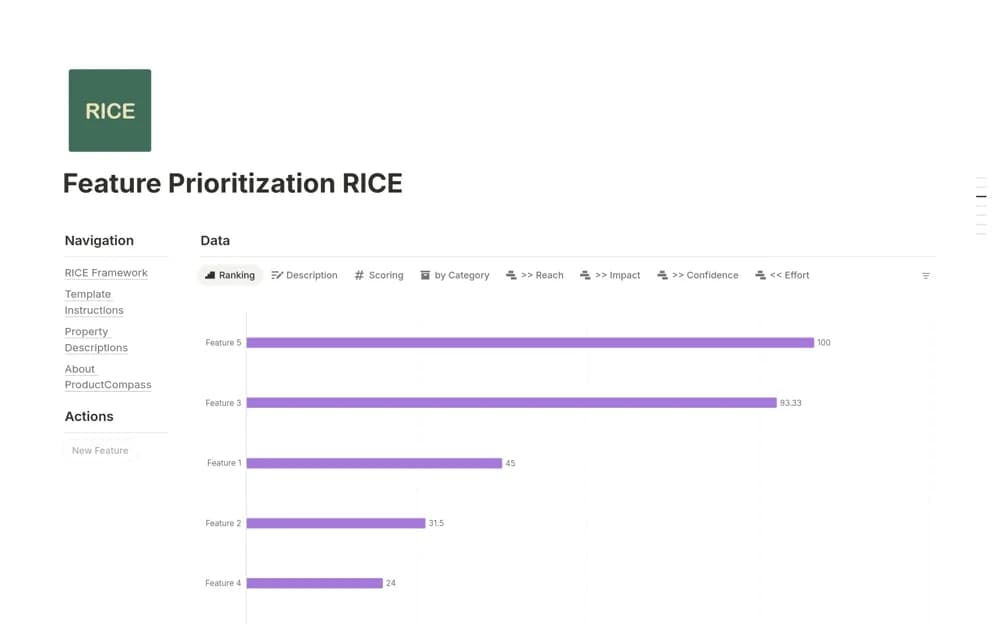
FreeFeature Prioritization - RICE
A feature prioritization database with reach, impact, confidence, and effort inputs, calculated scores, and ranked views.
 Source listing
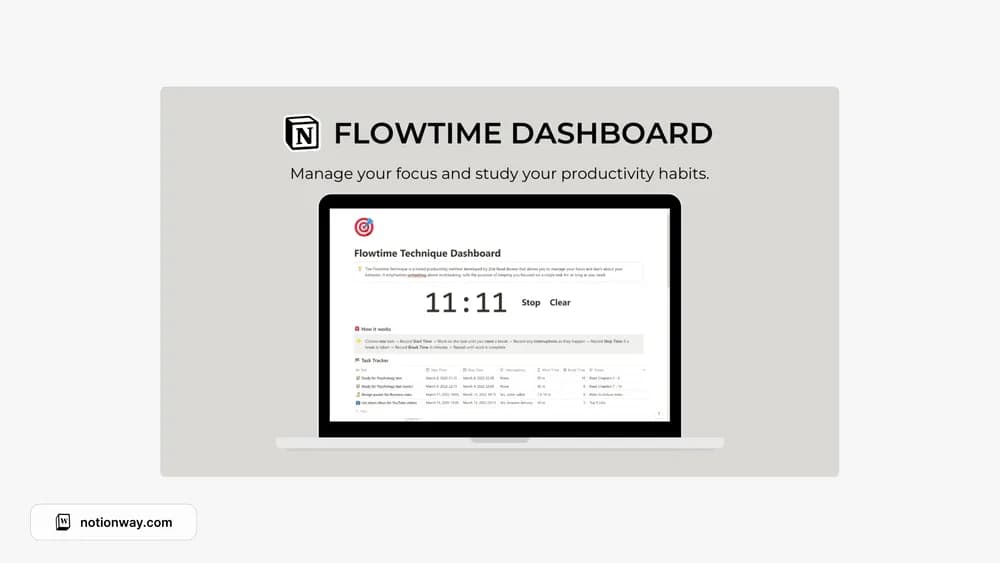
Flowtime Technique Dashboard
A Flowtime dashboard shown in the original template collection.
 Free
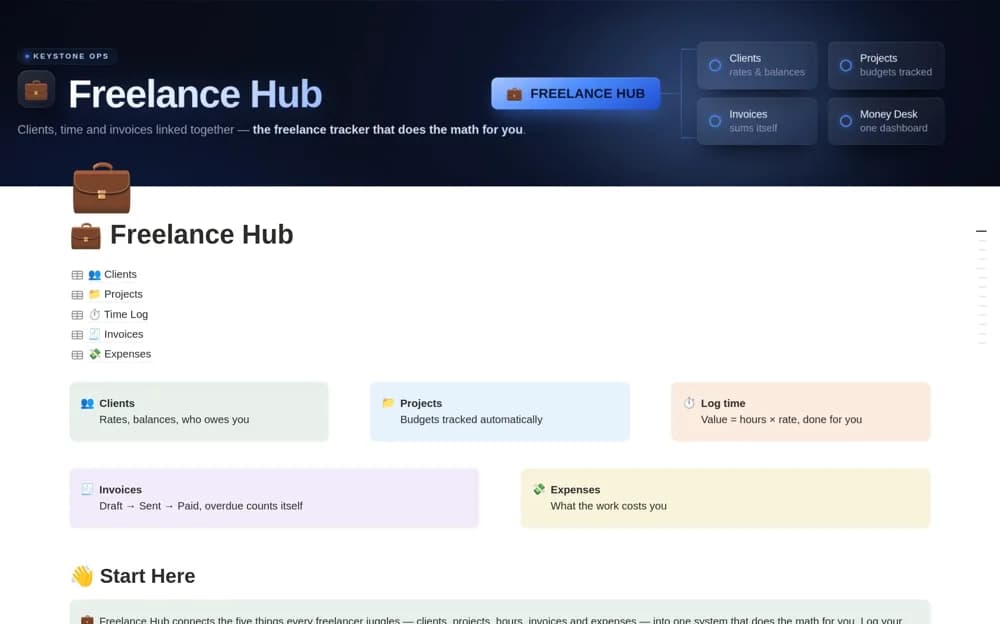
FreeFreelance Hub — Client, Time & Invoice Tracker
A connected freelance system for clients, projects, logged time, invoices, expenses, and outstanding work value.
 Free
FreeHossam's Ultimate Notion Hub
Hossam’s personal Notion hub for bringing useful pages together.
 Free
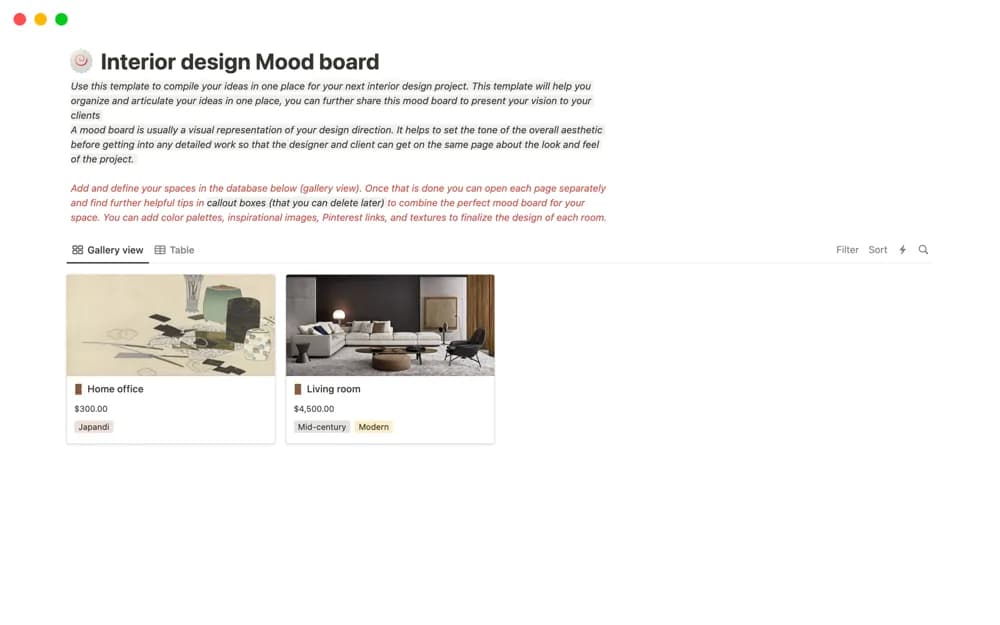
FreeInterior design Mood board
A room-based interior mood-board layout for images, references, links, colors, furniture, and textures, intended for collaboration or presenting a design direction.
 Free
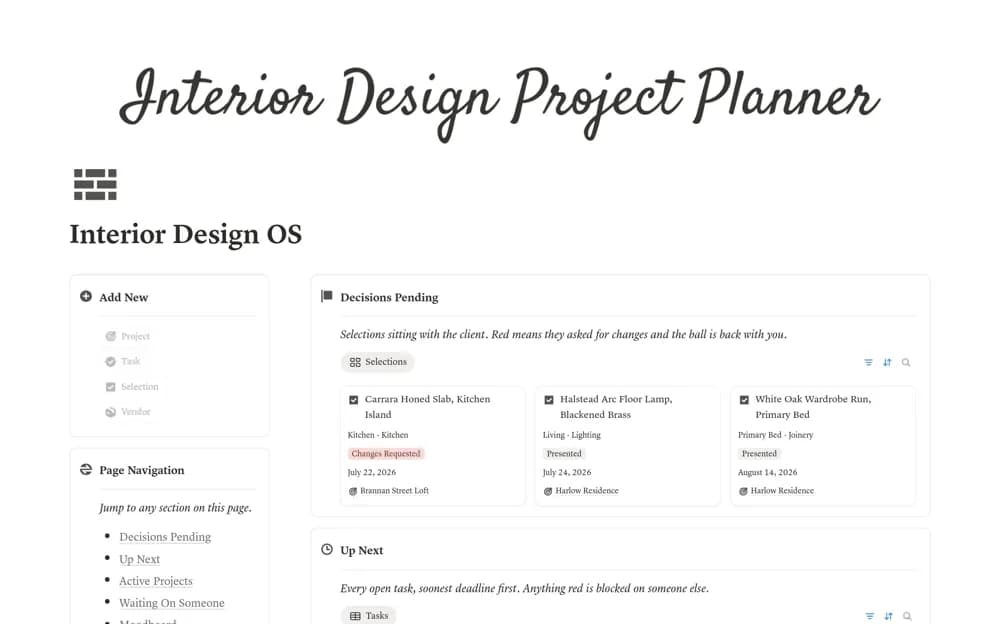
FreeInterior Designer Project Manager
An interior design workspace for project briefs, room selections, moodboards, client decisions, tasks, and vendors.
 Free
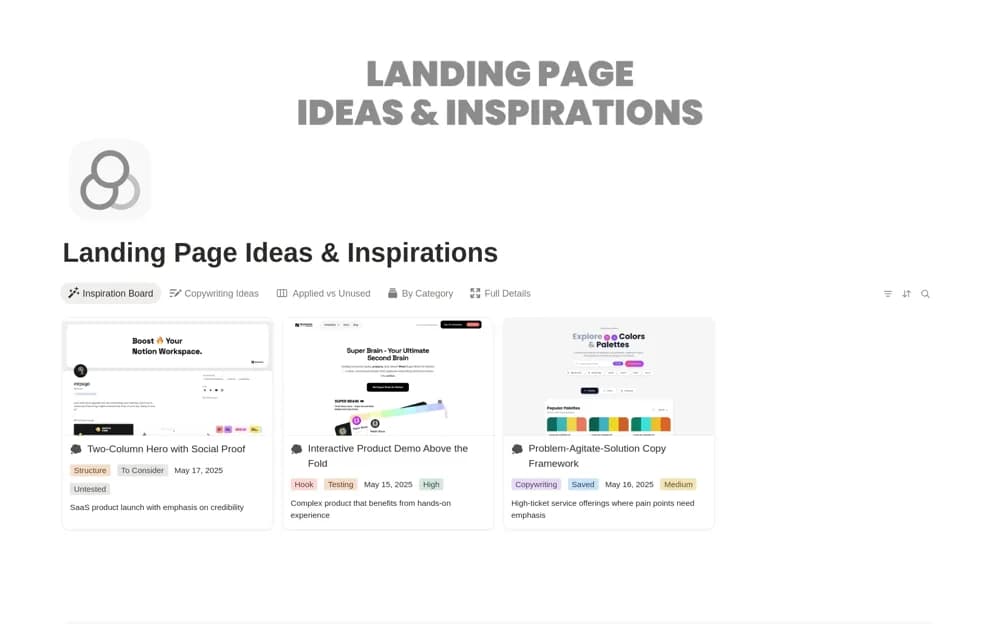
FreeLanding Page Ideas & Inspirations
A landing-page swipe file for saving design examples, headlines, and calls to action with useful tags.
 Free
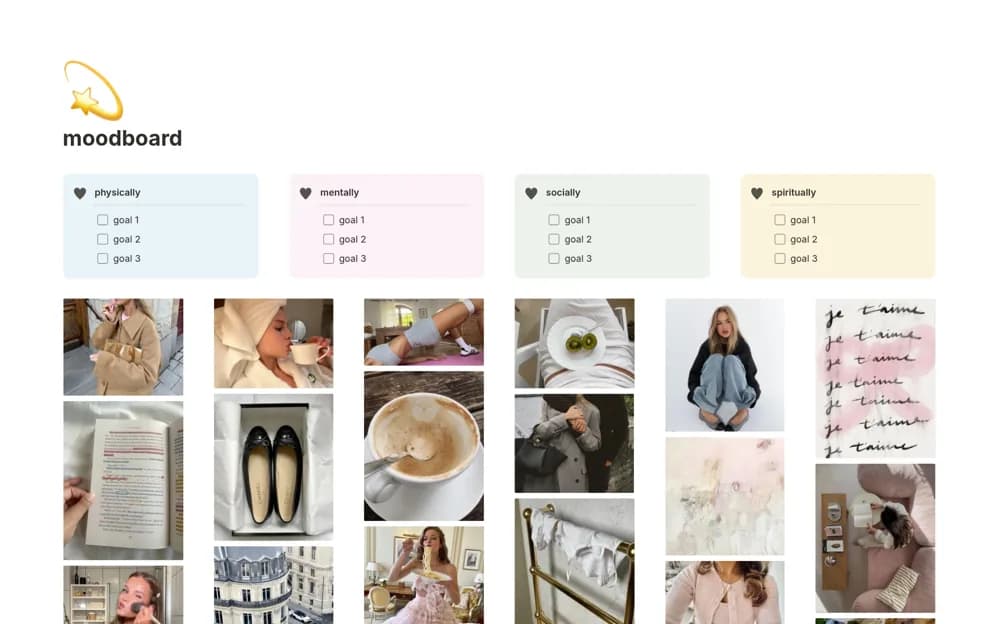
Freemoodboard
An aesthetic personal moodboard for inspiration images, quotes, life areas, and a few goals in each area.
 Free
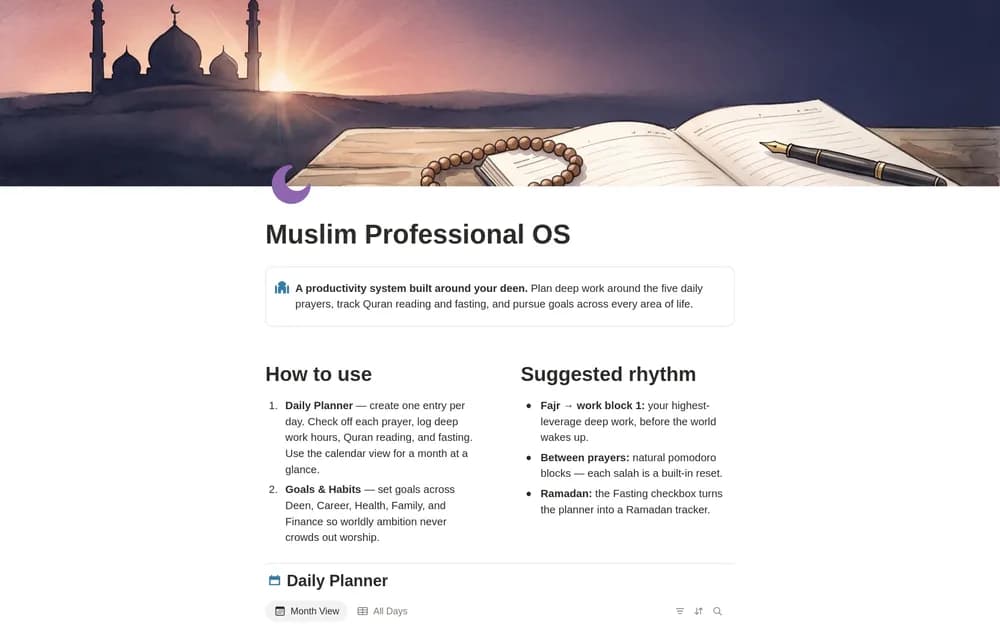
FreeMuslim Professional OS — Prayer-First Planner
A prayer-first planning workspace for professional life.
 Free
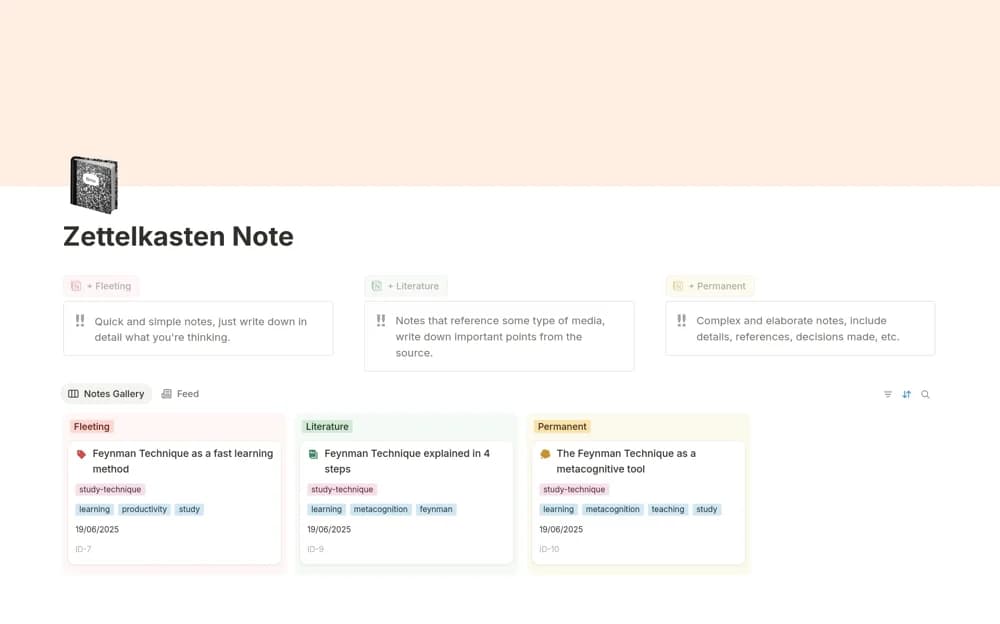
FreeNotas Zettelkasten
A connected-note database distinguishing fleeting captures, literature notes, and permanent ideas in your own words.
 Free
Free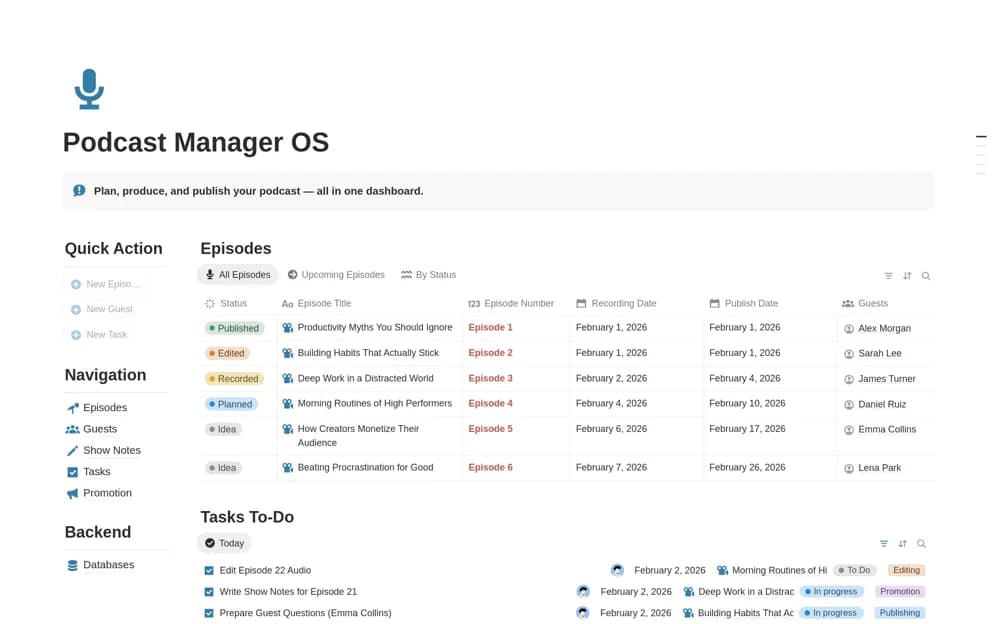 Free
FreePodcast Manager OS | Episodes, Guests & Promotion
A podcast workflow linking episodes, guests, show notes, editing tasks, release dates, and promotion status.
 Free
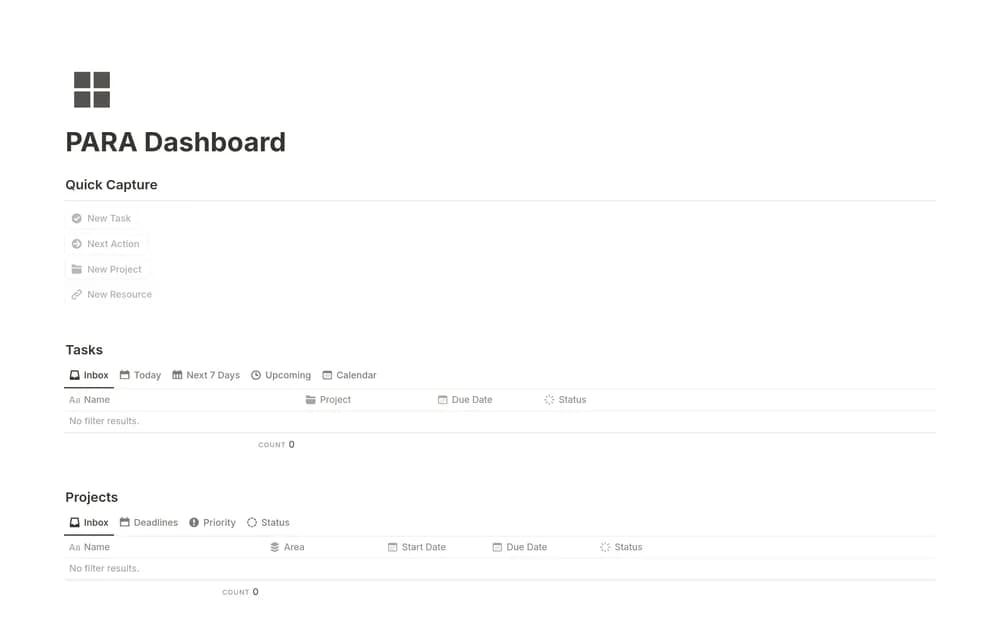
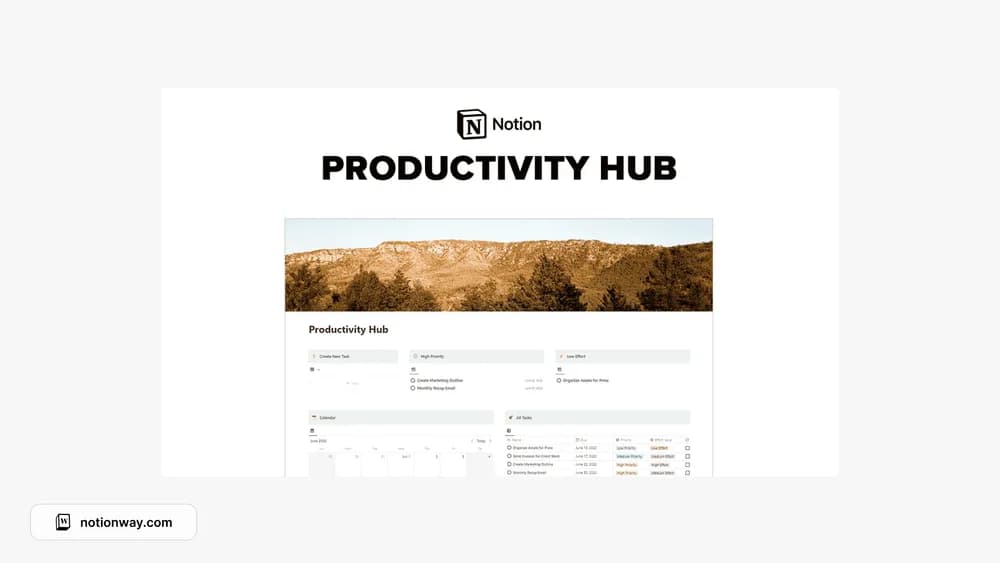
FreeProductivity Hub
A productivity dashboard for bringing current work into one view.
 Free
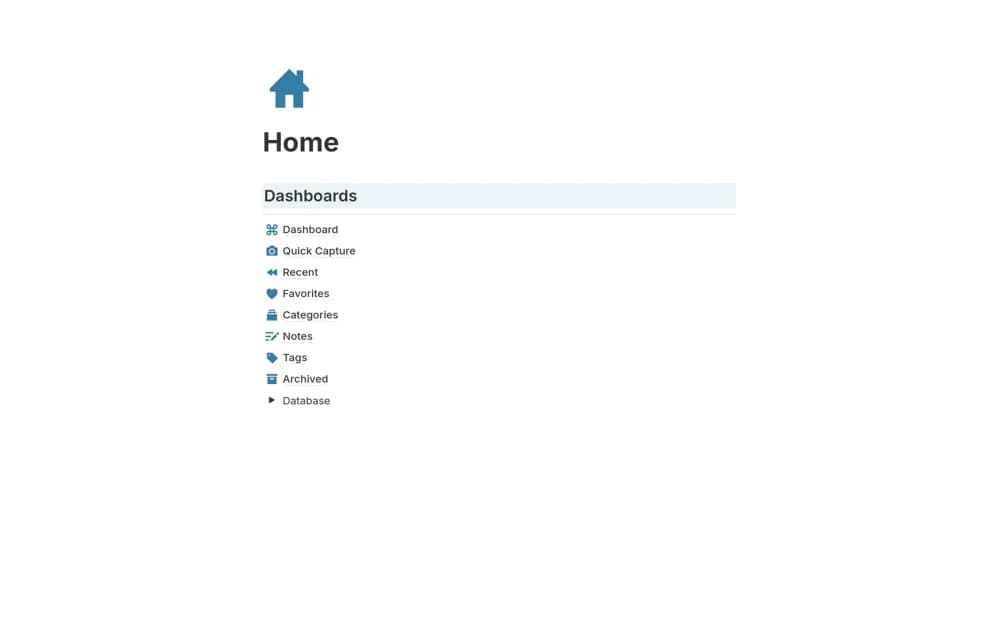
FreeScreenshots Organizer
A screenshot reference library with quick capture, tags, source notes, favorites, and recent-item views.
A closer look at the collection
Which template fits your work?
Compare the purpose and included features before choosing a workspace.
Brainstorm & Pomodoro Room
People who want a place to think before starting a task.
- Explore a brainstorming space
- Plan focused work
- Keep session context
Productivity Hub
People looking for a central task workspace.
- Create a task home
- Organize current work
- Review a daily plan
Simple Habit Tracker
People starting a manageable daily check-in.
- Record chosen habits
- Keep daily check-ins
- Review a personal routine
Choose something that fits
How to compare personal productivity templates
Begin with the point where work usually stalls. If you forget tasks, try a simple capture list. If you struggle to choose, look for prioritization. If you overbook, use a weekly plan with realistic space. The useful template is the one that helps with your particular bottleneck and still feels manageable on a busy day.
A few things to look for
A clear next action
Realistic planning
Low-friction capture
About the directoryPut it into practice
Match the system to the point where work stalls
Use quick capture if commitments are forgotten, a priority view if choosing is difficult, or a realistic weekly plan if you overbook. Keep the next action small and concrete. Review unfinished work before adding more so the system reflects actual capacity and current responsibilities.
Before you chooseQuestions about
Questions about
this collection
How do I avoid abandoning another productivity system?+
Begin with one useful workflow, keep daily upkeep small, and review it after real use. Remove features that do not help your decisions before adding a larger setup.
Are there free templates in the personal productivity collection?+
Yes. This collection currently includes 24 listings with a confirmed free creator offer, alongside 1 paid or freemium option. Use the Free filter to compare them. A free version can have different features from a creator’s paid upgrade, so check the original listing and current access terms before adding it to your workspace.