About Movie Library
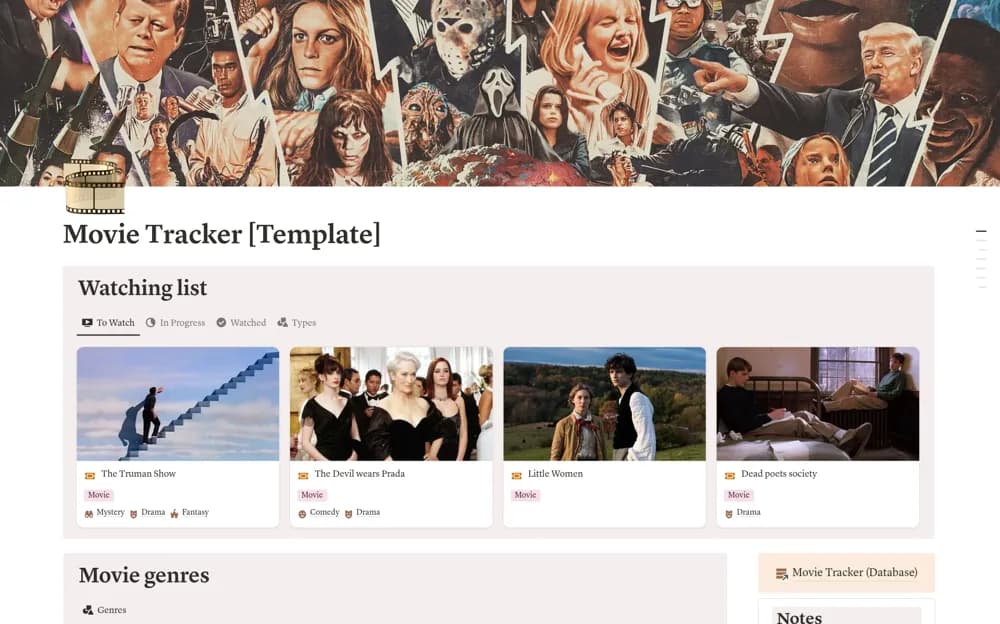
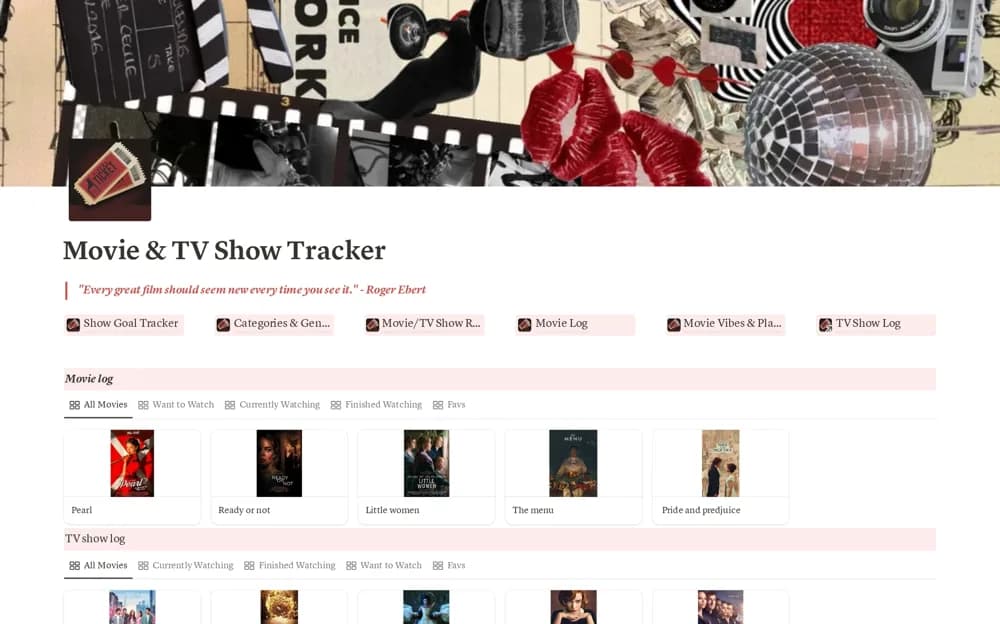
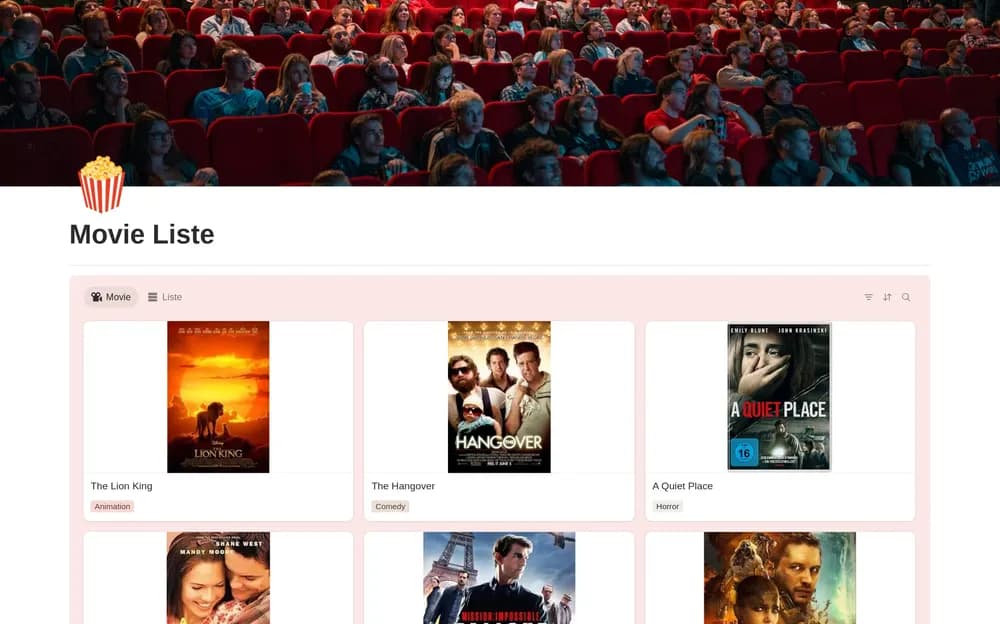
Browse a personal film collection in a Notion gallery of movie posters with titles and genre tags, then filter it to build a watchlist.
What’s included
- Gallery layout with movie posters
- Titles and genre tags
- Filtering by category
- Personal watchlist
How to use it in practice
Add five films you have watched recently and five you plan to watch, each with its poster and genres. Filter the gallery by genre to check that the tags work the way you expect. Over the week, add any recommendation you hear and choose your next film from the watchlist instead of scrolling a streaming app.
Set it up in your workspace
- Open the original Notion Marketplace listing and add the template to your chosen workspace while signed in. Keep its example records until you understand how the pages connect.
- Add five films you have watched recently and five you plan to watch, each with its poster and genres.
- Try one complete example before adding a large backlog. Check that its views and any calculations show what you expect, then replace the sample content with your own.
Who it suits and what to consider
Film fans who want a visual watchlist and a record of favorite movies. Posters and film details are added by hand; the listing does not mention ratings, reviews, or a connection to a film database.