About Watchlist for Movies and Series
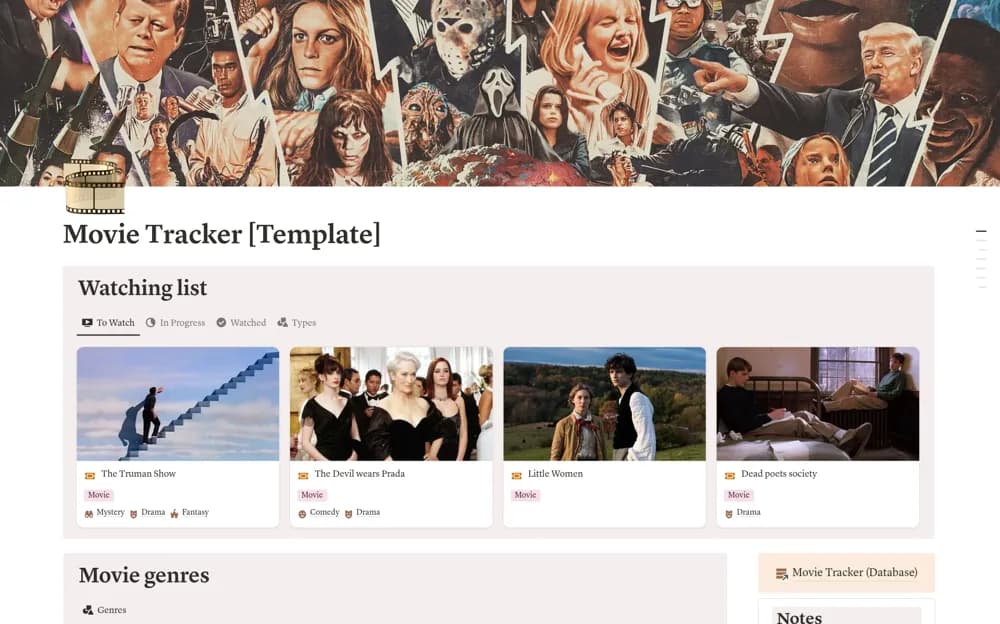
Track films and TV shows in Notion across To Watch, Watching, and Watched lists, sorted by genre and streaming platform, with ratings and notes.
What’s included
- To Watch, Watching, and Watched lists
- Genre tags
- Streaming platform labels
- Ratings and notes
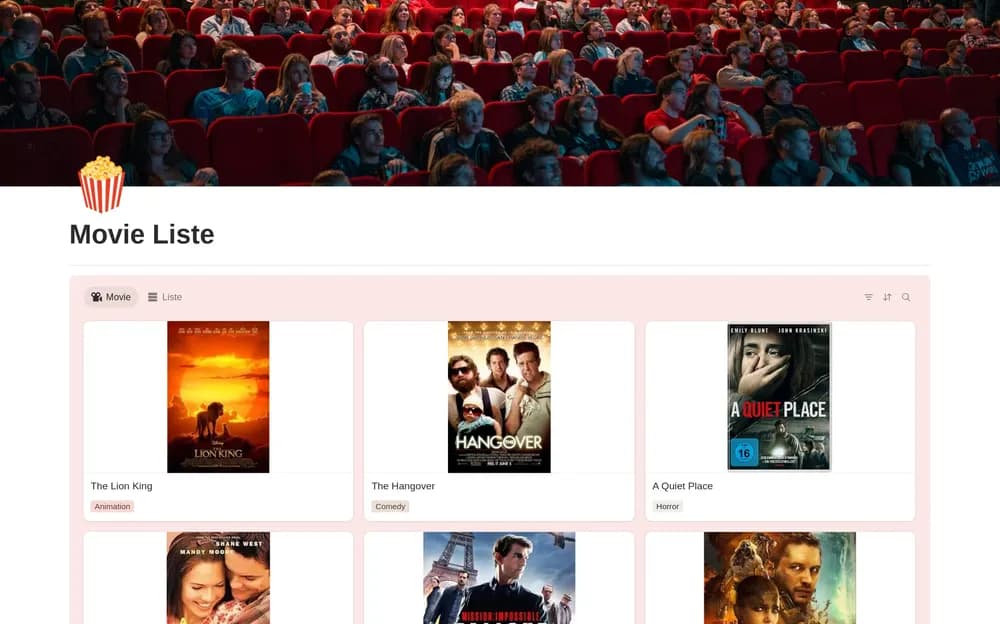
- Gallery view
How to use it in practice
Add five titles you plan to watch and the shows you are in the middle of, with genre and platform. Move each title as you start or finish it. Rate it and add a sentence of thoughts after watching, then use the platform filter at the weekend to choose something from a service you already pay for.
Set it up in your workspace
- Open the original Notion Marketplace listing and add the template to your chosen workspace while signed in. Keep its example records until you understand how the pages connect.
- Add five titles you plan to watch and the shows you are in the middle of, with genre and platform.
- Try one complete example before adding a large backlog. Check that its views and any calculations show what you expect, then replace the sample content with your own.
Who it suits and what to consider
Film lovers and binge-watchers who keep forgetting what they meant to watch next. Titles, posters, and availability are entered manually. Streaming catalogs change, so platform labels can become outdated.