About Moving Abroad: From Chaos to Clarity
Plan an international move in Notion with a move-out countdown, phased task views, a packing inventory, and life-admin tasks before and after arrival.
What’s included
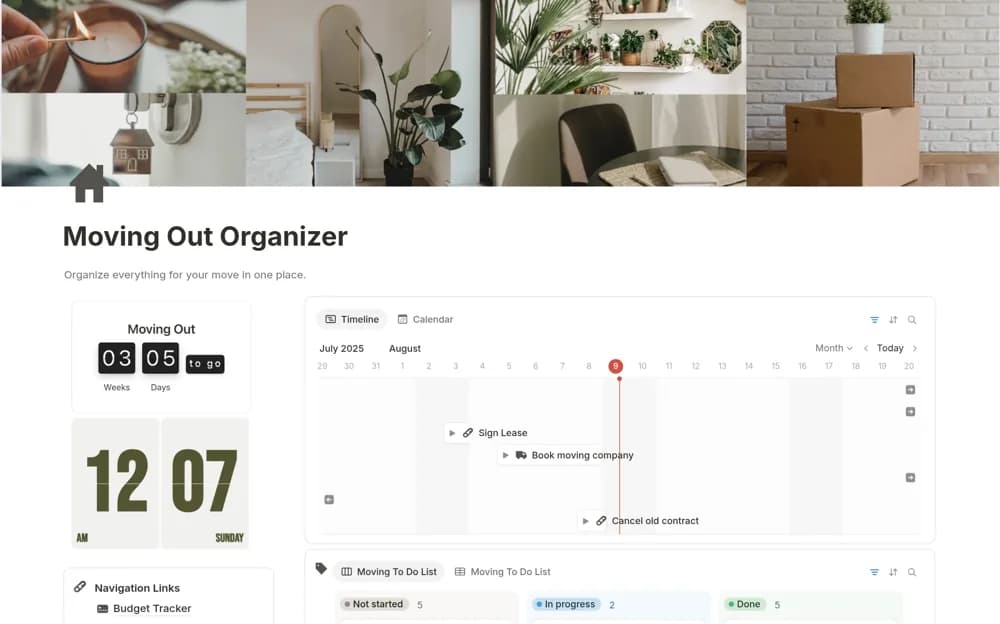
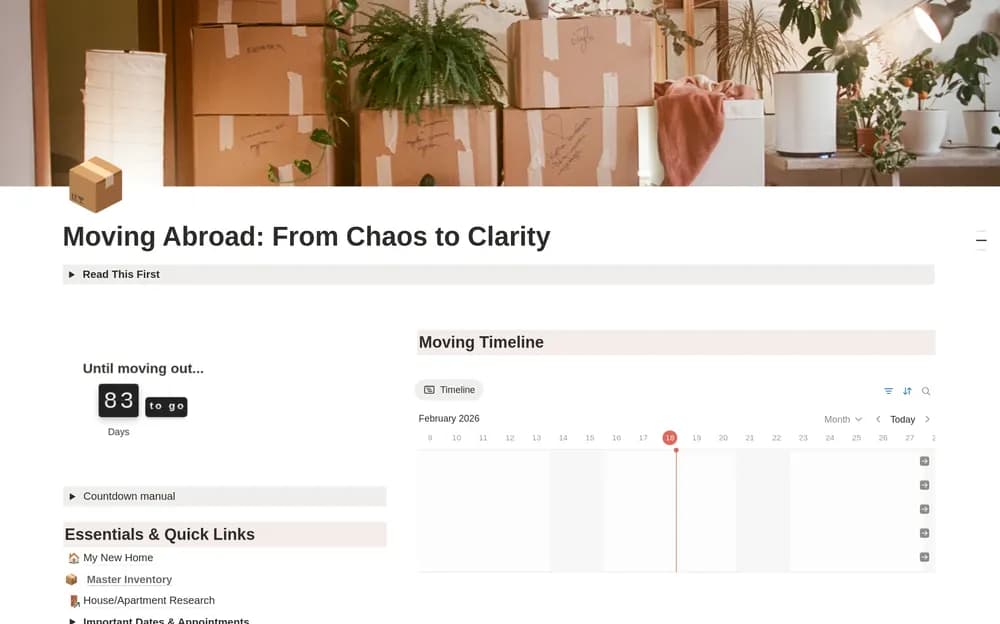
- Countdown to moving day
- To-do, progress, timeline, and grouped task views
- Master inventory marking items to pack, sell, donate, store, or ship, with box and room fields
- Essentials hub with new address, contacts, and key dates
- Tasks for housing, documents, healthcare, finances, subscriptions, and arrival setup
How to use it in practice
Set your move-out date so the countdown works, then add essentials such as your new address and key contacts. Go through the life-admin areas and keep the tasks that apply to your destination. Inventory one room during the week, marking each item to pack, sell, donate, store, or ship.
Set it up in your workspace
- Open the original Notion Marketplace listing and add the template to your chosen workspace while signed in. Keep its example records until you understand how the pages connect.
- Set your move-out date so the countdown works, then add essentials such as your new address and key contacts.
- Try one complete example before adding a large backlog. Check that its views and any calculations show what you expect, then replace the sample content with your own.
Who it suits and what to consider
People relocating to another country who want tasks, belongings, and essential details in one place. Country-specific requirements such as visas, customs, or registration are not built in, so research those for your destination. Tasks and inventory are entered and updated by hand.