About Pet Sitter Info Pack
Prepare a shareable Notion pet-care page with daily routines, pet details, emergency contacts, and instructions grouped by time or category.
What’s included
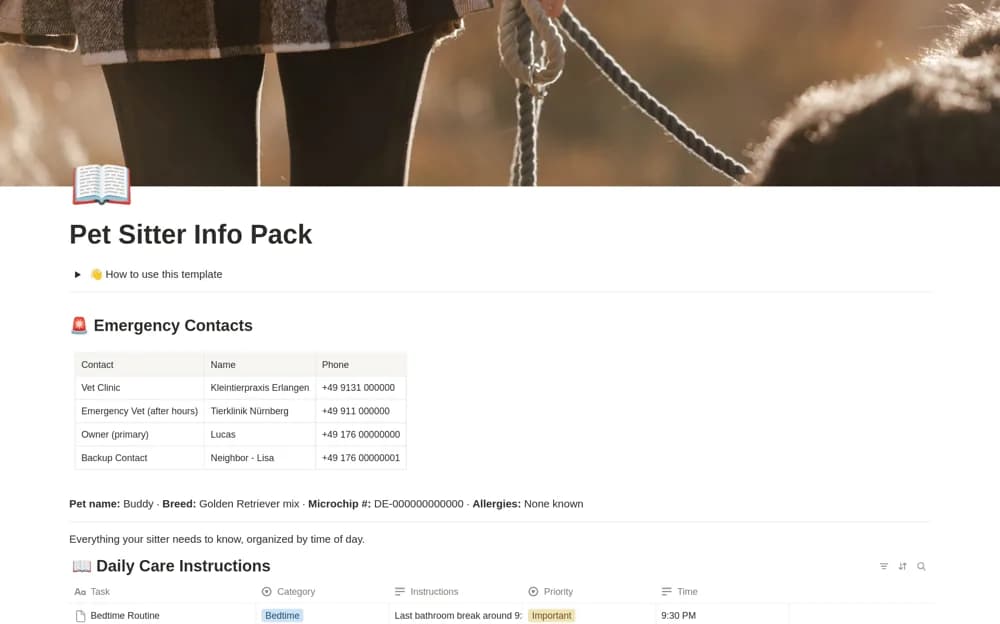
- Pet identity and allergy details
- Veterinary and backup contacts
- Time-based daily care instructions
- Category board and filled example
How to use it in practice
Replace the sample pet and every contact with current information. Write the existing feeding, walking, and care routine clearly, then review the page with the sitter before leaving. Open the shared link using the sitter’s level of access and confirm they can find the emergency contact quickly.
Set it up in your workspace
- Open the original Notion Marketplace listing and add the template to your chosen workspace while signed in. Keep its example records until you understand how the pages connect.
- Replace the sample pet and every contact with current information.
- Try one complete example before adding a large backlog. Check that its views and any calculations show what you expect, then replace the sample content with your own.
Who it suits and what to consider
Pet owners briefing an agreed sitter before a trip or a temporary change in care. Use established veterinary instructions for medication or special care. Review who can access the shared page before adding personal contact details.