About Ramadan Islamic Planner
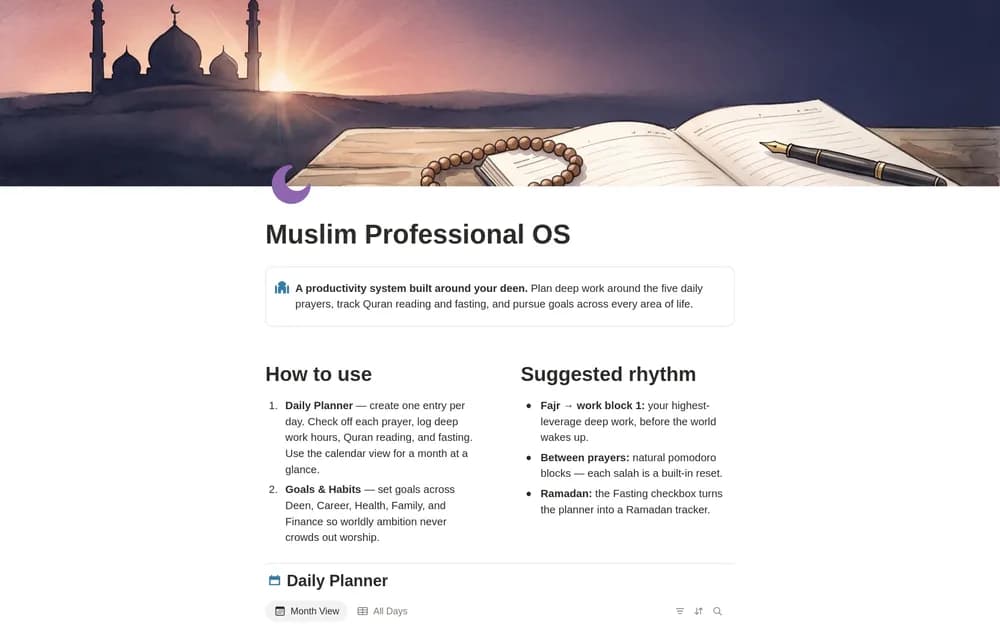
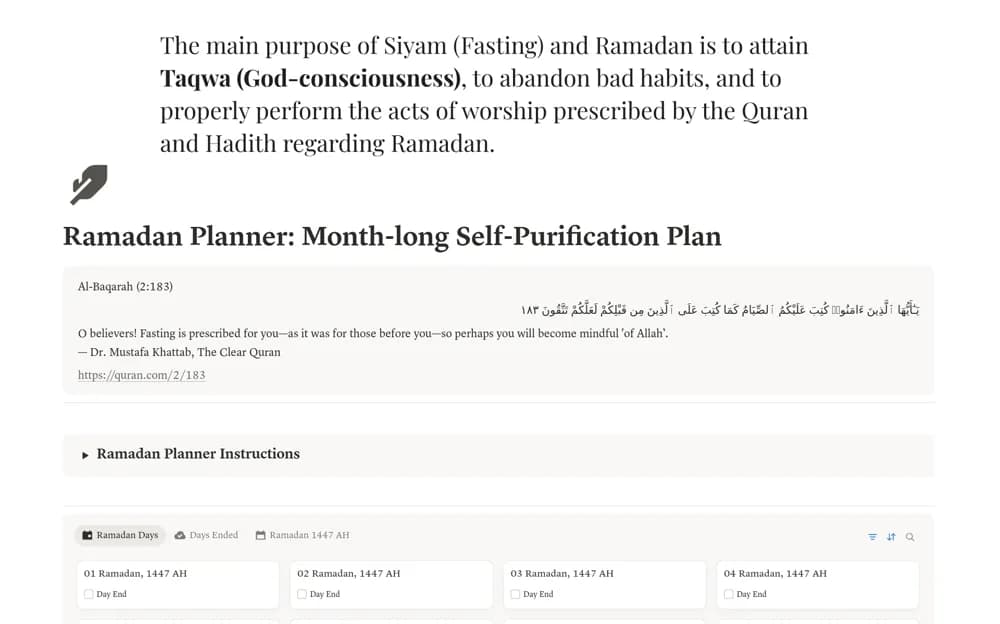
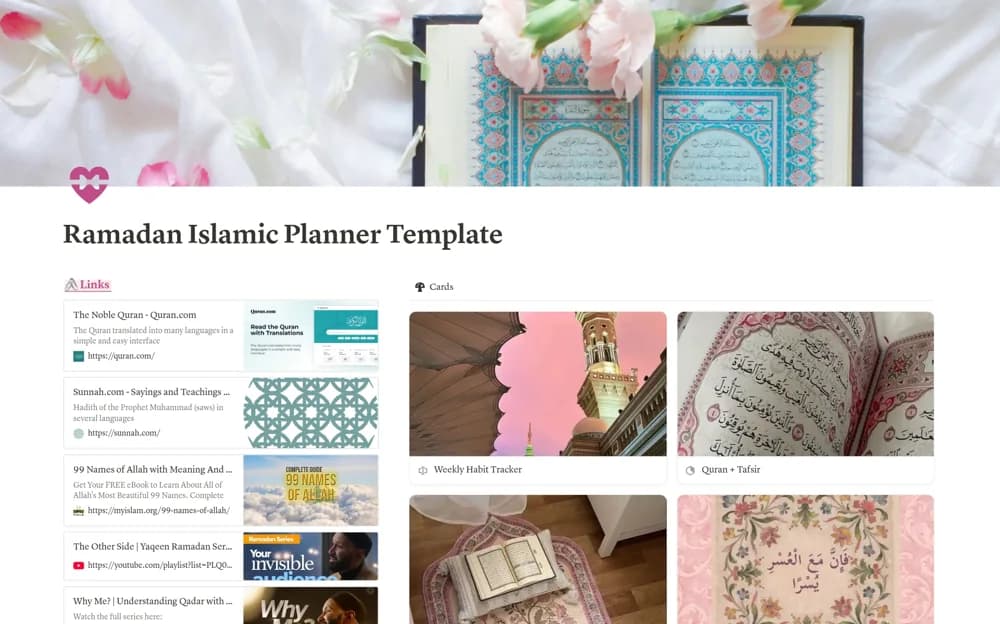
Organize Ramadan routines in Notion with habit and fasting logs, Quran and tafsir tracking, duas, lecture notes, and a reflection journal.
What’s included
- Weekly habits and fasting record
- Quran and tafsir progress
- Dua collection and hadith journal
- Lecture notes and memorization tracking
How to use it in practice
Choose a manageable routine for the month and adapt the example trackers to it. Record reading and lecture notes as you go, then review the week without turning every section into a compulsory target. Keep references with your notes so you can return to the source when a question arises.
Set it up in your workspace
- Open the original Notion Marketplace listing and add the template to your chosen workspace while signed in. Keep its example records until you understand how the pages connect.
- Choose a manageable routine for the month and adapt the example trackers to it.
- Try one complete example before adding a large backlog. Check that its views and any calculations show what you expect, then replace the sample content with your own.
Who it suits and what to consider
Muslims who want a personal organizer for the observances and learning routine they have chosen. The template organizes personal practice. It is not a source of religious rulings, medical advice about fasting, or location-specific prayer times.