About Road Trip Planner
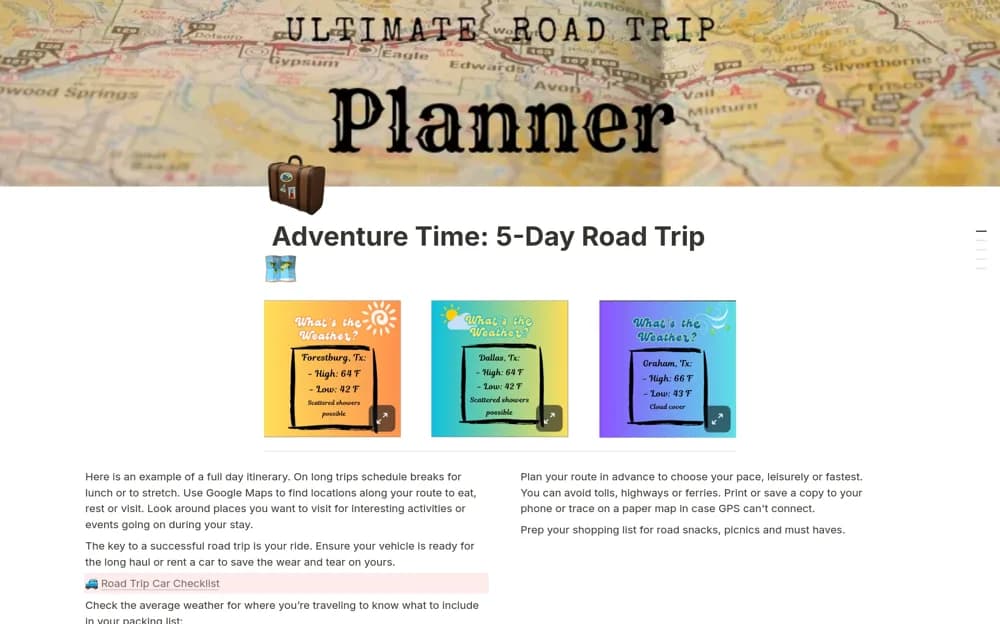
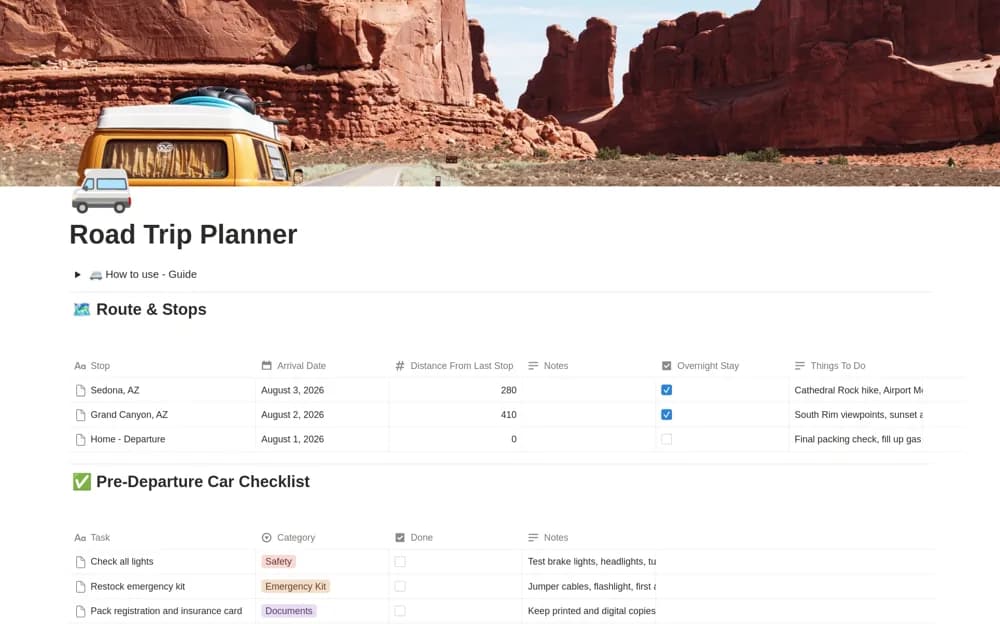
Plan a road trip in Notion with ordered stops, driving distances, overnight stays, a departure checklist, expenses, and an entertainment queue.
What’s included
- Ordered route stops and distances
- Overnight-stay planning
- Vehicle and departure checklist
- Trip expenses and shared entertainment ideas
How to use it in practice
List the stops in driving order and check realistic distances with a current route service. Confirm the overnight arrangements, then review the departure checklist before leaving. Record expenses during the trip and adjust later stops when the actual driving time or conditions differ from the plan.
Set it up in your workspace
- Open the original Notion Marketplace listing and add the template to your chosen workspace while signed in. Keep its example records until you understand how the pages connect.
- List the stops in driving order and check realistic distances with a current route service.
- Try one complete example before adding a large backlog. Check that its views and any calculations show what you expect, then replace the sample content with your own.
Who it suits and what to consider
Travelers organizing the driving days as well as the final destination. The template does not provide live navigation, road-condition alerts, or a vehicle inspection. Verify route and vehicle requirements through the appropriate current sources.