About Trip Planner: Itinerary, Budget & Packing List
A trip planner helps when the practical information stays near the plan. This template brings several travel-planning areas together. Check important details against booking confirmations and official sources, then test the layout on the phone you will use during the trip.
What’s included
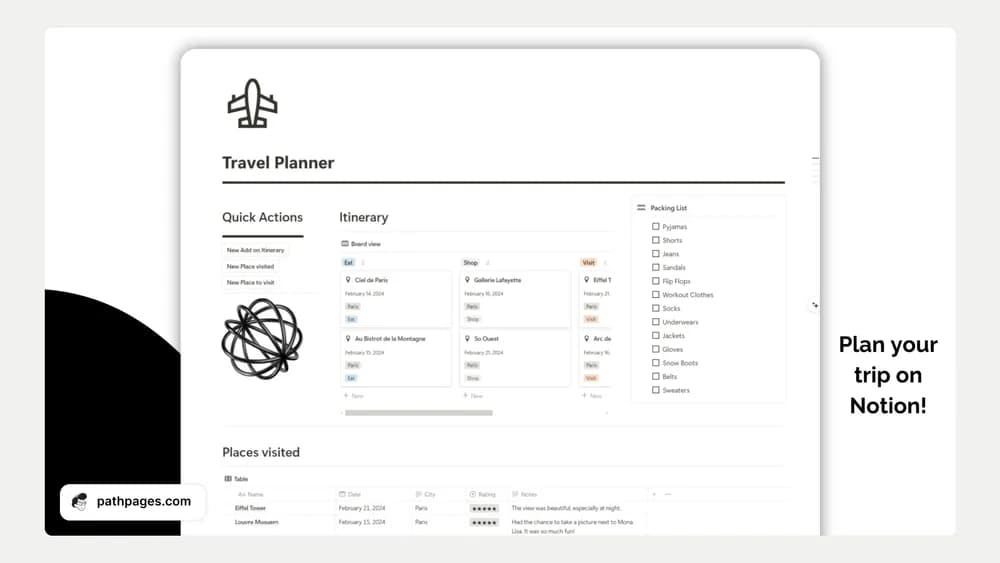
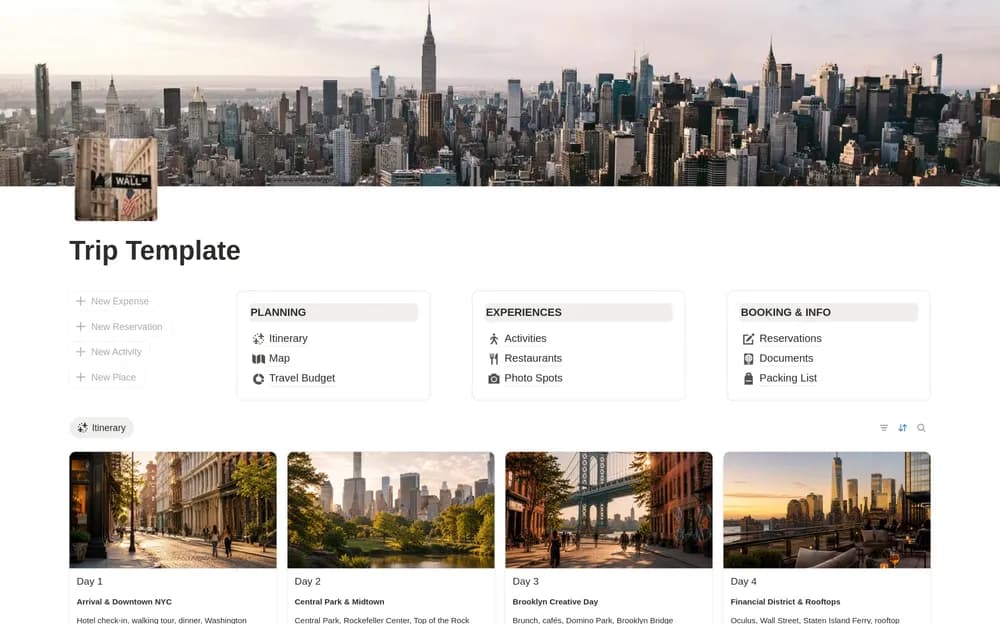
- Connected trip, itinerary, activity, and reservation records
- Budget, packing, places, documents, and travel-note sections
- A complete New York City example trip showing how the system connects
How to use it in practice
Explore the example trip before replacing its records. Create your destination, add confirmed reservations, and plan a day with realistic travel time between activities. Keep optional places separate from fixed bookings and check costs against your budget. Open the key pages on your travel device and retain necessary reservation information through a reliable access method.
Set it up in your workspace
- Open the original Notion Marketplace listing and add the template to your chosen workspace while signed in. Keep its example records until you understand how the pages connect.
- Set up one upcoming trip and add the details you will need on the move. Keep a separate copy of essential travel information.
- Try one complete example before adding a large backlog. Check that its views and any calculations show what you expect, then replace the sample content with your own.
Who it suits and what to consider
Travelers who want the main planning details in one workspace. A fuller option for managing the practical details of a trip. Recheck current travel information and reservation terms with the original providers.