About Technical Design Document
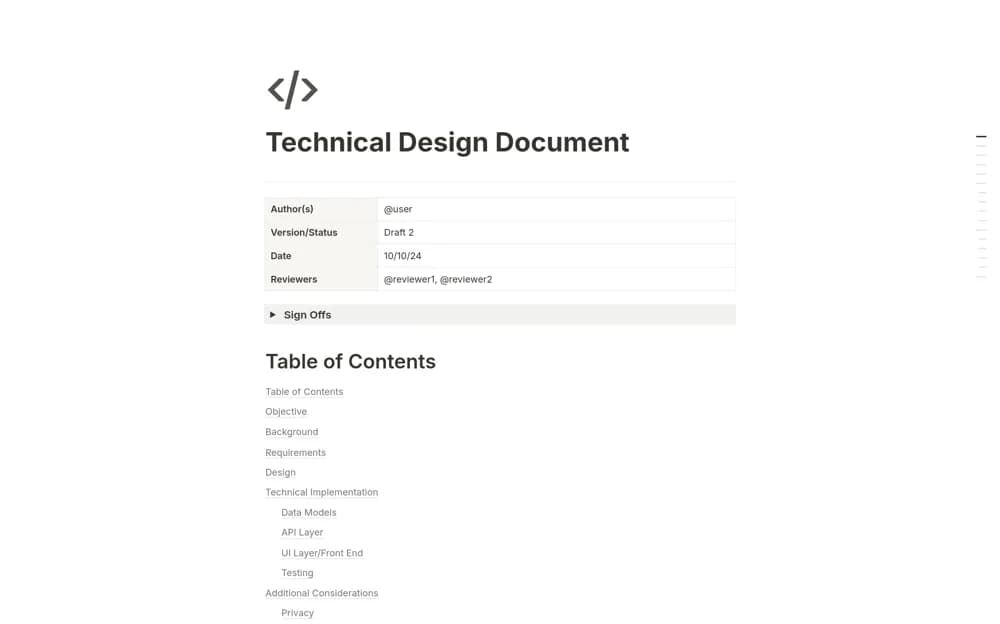
Document a technical change in Notion with authors and reviewers, signoffs, requirements, implementation design, and performance or security considerations.
What’s included
- Author, version, and reviewer table
- Signoff section and contents navigation
- Requirements and implementation outline
- Performance and security discussion prompts
How to use it in practice
Explain the problem and requirements before describing your proposed technical approach. Record alternatives and the considerations that matter to this change, then invite named reviewers to comment. Update the version and signoff record when the agreed design changes so implementation does not follow an outdated draft.
Set it up in your workspace
- Open the original Notion Marketplace listing and add the template to your chosen workspace while signed in. Keep its example records until you understand how the pages connect.
- Explain the problem and requirements before describing your proposed technical approach.
- Try one complete example before adding a large backlog. Check that its views and any calculations show what you expect, then replace the sample content with your own.
Who it suits and what to consider
Engineering teams reviewing a proposed change before implementation. This is a basic outline, not a complete architecture review or security assessment. Add the depth and evidence appropriate to the system.