About Weight & Macros Tracker
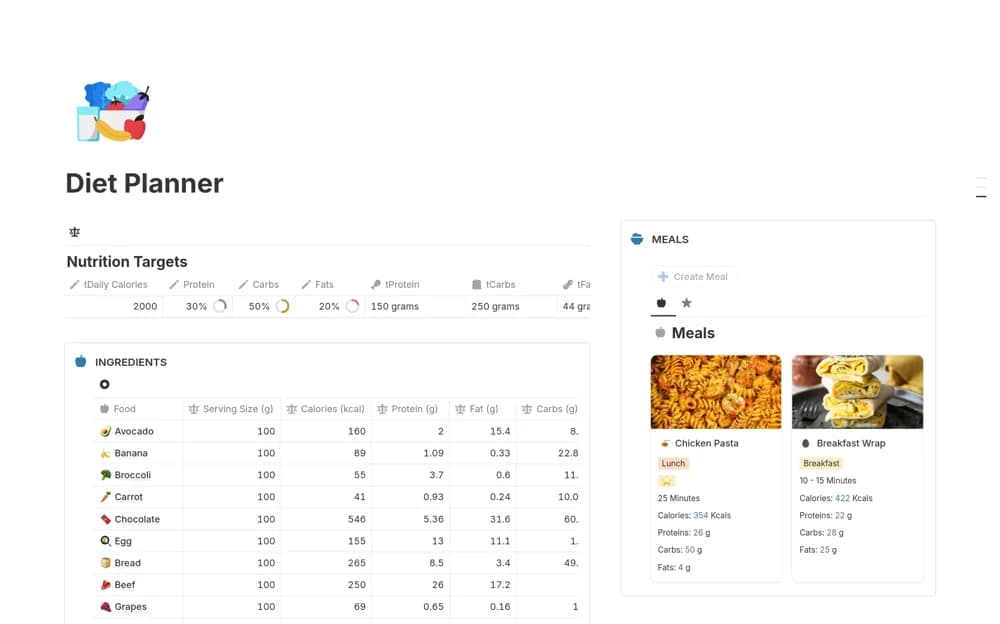
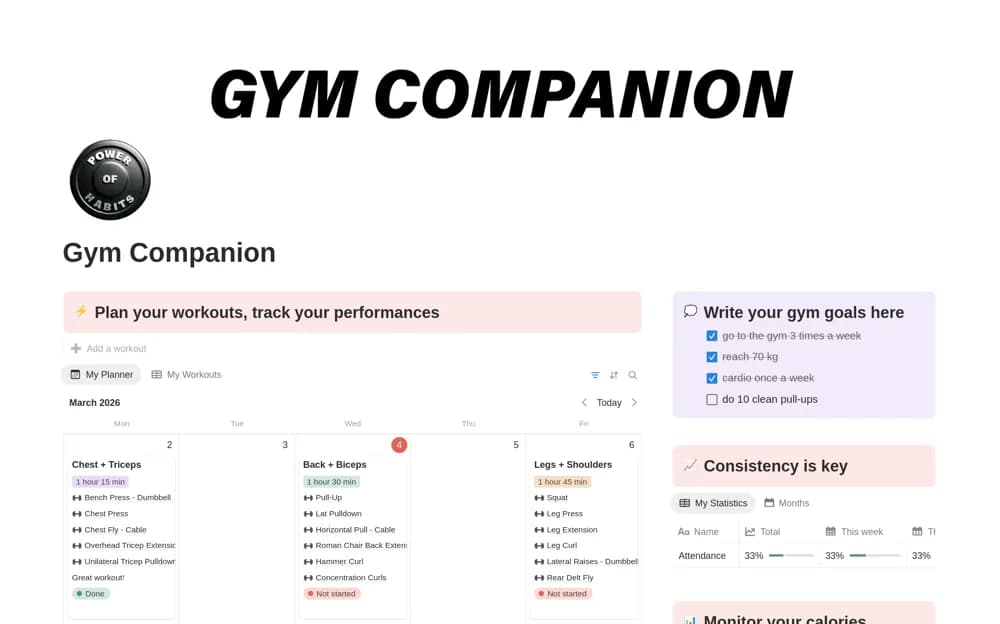
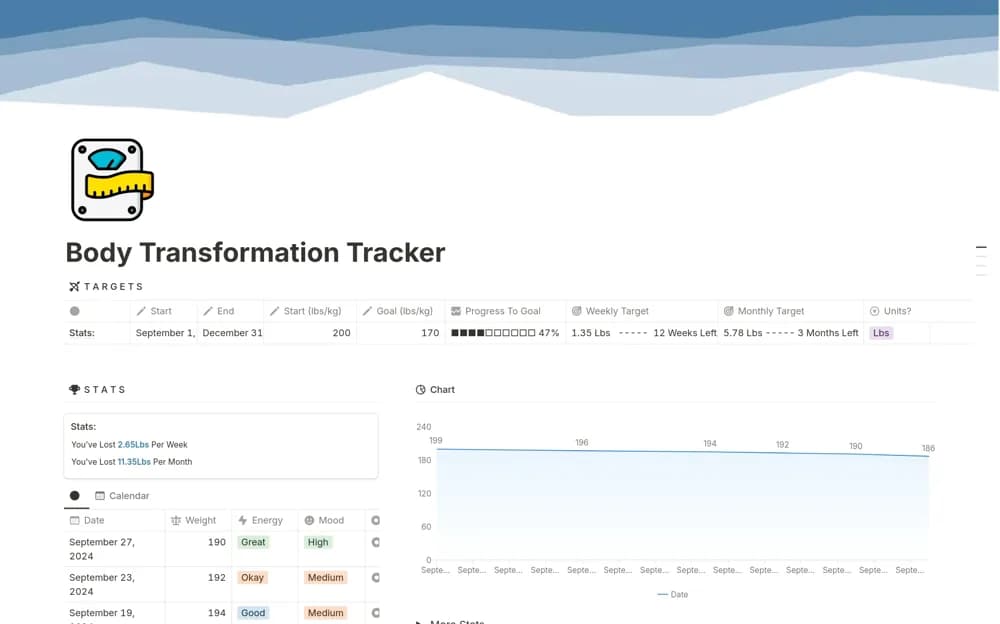
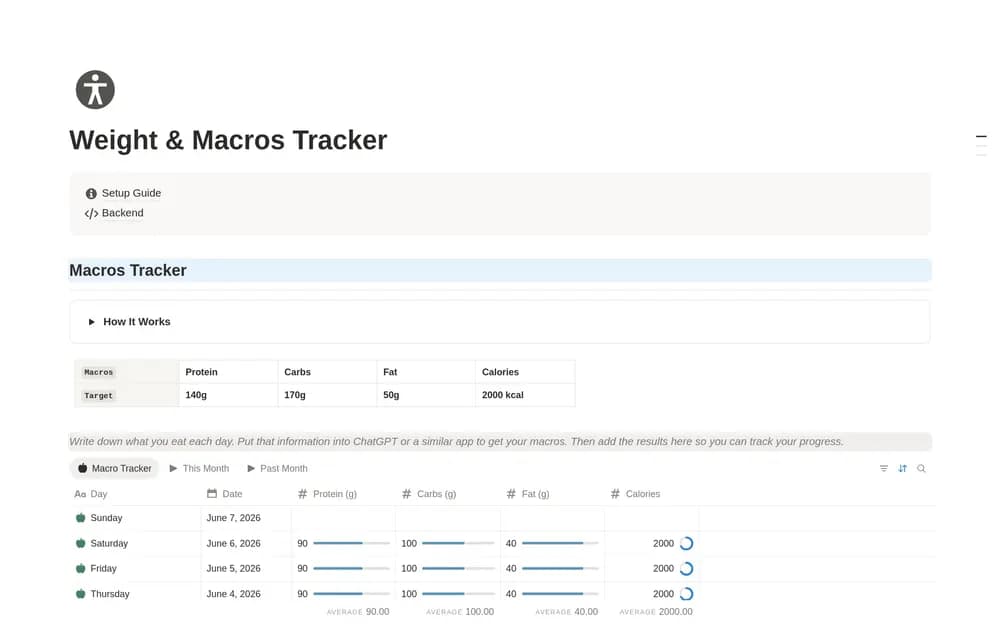
Log daily protein, carbs, fat, and calories against your own targets in Notion, alongside weigh-ins and a chart that shows the longer weight trend.
What’s included
- Macros tracker with personal protein, carb, fat, and calorie targets
- Daily intake logging against goals
- Weight log for daily or weekly weigh-ins
- Weight trend chart
- Setup guide with links to macro calculators
How to use it in practice
Use the setup guide to set your targets, ideally from a calculator you trust or a professional’s advice. Log each day’s totals for a week, even on days that go off plan. Weigh in at the same time of day on the schedule you choose. At the end of the week, look at the trend chart rather than individual readings before changing targets.
Set it up in your workspace
- Open the original Notion Marketplace listing and add the template to your chosen workspace while signed in. Keep its example records until you understand how the pages connect.
- Use the setup guide to set your targets, ideally from a calculator you trust or a professional’s advice.
- Try one complete example before adding a large backlog. Check that its views and any calculations show what you expect, then replace the sample content with your own.
Who it suits and what to consider
People cutting, bulking, or maintaining who want nutrition and weight tracked in one calm place. Daily totals are entered manually; the listing does not mention a food database or syncing with nutrition apps or smart scales. It is a tracking tool, not dietary advice.