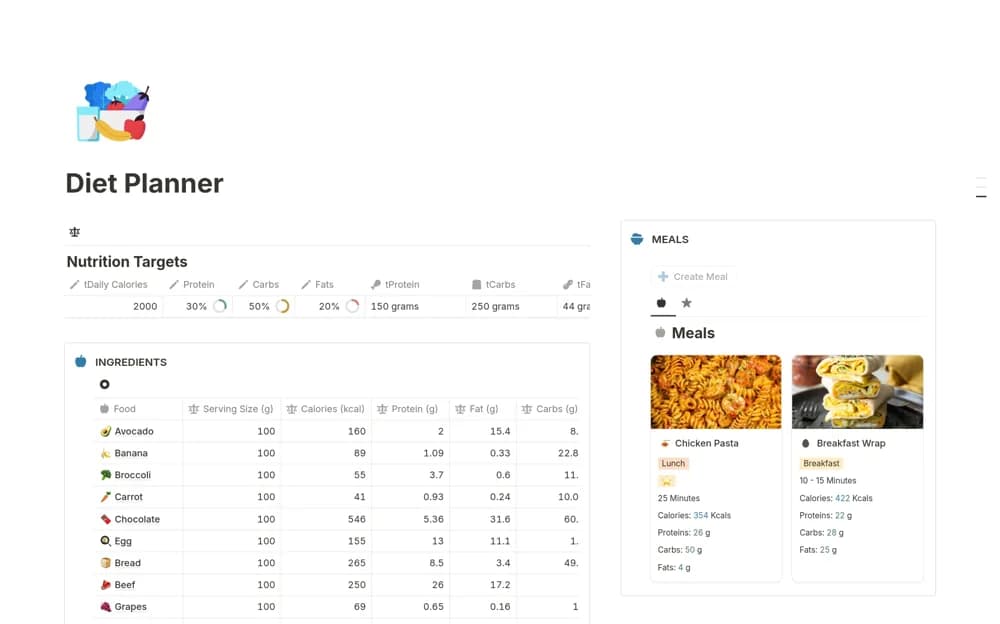
About Weight Tracker
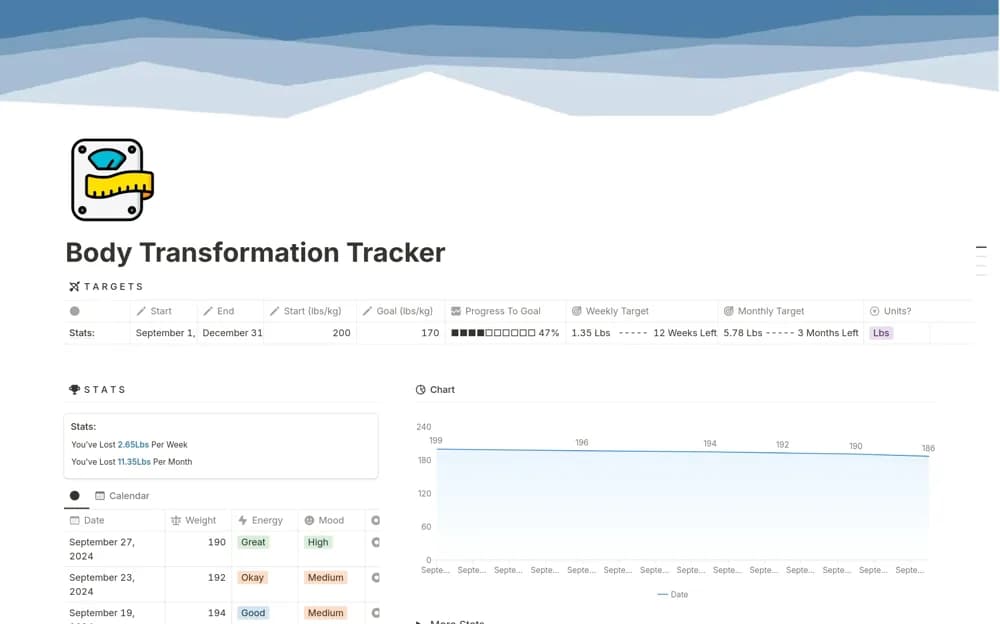
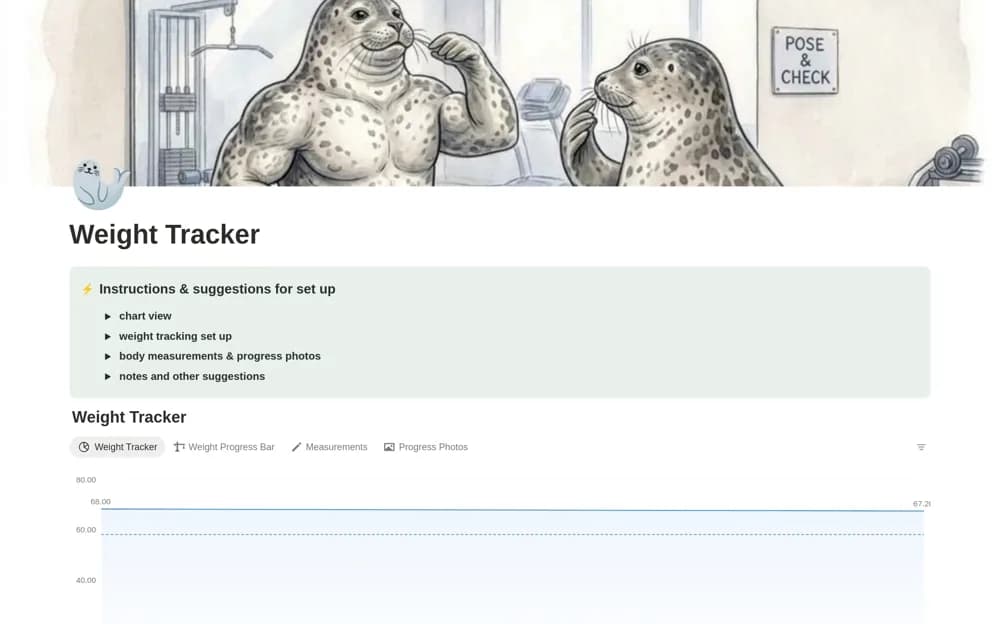
Keep personal weight and measurement records in Notion with trend charts, optional goals, and a separate progress-photo section.
What’s included
- Dated weight entries
- Trend charts
- Optional goal and timeline fields
- Measurement and photo records
How to use it in practice
Choose the information you actually want to record and use consistent units. Enter a sample record, check the chart, and review the sharing settings before adding personal photos. Keep the log descriptive and discuss health-related goals with an appropriate professional rather than deriving them from the template.
Set it up in your workspace
- Open the original Notion Marketplace listing and add the template to your chosen workspace while signed in. Keep its example records until you understand how the pages connect.
- Choose the information you actually want to record and use consistent units.
- Try one complete example before adding a large backlog. Check that its views and any calculations show what you expect, then replace the sample content with your own.
Who it suits and what to consider
People who have chosen to maintain a private record of weight or body measurements. A weight trend does not establish health, fitness, or an appropriate target. The template is a record, not a weight-management treatment plan.