About Yoga Instructor Dashboard
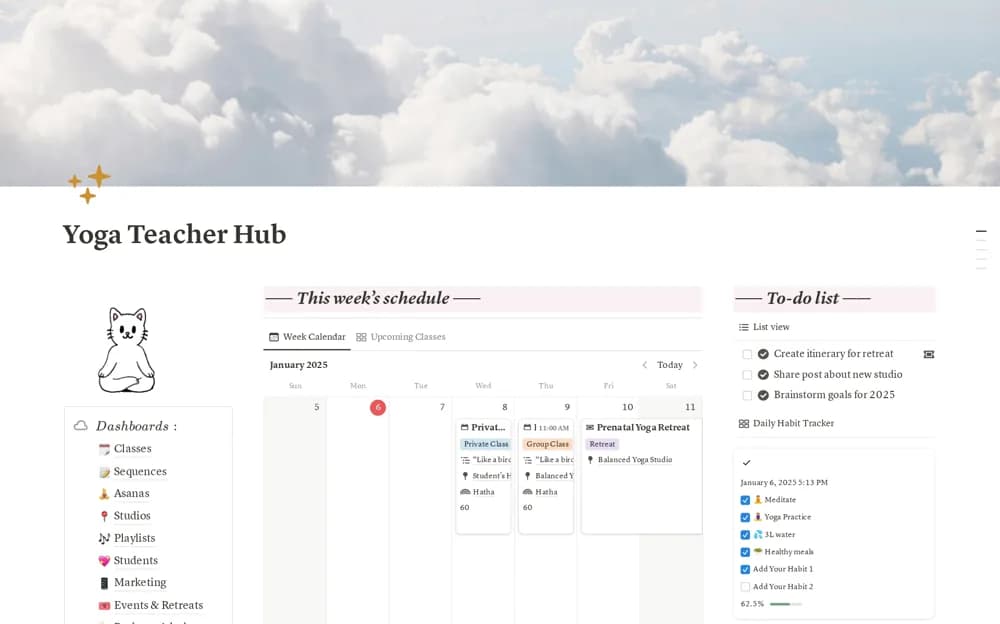
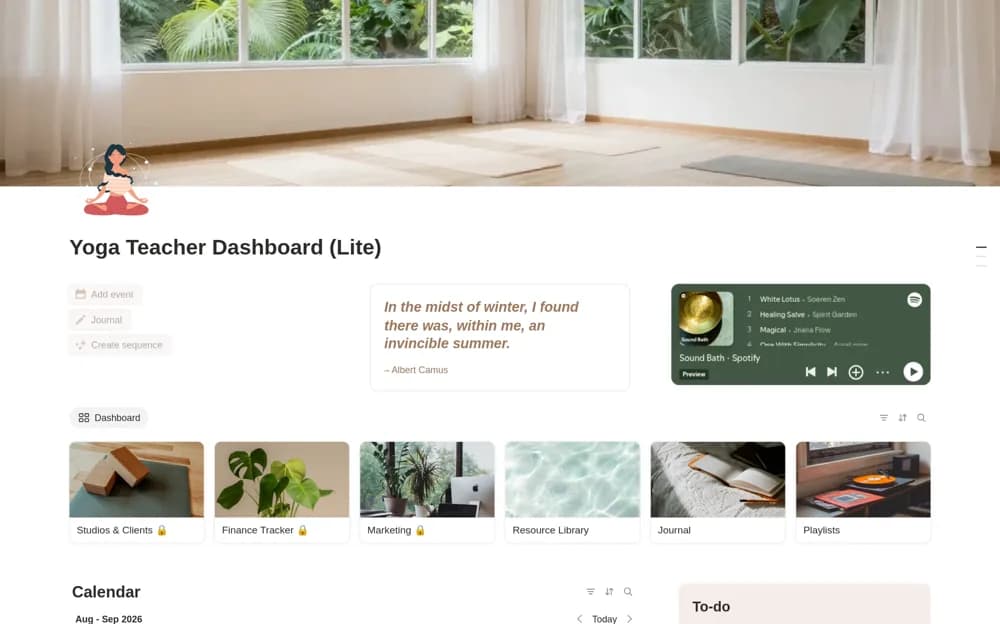
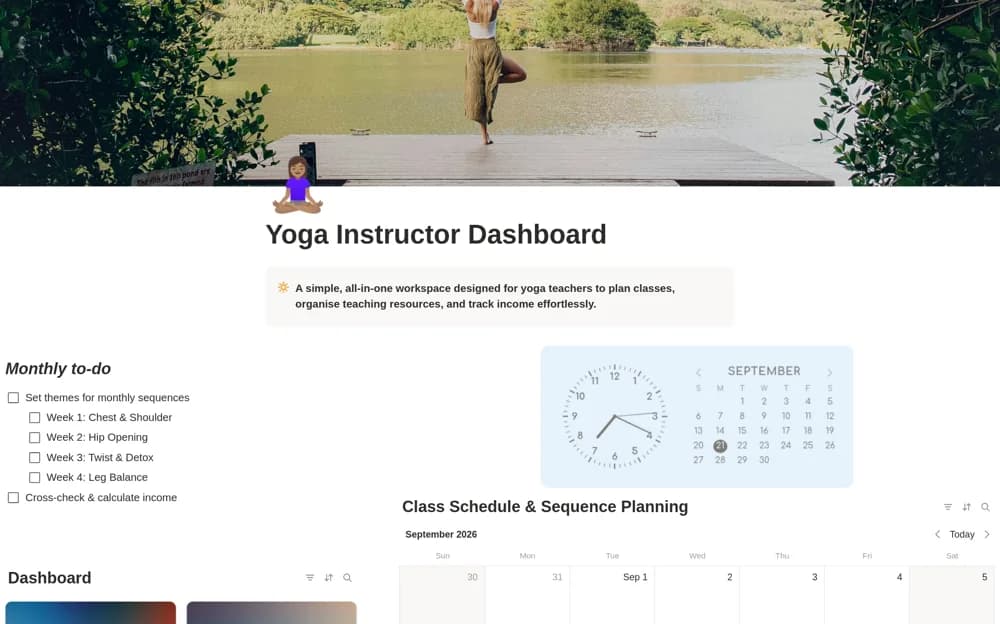
Plan yoga teaching in Notion with sequence themes, a class calendar, student notes, income records, credentials, and teaching resources.
What’s included
- Monthly and weekly sequence planning
- Class calendar and sequence notes
- Student profile table
- Income, credential, and resource organization
How to use it in practice
Add the next week’s classes and link the sequence notes you have prepared for each session. Record the venue and teaching focus, then check the calendar for conflicts. Update income from confirmed sessions and keep student notes limited to information you have an appropriate reason to maintain.
Set it up in your workspace
- Open the original Notion Marketplace listing and add the template to your chosen workspace while signed in. Keep its example records until you understand how the pages connect.
- Add the next week’s classes and link the sequence notes you have prepared for each session.
- Try one complete example before adding a large backlog. Check that its views and any calculations show what you expect, then replace the sample content with your own.
Who it suits and what to consider
Yoga instructors organizing their teaching schedule and administrative records. This is a teaching organizer. An included example sequence does not establish suitability for a student or replace an instructor’s training and assessment.