About Apartment Hunting, House Hunting
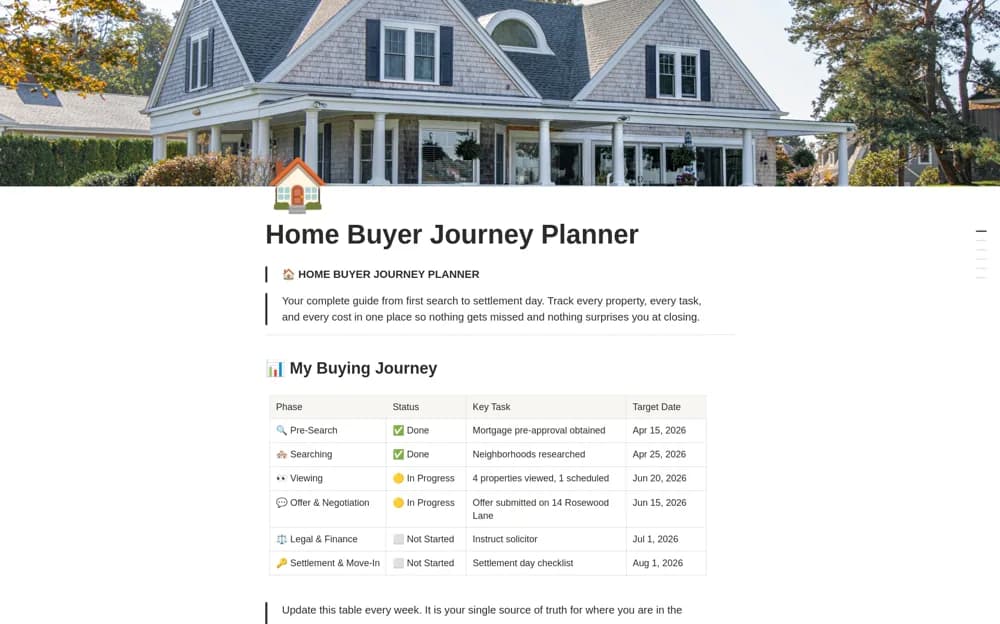
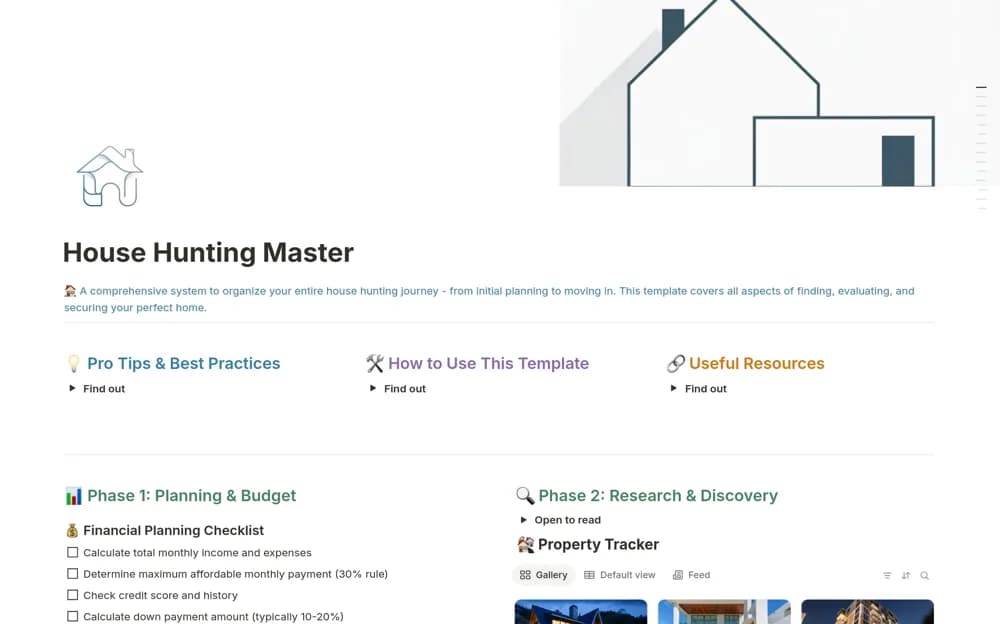
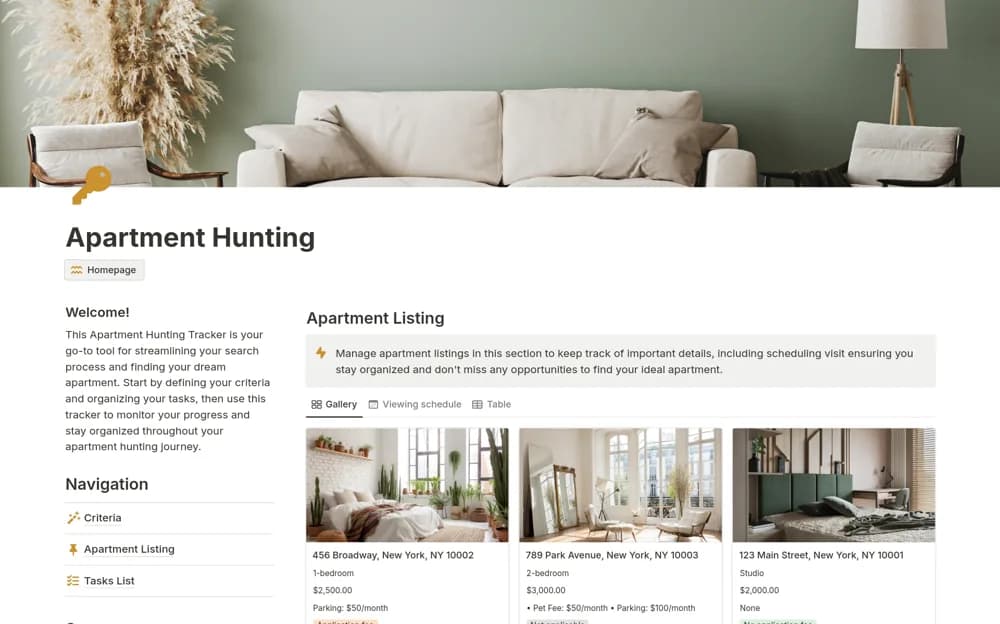
Compare housing options in Notion with search criteria, property records, viewing plans, and tasks for an apartment or house search.
What’s included
- Housing-search criteria
- Property listing comparisons
- Viewing tracking
- Search-related task organization
How to use it in practice
Write your essential criteria before adding properties. Record a few realistic listings and plan the viewings, then update each record with what you observed rather than relying on the advertisement. Compare the shortlist against the same criteria and keep the next contact or task clear.
Set it up in your workspace
- Open the original Notion Marketplace listing and add the template to your chosen workspace while signed in. Keep its example records until you understand how the pages connect.
- Write your essential criteria before adding properties.
- Try one complete example before adding a large backlog. Check that its views and any calculations show what you expect, then replace the sample content with your own.
Who it suits and what to consider
Renters and home seekers comparing several listings and keeping viewing notes together. The tracker cannot confirm a listing’s legitimacy, contract terms, or property condition. Verify important details with the appropriate source.