 Paid
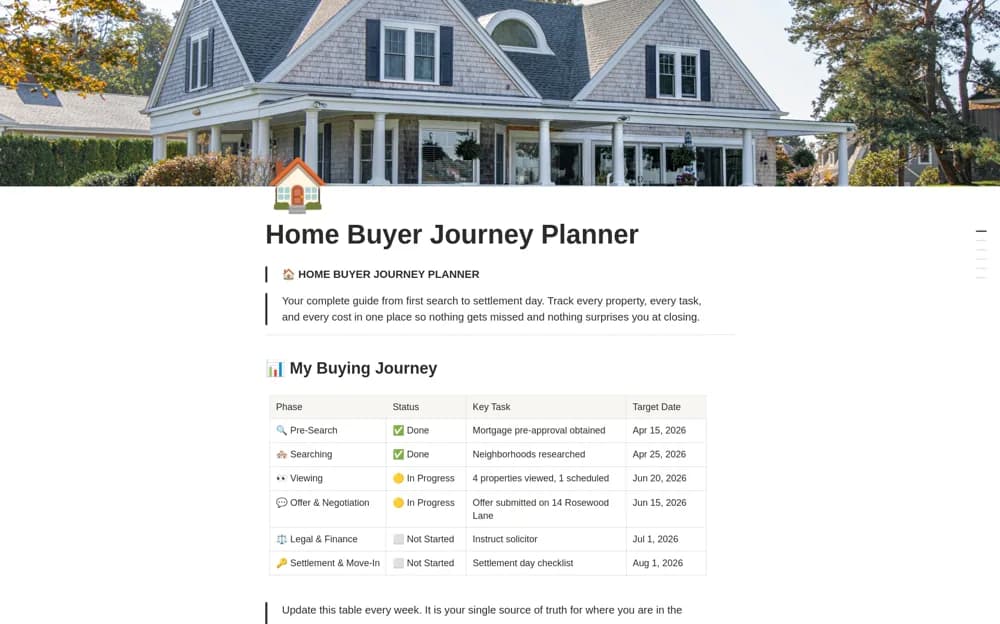
PaidHome Buyer Journey Planner
A homebuying planner connecting property shortlists, viewing dates, phase-based tasks, buying costs, and a journey timeline.
Compare homes without losing the details between viewings. Find Notion house-hunting templates for listings, requirements, viewing notes, questions, and costs that need verification.
Showing 1–2 of 2 templates
A little structure goes a long way.PaidA homebuying planner connecting property shortlists, viewing dates, phase-based tasks, buying costs, and a journey timeline.
 Free
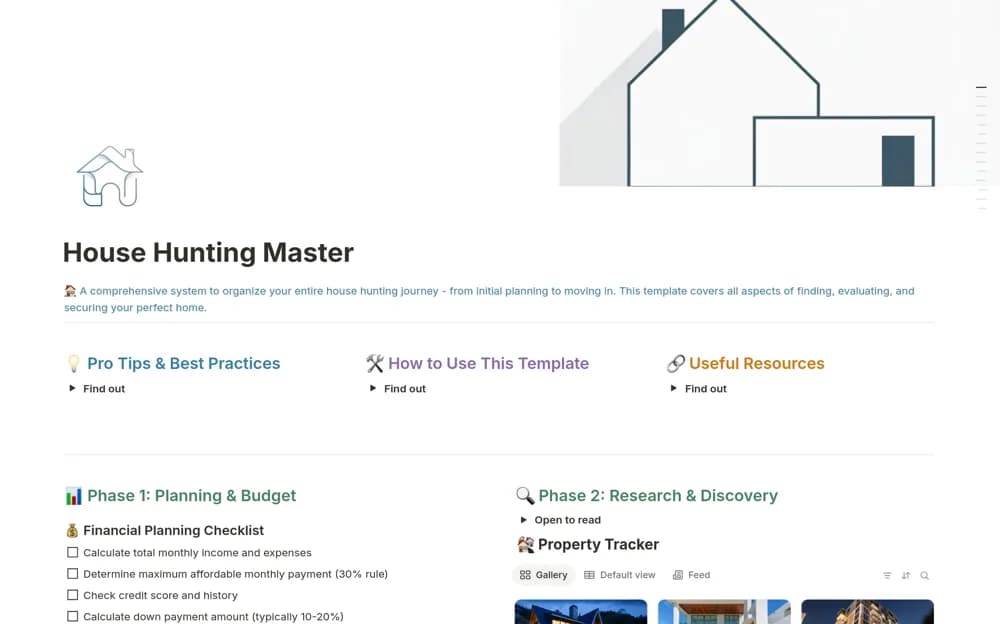
FreeA home-search organizer with property comparisons, viewing checklists, professional contacts, and moving preparation.
Compare the purpose and included features before choosing a workspace.
Homebuyers organizing a property search and practical purchase preparation.
Homebuyers keeping research and practical steps together during a property search.
Define must-haves separately from preferences before comparing properties. Save the source link and date checked, then record observations after each viewing. Separate listed information from what you have verified yourself. Include one-off and ongoing costs as estimates until confirmed. Use the tracker to prepare questions for the relevant property, financial, or legal professional.
Must-haves and preferences
Dated viewing notes
Verified versus listed information
About the directoryYes. This collection currently includes 1 listing with a confirmed free creator offer, alongside 1 paid or freemium option. Use the Free filter to compare them. A free version can have different features from a creator’s paid upgrade, so check the original listing and current access terms before adding it to your workspace.