About Home Buyer Journey Planner
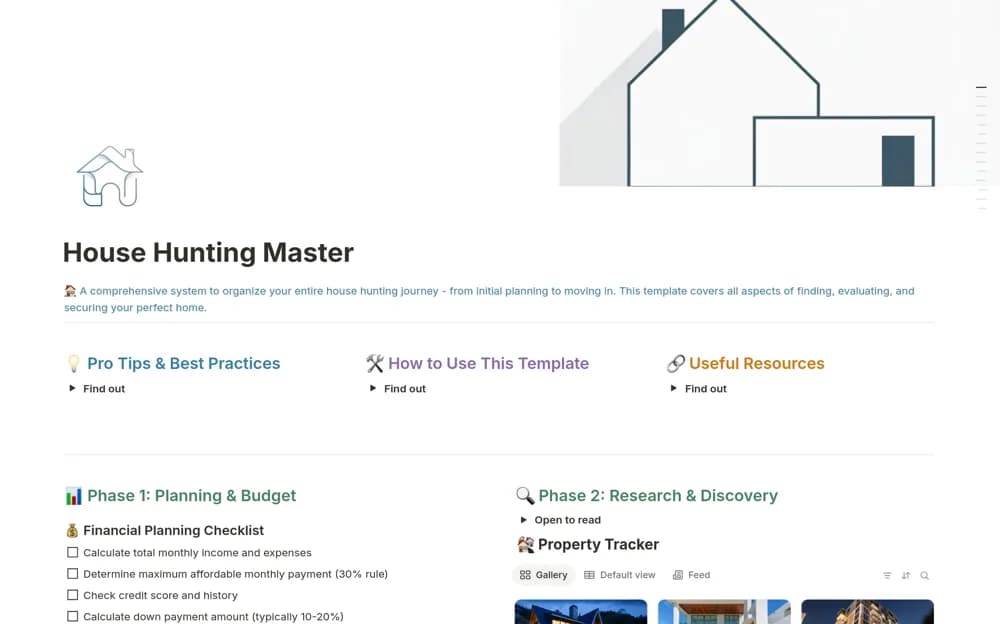
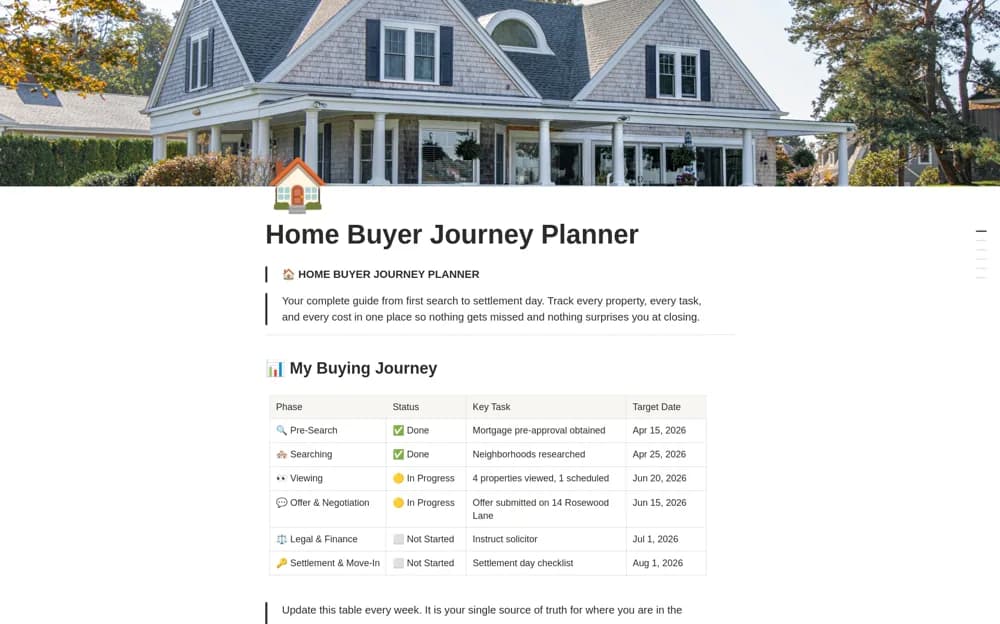
A homebuying planner connecting property shortlists, viewing dates, phase-based tasks, buying costs, and a journey timeline.
What’s included
- Property records with prices, ratings, and viewing calendar
- Seven-phase buyer checklist and timeline
- Buying-cost organization and offer-price comparison
How to use it in practice
Record current property facts separately from your preferences and observations. Check tasks against your local buying process and source cost estimates from appropriate providers. Use the timeline to prepare questions for your advisers, keeping contractual and financial decisions under qualified review.
Set it up in your workspace
- Open the original Notion Marketplace listing and add the template to your chosen workspace while signed in. Keep its example records until you understand how the pages connect.
- Record current property facts separately from your preferences and observations.
- Try one complete example before adding a large backlog. Check that its views and any calculations show what you expect, then replace the sample content with your own.
Who it suits and what to consider
Homebuyers organizing a property search and practical purchase preparation. The supplied phases and formulas are organizational examples, not a universal legal or financial purchase process.