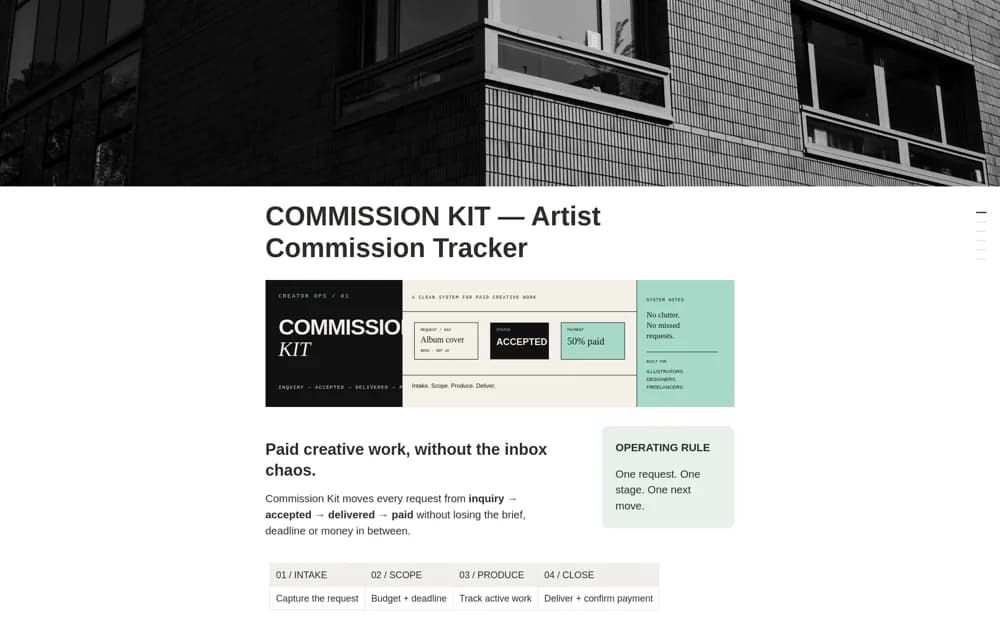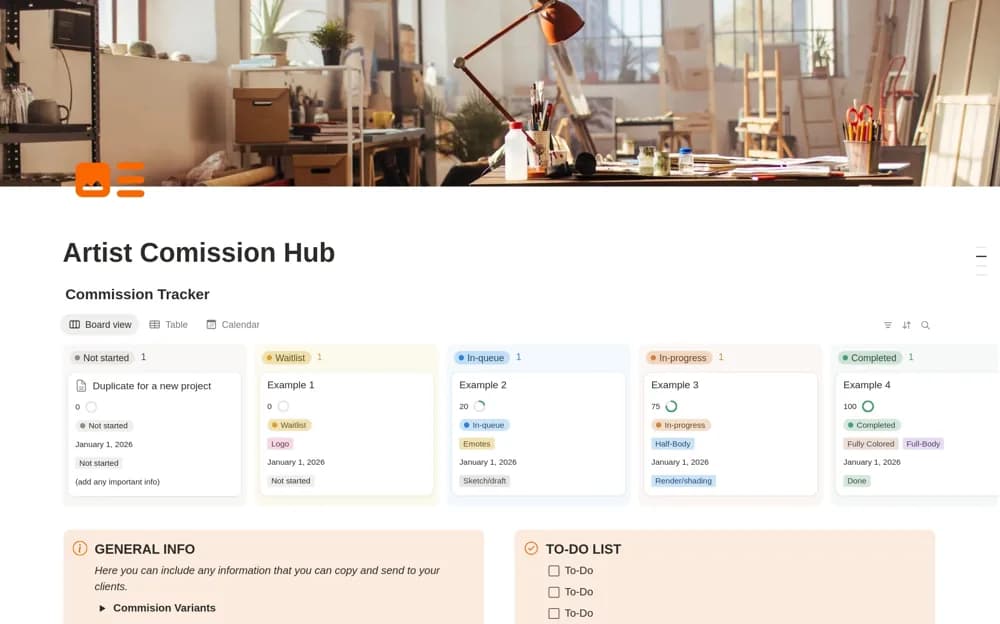
About Artist Commission Hub
An art-commission workspace combining a visual production queue, pricing and terms, project dates, progress milestones, and a focused list of immediate tasks.
What’s included
- Commission board, table, and calendar
- Pricing, terms, and commission variants
- Production milestones and daily to-do list
How to use it in practice
Enter a commission with its type, deadline, and agreed price, then move it through the same stages you use for sketching and rendering. Keep the relevant terms available before replying to a new inquiry. Review the calendar alongside the queue before accepting another deadline.
Set it up in your workspace
- Open the original Notion Marketplace listing and add the template to your chosen workspace while signed in. Keep its example records until you understand how the pages connect.
- Enter a commission with its type, deadline, and agreed price, then move it through the same stages you use for sketching and rendering.
- Try one complete example before adding a large backlog. Check that its views and any calculations show what you expect, then replace the sample content with your own.
Who it suits and what to consider
Freelance illustrators and artists handling several commission requests and delivery stages. The workspace organizes commission work. It does not establish contract acceptance, automated payment collection, or the rights a client receives when purchasing an illustration.