 Paid
Art Commission Workflow
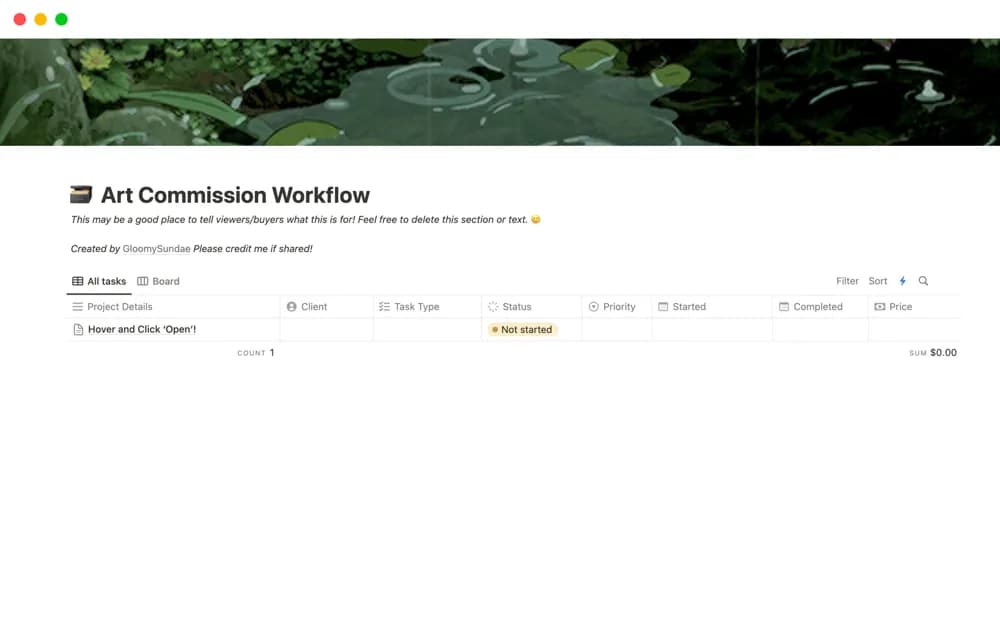
Track art commissions in Notion with a visible queue, task status, completion dates, and a history that can help explain your working pace.
Give commissions and personal artwork a practical home. Explore Notion templates for illustrators tracking briefs, production stages, client approvals, and the details behind finished pieces.
Showing 1–3 of 3 templates
PaidTrack art commissions in Notion with a visible queue, task status, completion dates, and a history that can help explain your working pace.
 Free
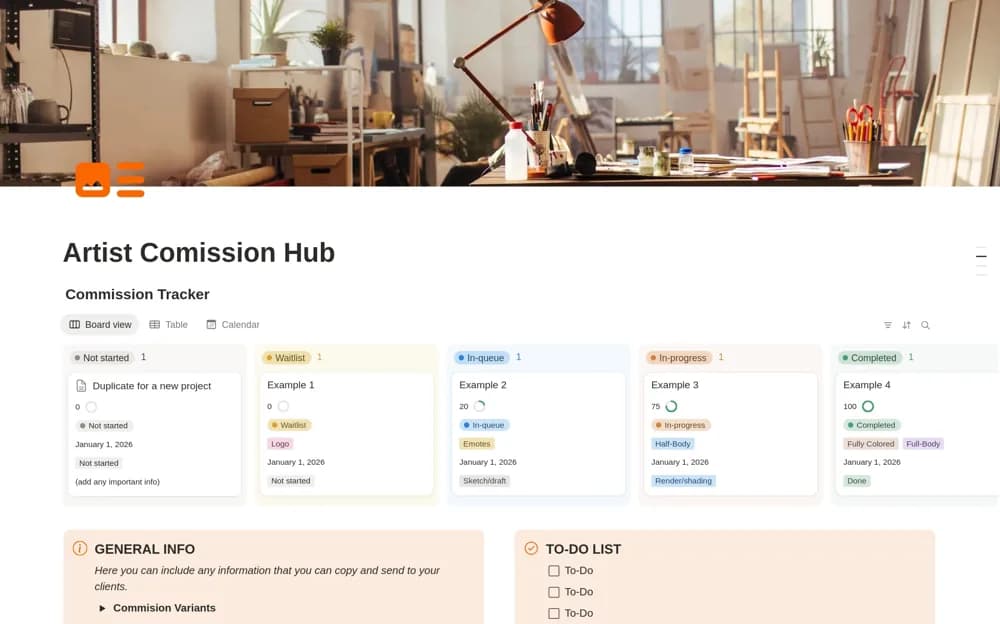
An art-commission workspace combining a visual production queue, pricing and terms, project dates, progress milestones, and a focused list of immediate tasks.
 Free
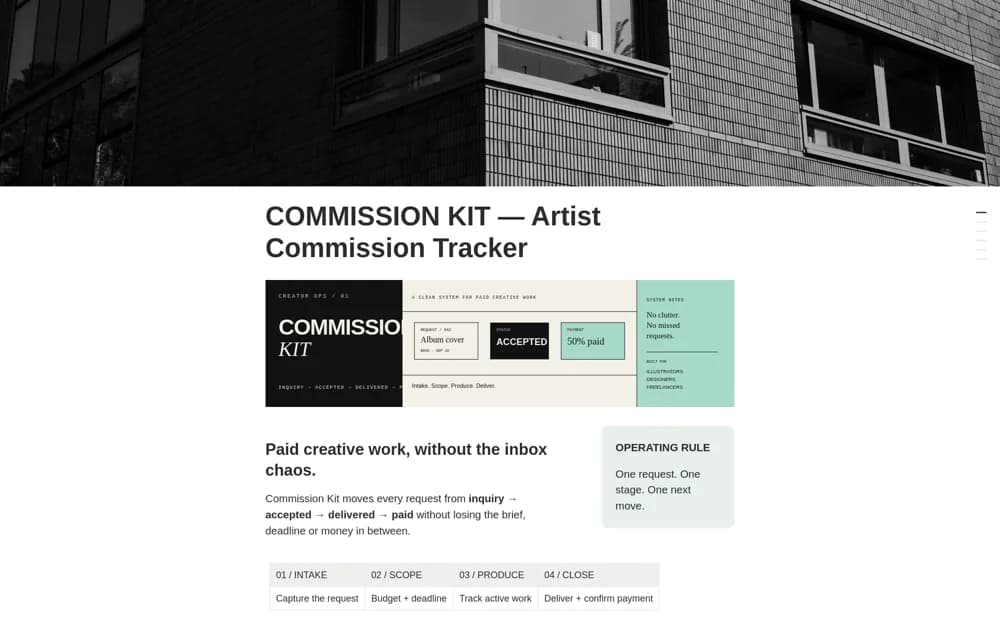
A focused commission pipeline covering intake, scope, production, and closure, with a client request form, deadlines, budgets, deposits, and a pipeline overview chart.
Compare the purpose and included features before choosing a workspace.
Illustrators and artists keeping commissions and delivery expectations organized.
Freelance illustrators and artists handling several commission requests and delivery stages.
Illustrators and independent creators who need a clear path from a request to delivered, paid work.
3 working templates from 3 creators: 2 free and 1 paid, with paid options from $3. Links last checked October 12, 2026.
| Template | Best for | Price | Creator |
|---|---|---|---|
| Art Commission Workflow | Illustrators and artists keeping commissions and delivery expectations organized. | US$3 | GloomySundae |
| Artist Commission Hub | Freelance illustrators and artists handling several commission requests and delivery stages. | Free | Vladimir Burn |
| COMMISSION KIT — Artist Commission Tracker | Illustrators and independent creators who need a clear path from a request to delivered, paid work. | Free | Chad Creates |
Test a template with a commission that has more than one approval stage. Keep the brief, reference material, agreed usage, and payment milestones together so a change does not disappear into messages. Separate private experiments from client work. If you sell commissions, check how the workspace handles a queue and revisions; a visual artwork gallery alone may not cover those responsibilities.
Commission queues
Briefs and usage notes
Sketch-to-delivery stages
About the directoryKeep inquiries visible without treating them as accepted work. Confirm scope, deadline, usage, and payment arrangements before a commission enters production. Record sketch and final approvals against the relevant files. Review the queue using the time available rather than accepting a deadline because a board has room for another card.
Jump straight to any listing in the collection.
A useful starting record includes the client, brief, deliverables, deadline, agreed usage, payment milestones, and approval history. Choose fields you can maintain and keep the original agreement linked rather than replacing it with a short summary.
It depends on the job you need it to do. Good starting points in this collection include Art Commission Workflow (illustrators and artists keeping commissions and delivery expectations organized), Artist Commission Hub (freelance illustrators and artists handling several commission requests and delivery stages), COMMISSION KIT — Artist Commission Tracker (illustrators and independent creators who need a clear path from a request to delivered and paid work). Compare the included features below, then try your first choice with a week of real information before moving everything across.
Yes. This collection currently includes 2 listings with a confirmed free creator offer, alongside 1 paid or freemium option. Use the Free filter to compare them. A free version can have different features from a creator’s paid upgrade, so check the original listing and current access terms before adding it to your workspace.