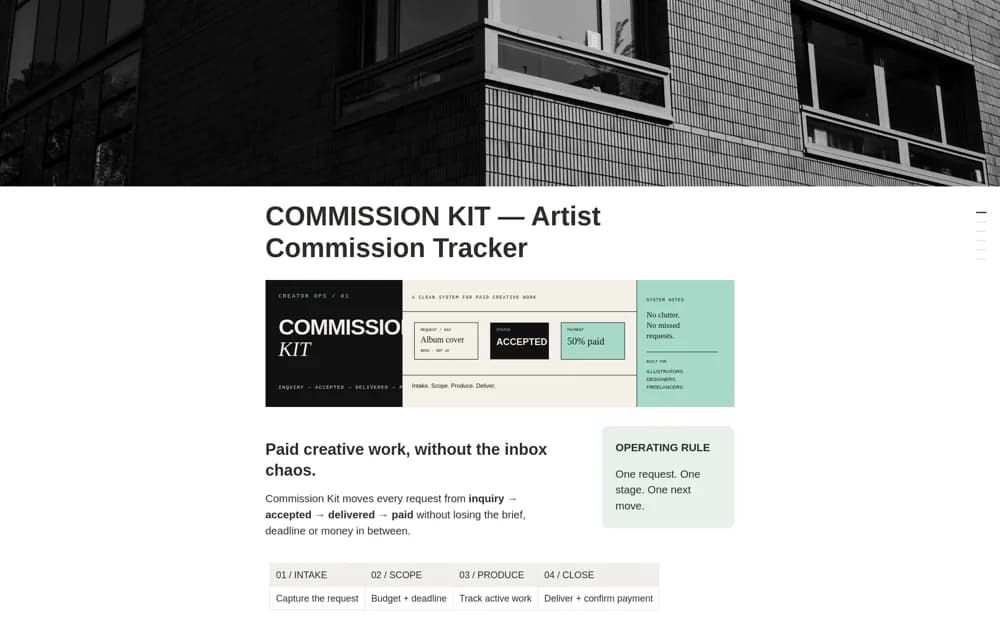
About COMMISSION KIT — Artist Commission Tracker
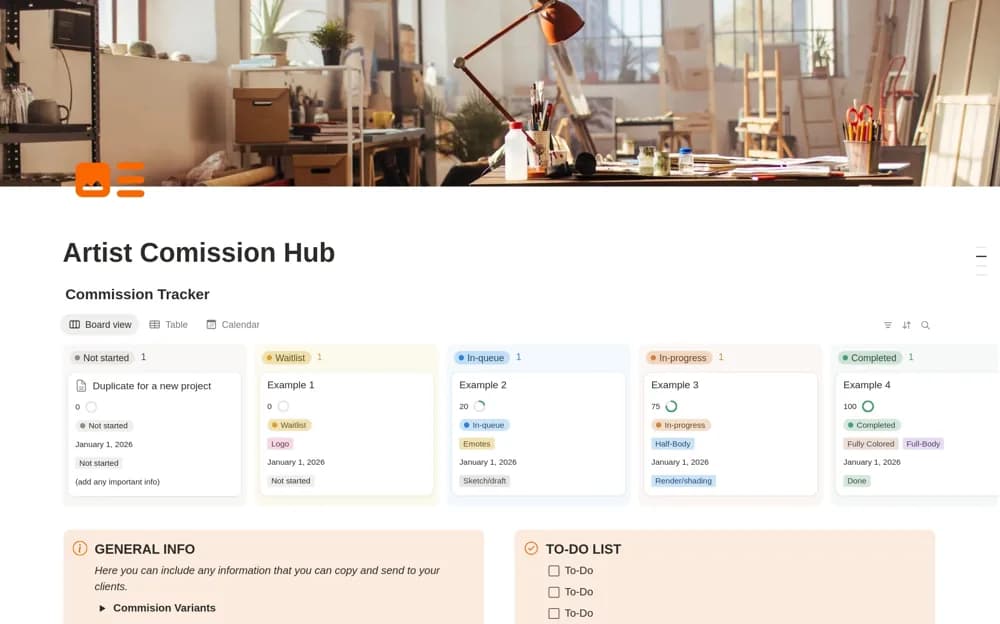
A focused commission pipeline covering intake, scope, production, and closure, with a client request form, deadlines, budgets, deposits, and a pipeline overview chart.
What’s included
- Commission pipeline and client request form
- Budgets, deposits, and due-soon view
- Production stages, chart, and sample commissions
How to use it in practice
Submit a sample request through the form and check how it enters the pipeline. Confirm scope, deposit, and deadline before moving it into production. At delivery, review both the finished files and the payment record so closing the creative task does not hide an unsettled balance.
Set it up in your workspace
- Open the original Notion Marketplace listing and add the template to your chosen workspace while signed in. Keep its example records until you understand how the pages connect.
- Submit a sample request through the form and check how it enters the pipeline.
- Try one complete example before adding a large backlog. Check that its views and any calculations show what you expect, then replace the sample content with your own.
Who it suits and what to consider
Illustrators and independent creators who need a clear path from a request to delivered, paid work. The creator intentionally presents a focused commission tool. Payment and deposit tracking are records in the workspace, without a confirmed payment-processing integration.