About Basic Travel Planner Notion Template
A basic planner can be easier to use than a large travel operating system. This listing is an option for keeping the next trip together without too much setup. Check the creator’s sections and add the information you will actually need while away.
What’s included
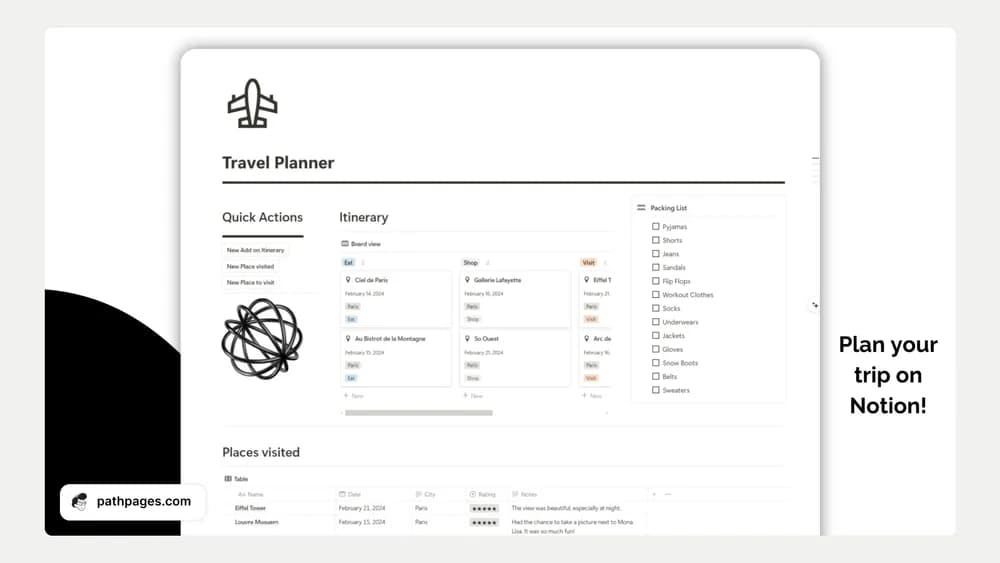
- An itinerary tracker
- A packing list
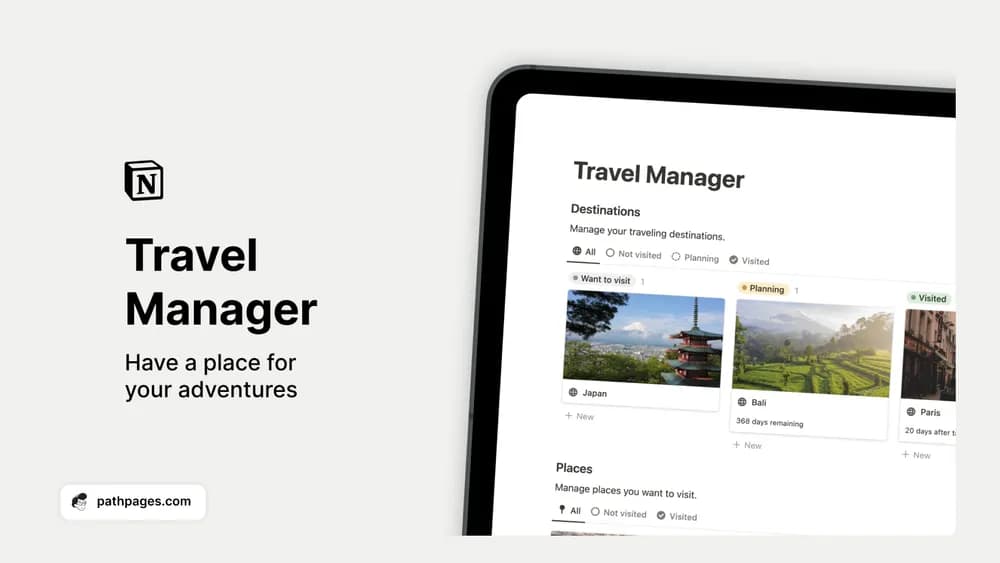
- Collections for places to visit and places already visited
How to use it in practice
Plan a single day with realistic travel time between activities. Keep a few optional places separate so the itinerary can change without losing good ideas. Use the packing list for the items this trip actually requires and record a short note after visiting a place. Check the itinerary on the device you will carry before departure.
Set it up in your workspace
- Follow the original creator’s checkout or access instructions to obtain the Notion page. Open that page while signed in, then duplicate it into the workspace you want to use.
- Create a plan for one trip and keep the important details near the top. Test the page on your phone before departure.
- Try one complete example before adding a large backlog. Check that its views and any calculations show what you expect, then replace the sample content with your own.
Who it suits and what to consider
Travelers who want a smaller trip workspace. A compact option for itinerary and packing basics. The creator notes that the layout is mainly optimized for desktop use, so preview the pages on a phone before relying on them during travel.