About Notion Travel Planner
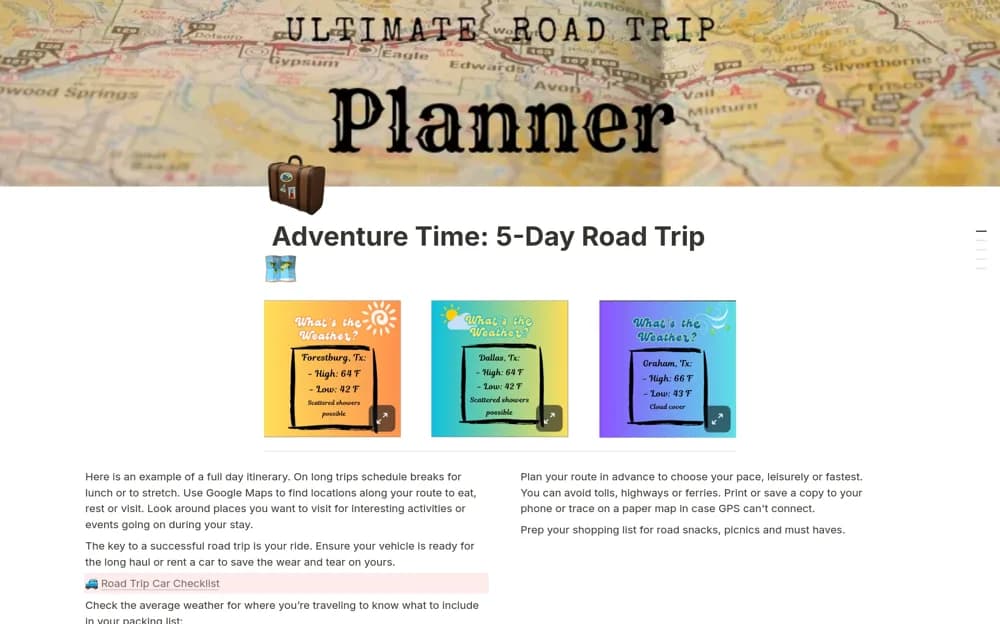
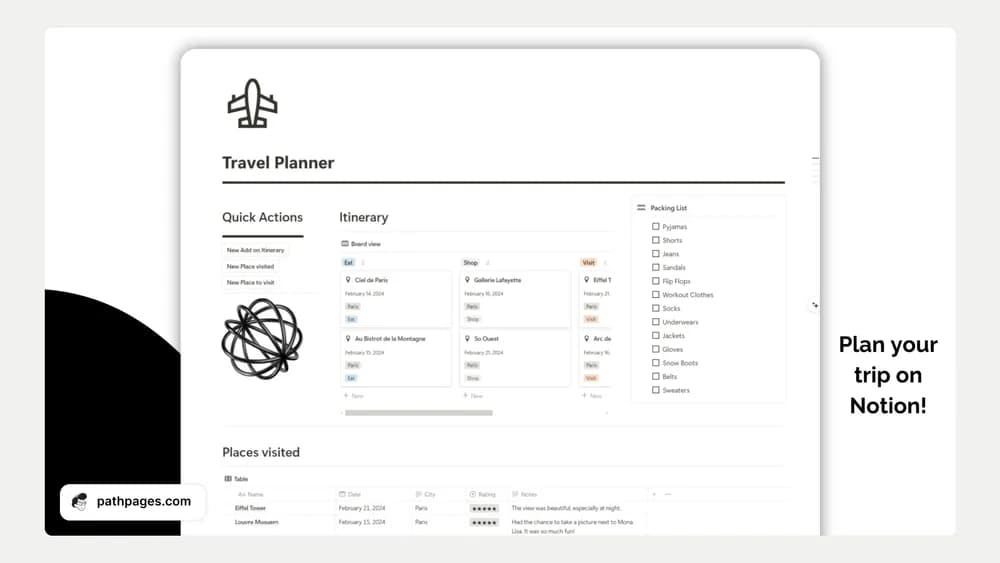
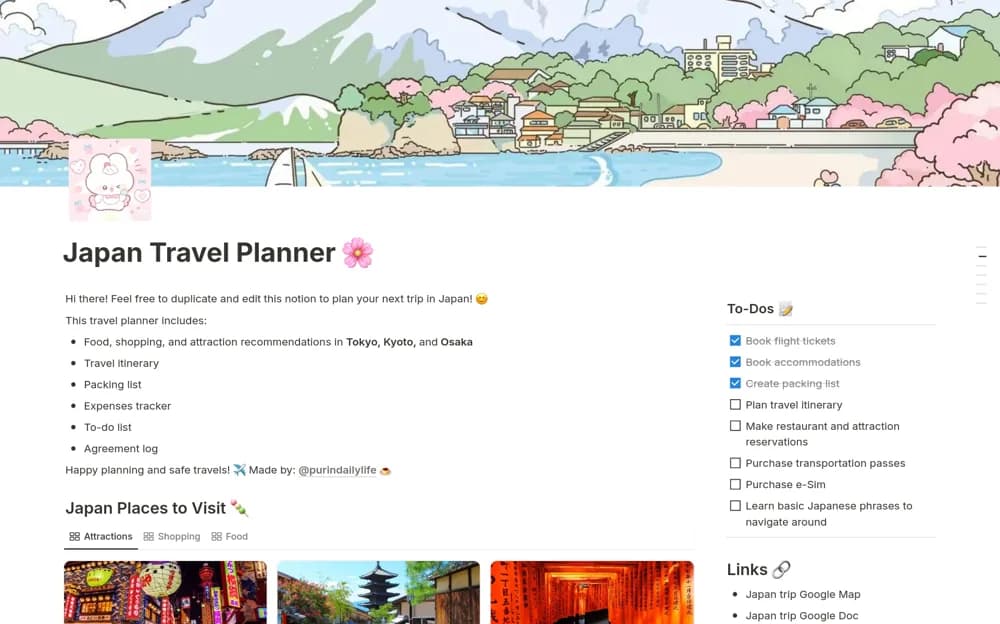
This is a place to gather the moving parts of a trip before they become scattered across messages and browser tabs. It suits the planning stage particularly well: deciding where you want to go and keeping practical next steps beside the ideas.
What’s included
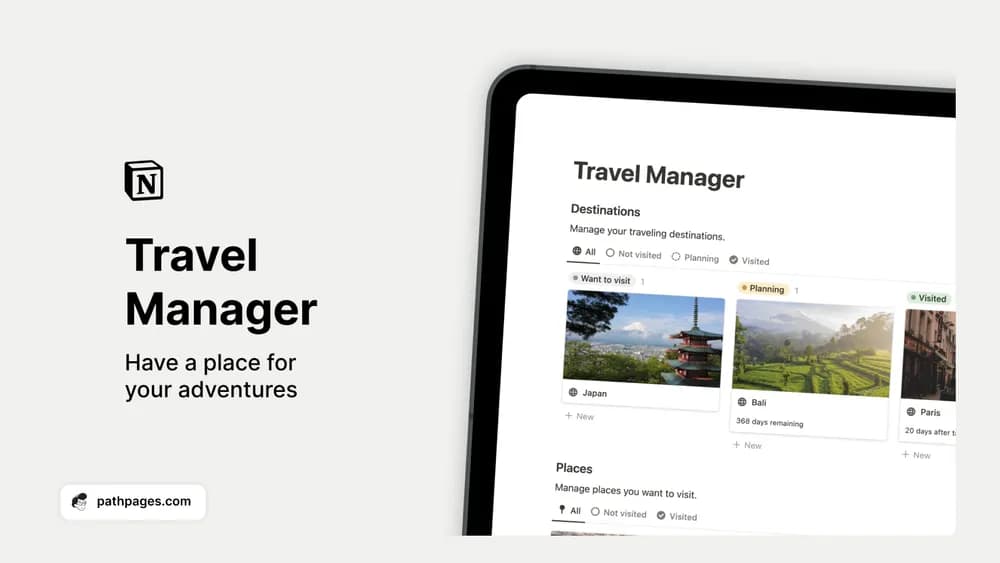
- Destinations grouped by whether you want to go, are planning, or have visited
- Locations and notes kept under each destination
- A travel record for remembering places and future possibilities
How to use it in practice
Separate the dream list from the trip you are actively planning. For a current destination, collect a small set of places with practical notes about opening hours, travel time, and why you want to visit. After returning, move it to visited and keep the recommendations you would actually give a friend. This makes the same record useful before and after a trip.
Set it up in your workspace
- Get the template link from PathPages. Its free-template pages ask you to create an account for access. Open the delivered Notion page and duplicate it into your workspace.
- Create one upcoming trip and add the places that matter most. Put booking and preparation tasks beside the plan.
- Try one complete example before adding a large backlog. Check that its views and any calculations show what you expect, then replace the sample content with your own.
Who it suits and what to consider
Travelers planning a trip or collecting future destinations. This is primarily a destination manager. If you need detailed reservation records, day-by-day timing, or a shared expense ledger, compare those features with a fuller trip itinerary template.