About Aesthetic Book Tracker, Reading List & Library
A book collection can serve several roles: remembering what you own, choosing what to read, and keeping notes. This template combines those ideas in a visual layout. Decide which role matters most to you and keep that view easy to reach.
What’s included
- Linked Books and Bookshelves databases for keeping one book record within curated collections
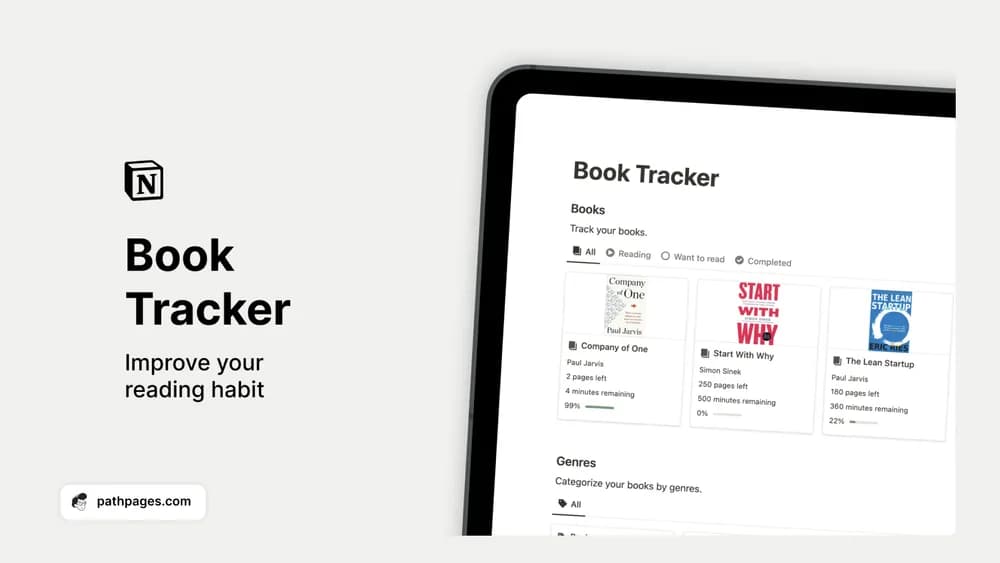
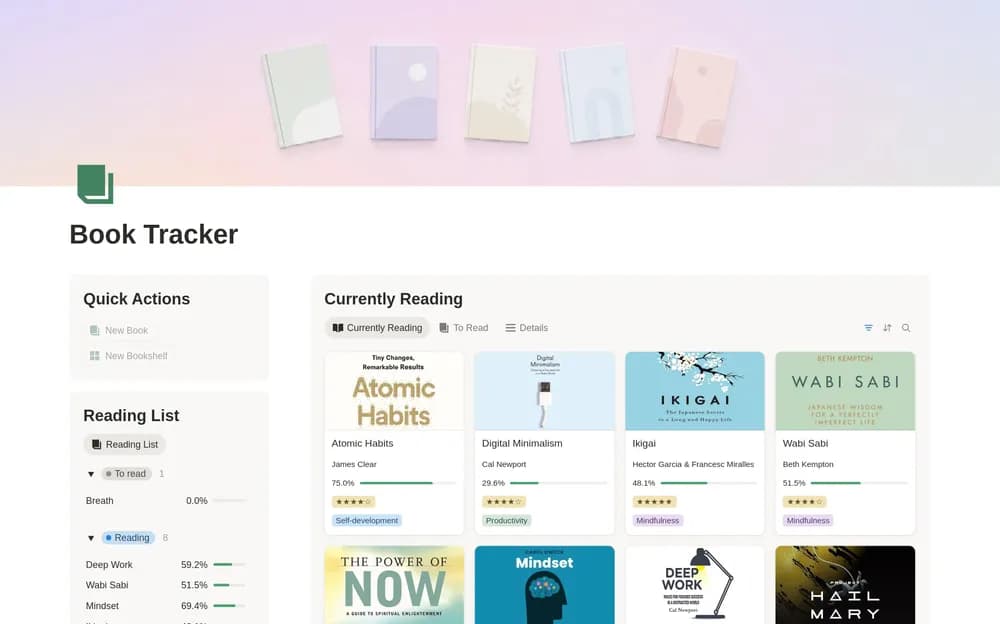
- A reading-progress formula using current page and total pages, shown as a progress bar
- A completion button that records the finish date and changes the book’s status to Read
- Book details for author, genre, format, rating, dates, cover, and reference links
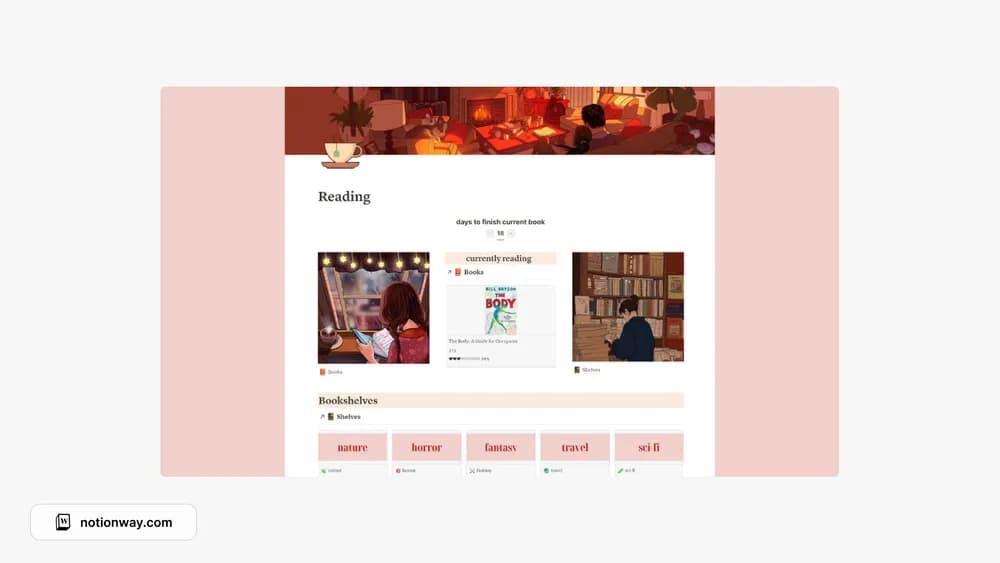
- Reading List, Currently Reading, To Read, Bookshelves, and full Library views
- Shelf-specific book views and an automatic count of books on each shelf
How to use it in practice
Begin with the book you are reading now, a book you finished recently, and a few titles you genuinely want to read next. Set the current and total pages on the active book, choose its status, and add a cover if you want the gallery to be visual. This small sample lets you understand the progress calculation without cataloging your entire library first.
Create shelves around the way you look for books. A topic such as design, a study collection, or a personal favorites shelf can be more useful than a long list of narrow genres. Connect the book to its shelf and check the shelf page: the linked view should show the relevant titles, while the count summarizes the collection. Keep one book record and use the relationship rather than creating duplicate copies to place it elsewhere.
After a reading session, update the current page and leave a brief note about an idea you want to remember. When you finish, use the completion button and add your rating once you have reflected on the book. A one-sentence explanation of the rating makes the library easier to use later than a number alone.
Review the To Read list occasionally and remove titles you no longer want. Use the full Library view to find a past book by genre, format, or rating. For a yearly challenge, you can adapt a view in your own copy around finished dates after checking the existing filters. That keeps the challenge connected to actual completed books.
Set it up in your workspace
- Open the original Notion Marketplace listing and add the template to your chosen workspace while signed in. Keep its example records until you understand how the pages connect.
- Add your current reading and a small next-up list. Try the collection view before importing a whole library.
- Try one complete example before adding a large backlog. Check that its views and any calculations show what you expect, then replace the sample content with your own.
Who it suits and what to consider
Readers who want a styled home for their collection. This is a good choice when you want a visual reading queue and a searchable library in the same workspace. The linked shelf structure adds more organization than a simple checklist, so allow a little time to learn where book details and shelf settings live. The progress formula is page-based: an audiobook can still have a format label, rating, and notes, but a separate minutes-based listening calculation is not described. Keep property names stable while learning the formulas and buttons. If all you need is a short list of titles, a simpler book log may take less upkeep.