About Notion Book Tracker
A reading tracker is most useful when it helps you choose your next book and remember the last one. This is a straightforward starting point for a personal library, with room to organize titles and keep passages that stayed with you.
What’s included
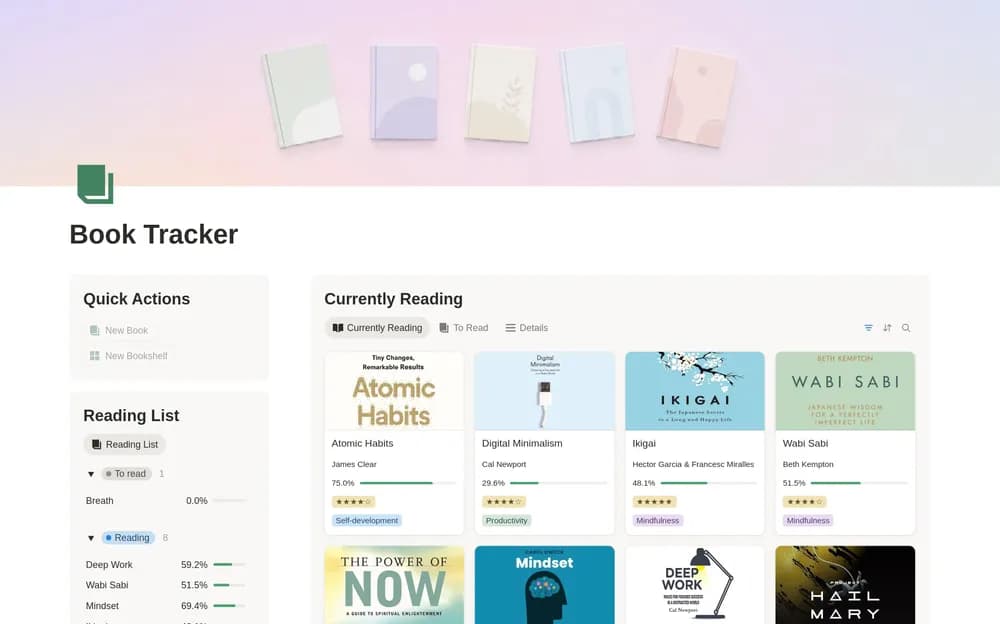
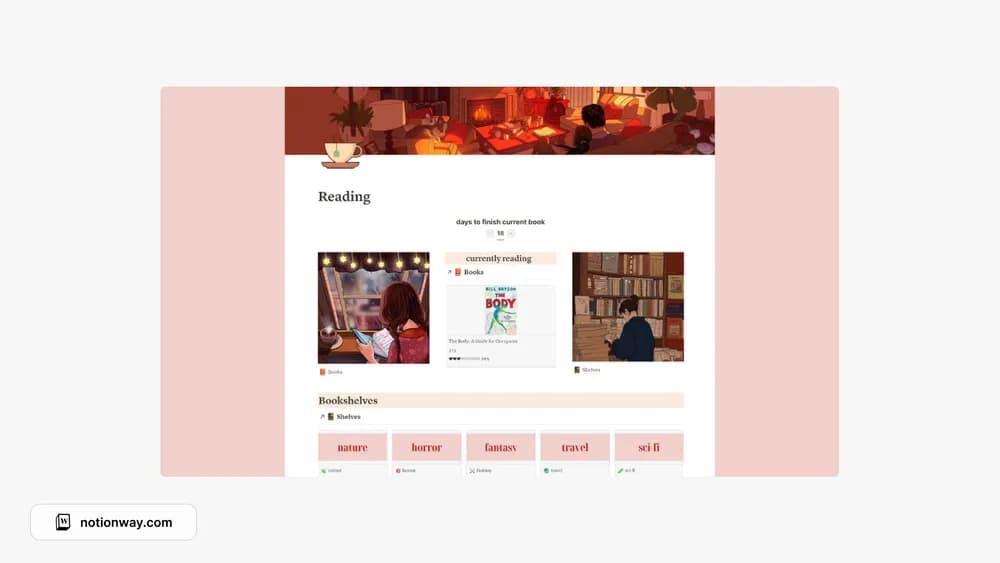
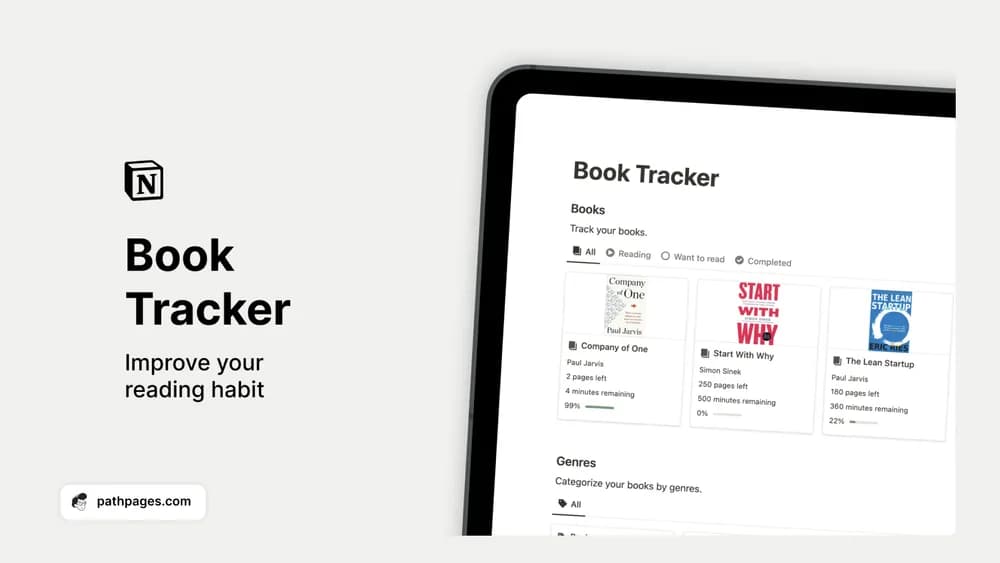
- A book collection you can organize by reading status and genre
- Ratings and a place to retain quotes or takeaways
- Search and filtering for revisiting your personal library
How to use it in practice
Keep the reading queue short enough to choose from. When you finish a book, record one idea you want to remember and a quote with its page reference. A monthly look through those notes can be more useful than adding another dozen unread titles. Use genre tags for browsing and status for deciding what to read next.
Set it up in your workspace
- Get the template link from PathPages. Its free-template pages ask you to create an account for access. Open the delivered Notion page and duplicate it into your workspace.
- Add your current book and three you would like to read next. Give each finished book a short personal note before building a larger archive.
- Try one complete example before adding a large backlog. Check that its views and any calculations show what you expect, then replace the sample content with your own.
Who it suits and what to consider
Readers who want a library they can browse and return to. Choose this if a searchable reading record matters more than elaborate reading statistics. The creator describes organization, ratings, and quotes; check the preview if you specifically need page-count formulas or annual reading charts.